> For the complete documentation index, see [llms.txt](https://guides-mechboards.gitbook.io/guides/llms.txt). Markdown versions of documentation pages are available by appending `.md` to page URLs; this page is available as [Markdown](https://guides-mechboards.gitbook.io/guides/mbuk-build-guides/list-of-other-build-guides/the-mbuk-macro-pad-build-guide.md).
# The MBUK Macro Pad Build Guide
Legacy guide to be updated
Before you start your build, it is best practice to test and flash your controller.\
Connect the controller via USB and double click the reset switch. A window should appear. Drag the below file into the folder. The folder window should now close
{% file src="/files/RaHqqB3QKoZmMz2iVh5k" %}
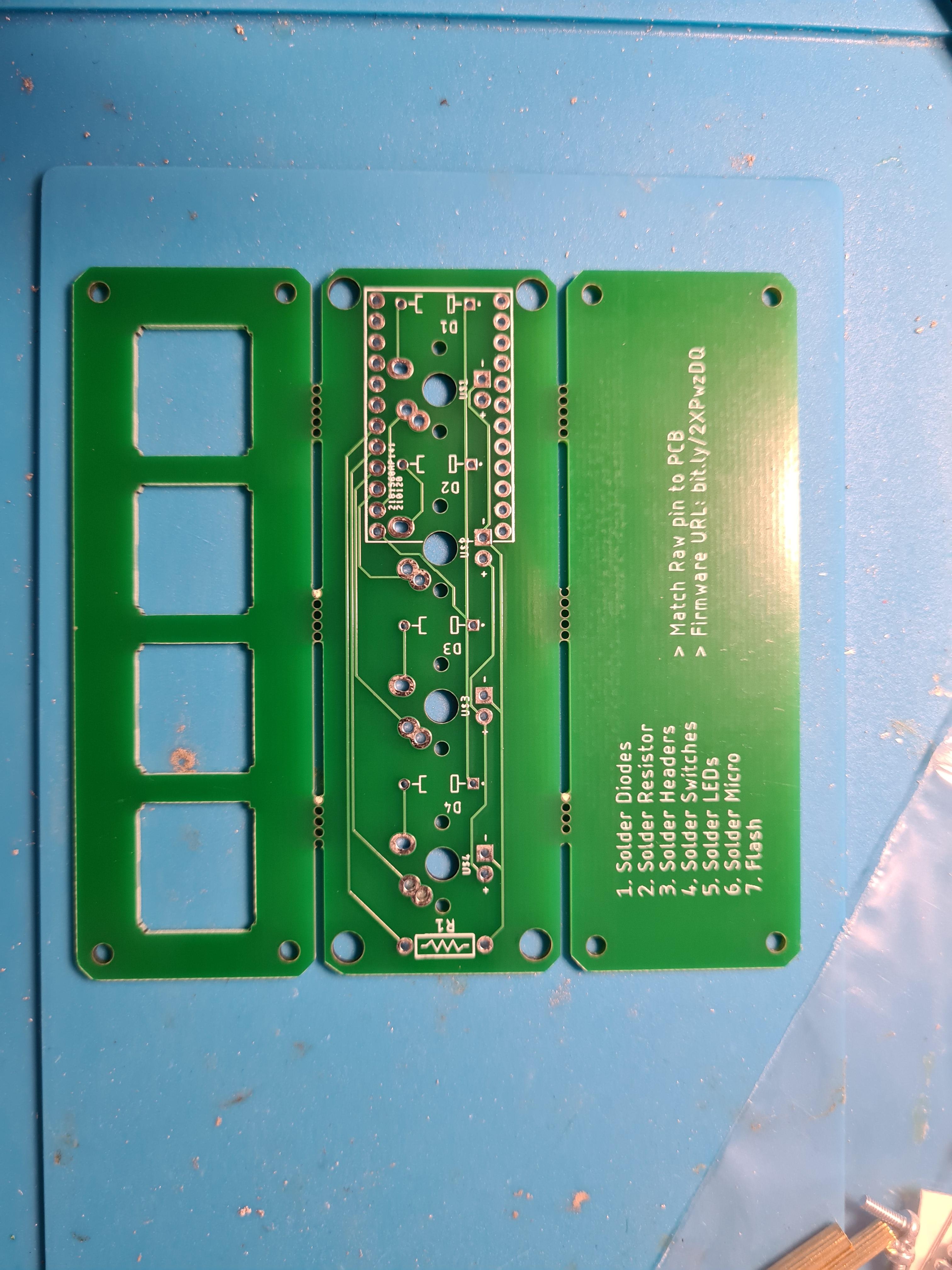
Time to start the build. Place the side with the white printed information facing up
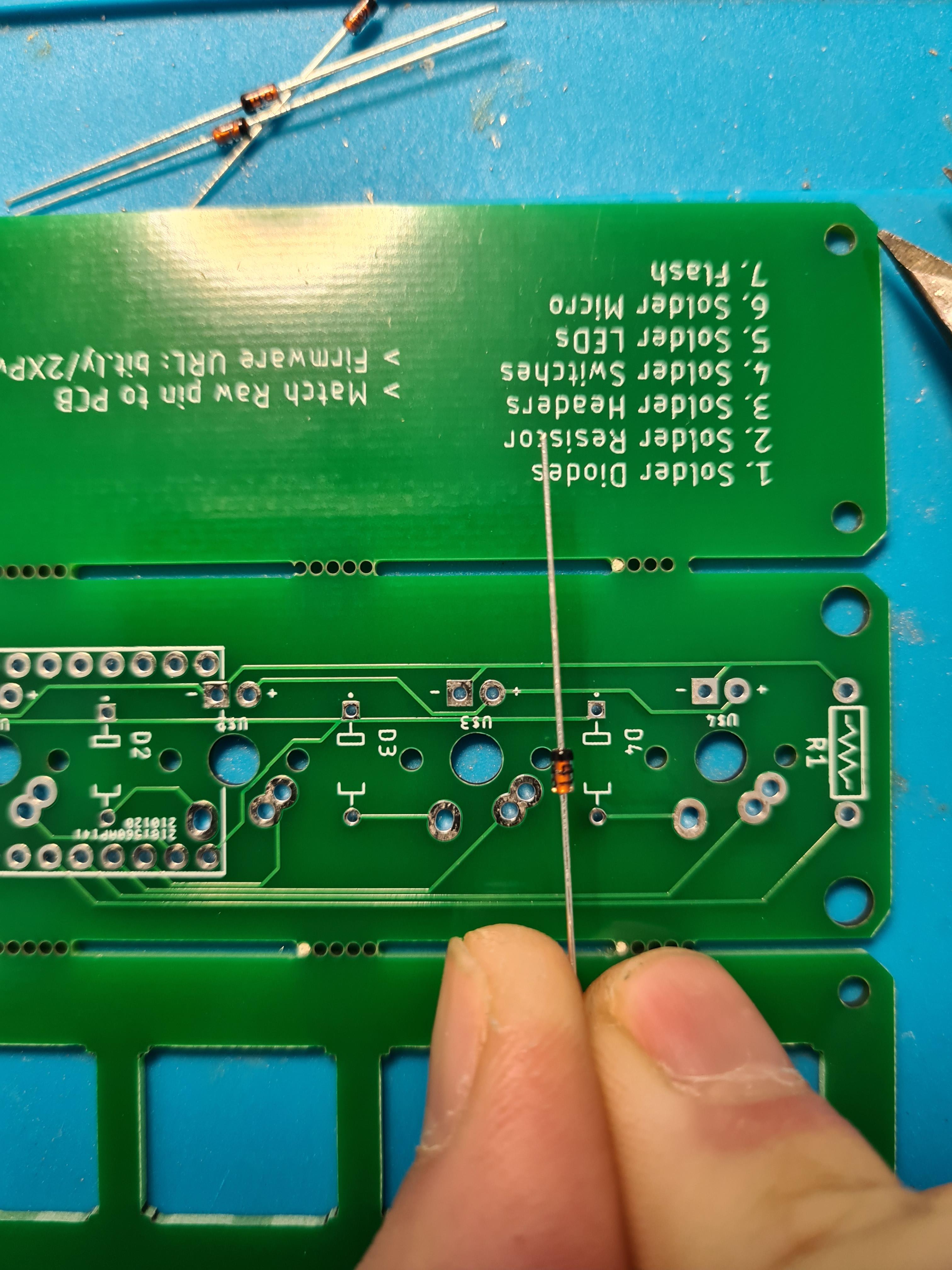
Place the 4 diodes in the places marked D1-4. The current version of the kit does not come with a resistor so don't worry about R1, that stays empty
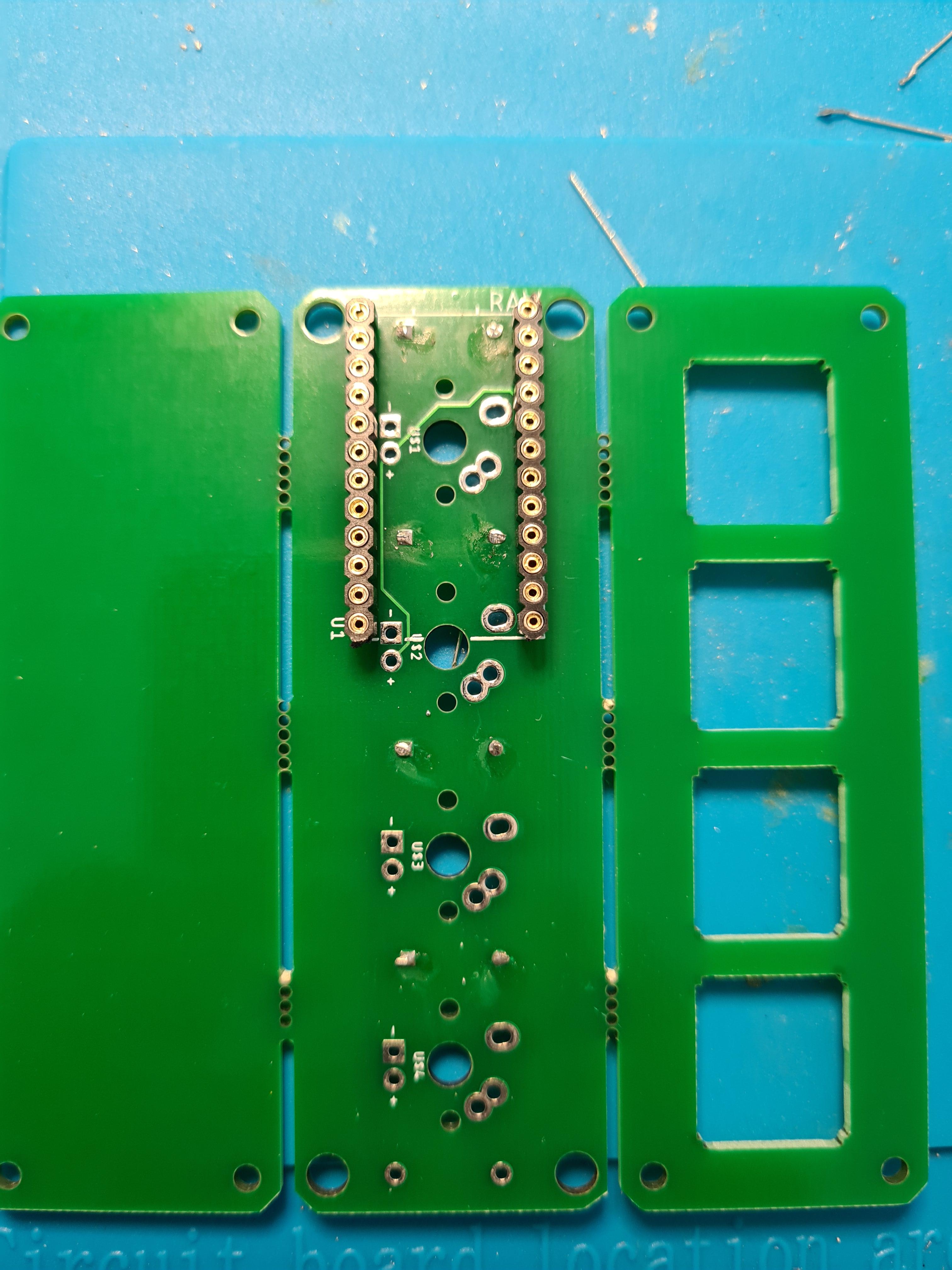
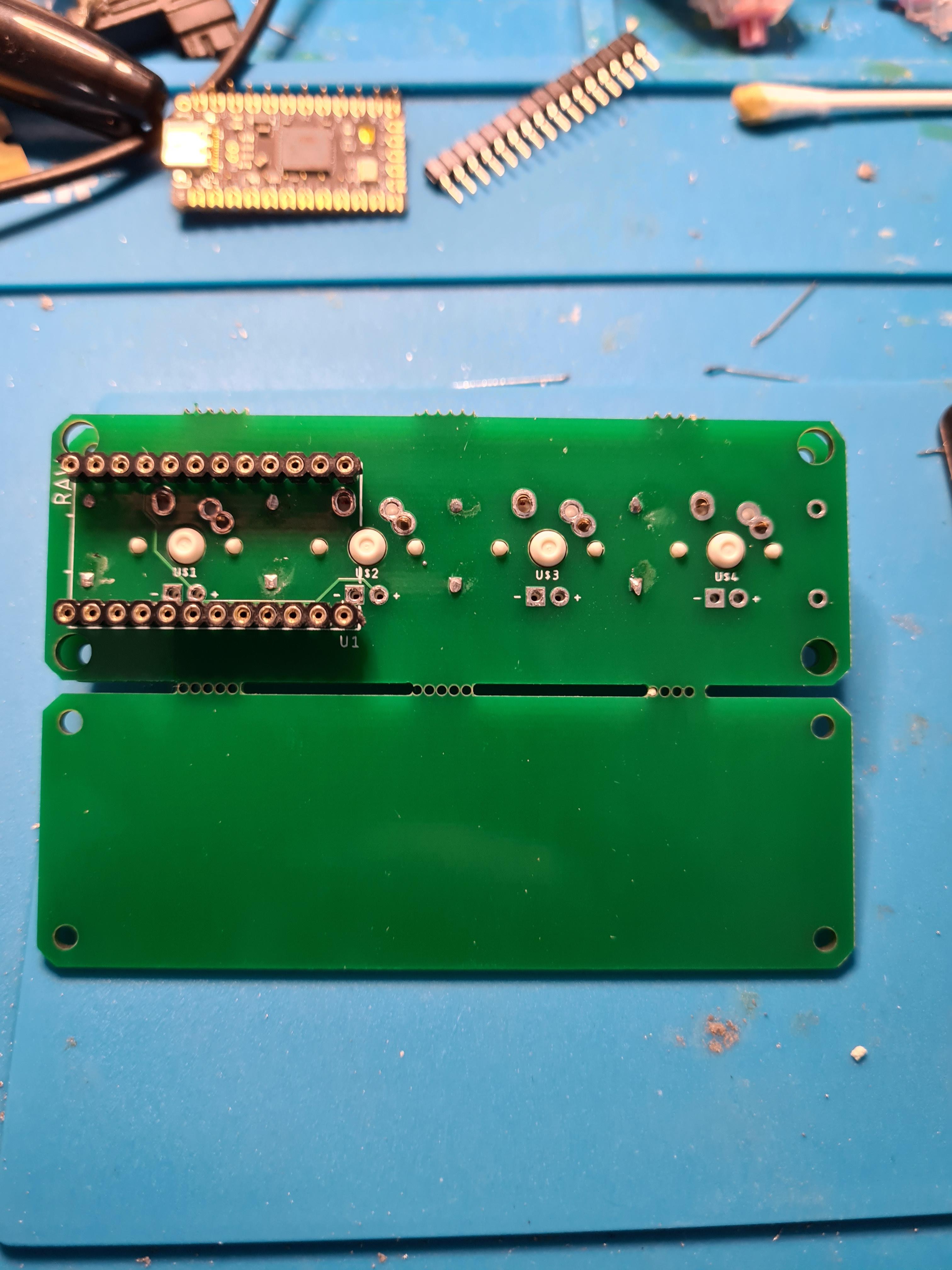
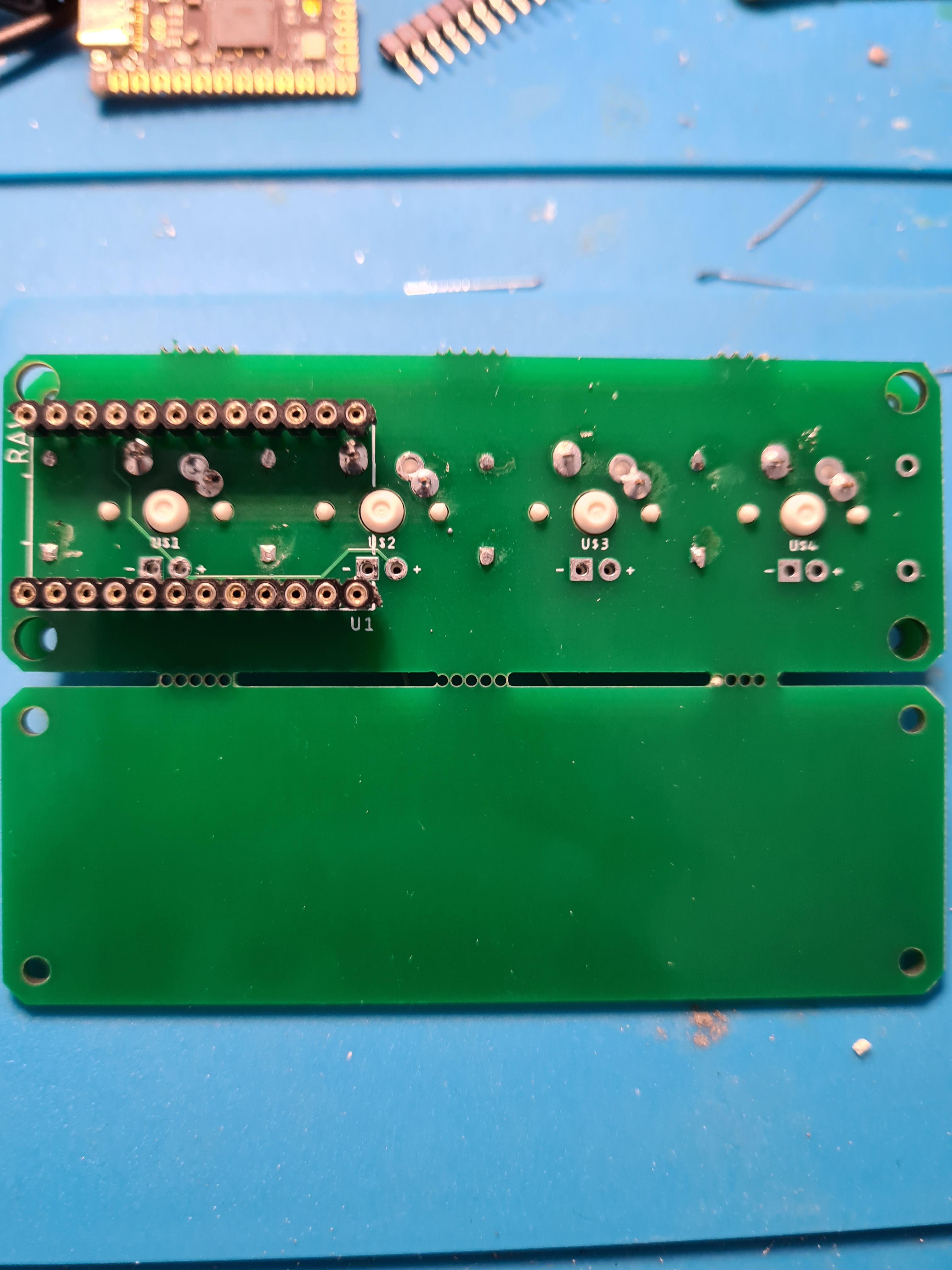
Once the diodes are soldered it's time to place the headers or sockets only (I use sockets.)
NOTE: do not solder the micro controller to the headers as you will not be able to solder the switches in place
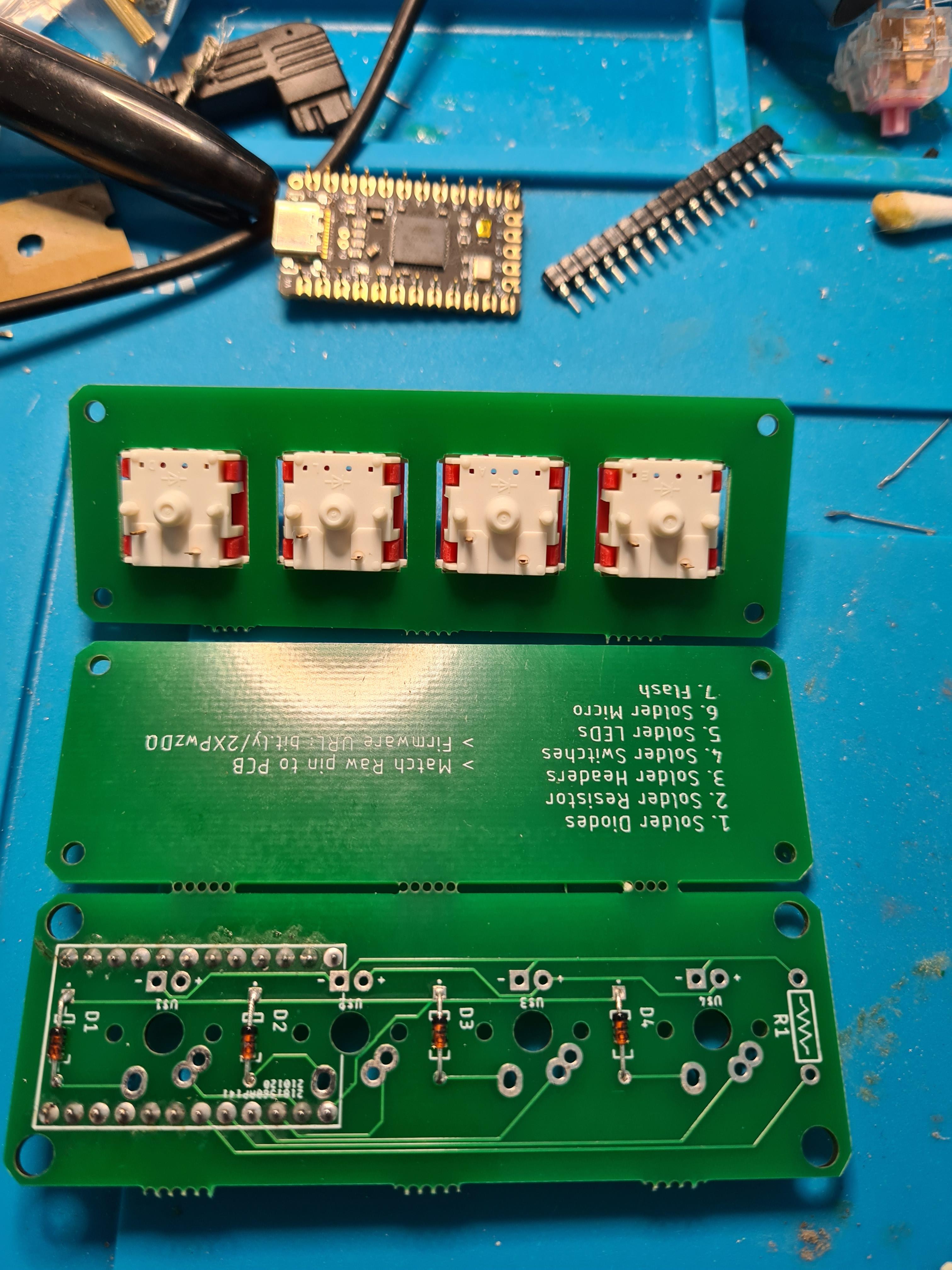
Place all your switches in the place. Make sure they are all facing the same direction
Line up the switches with the holes and push them in place, ensuring they are still through the plate
Soldered!
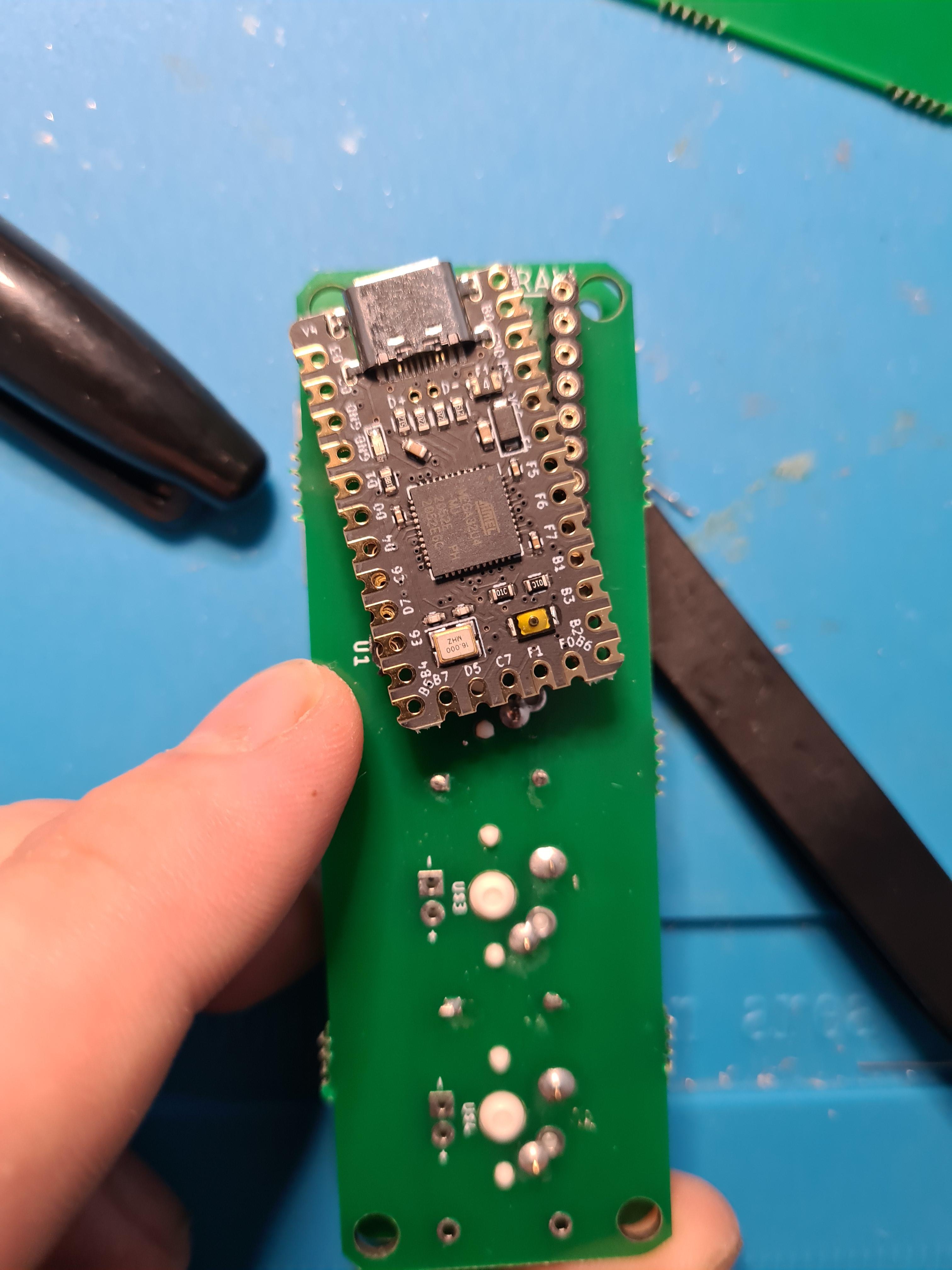
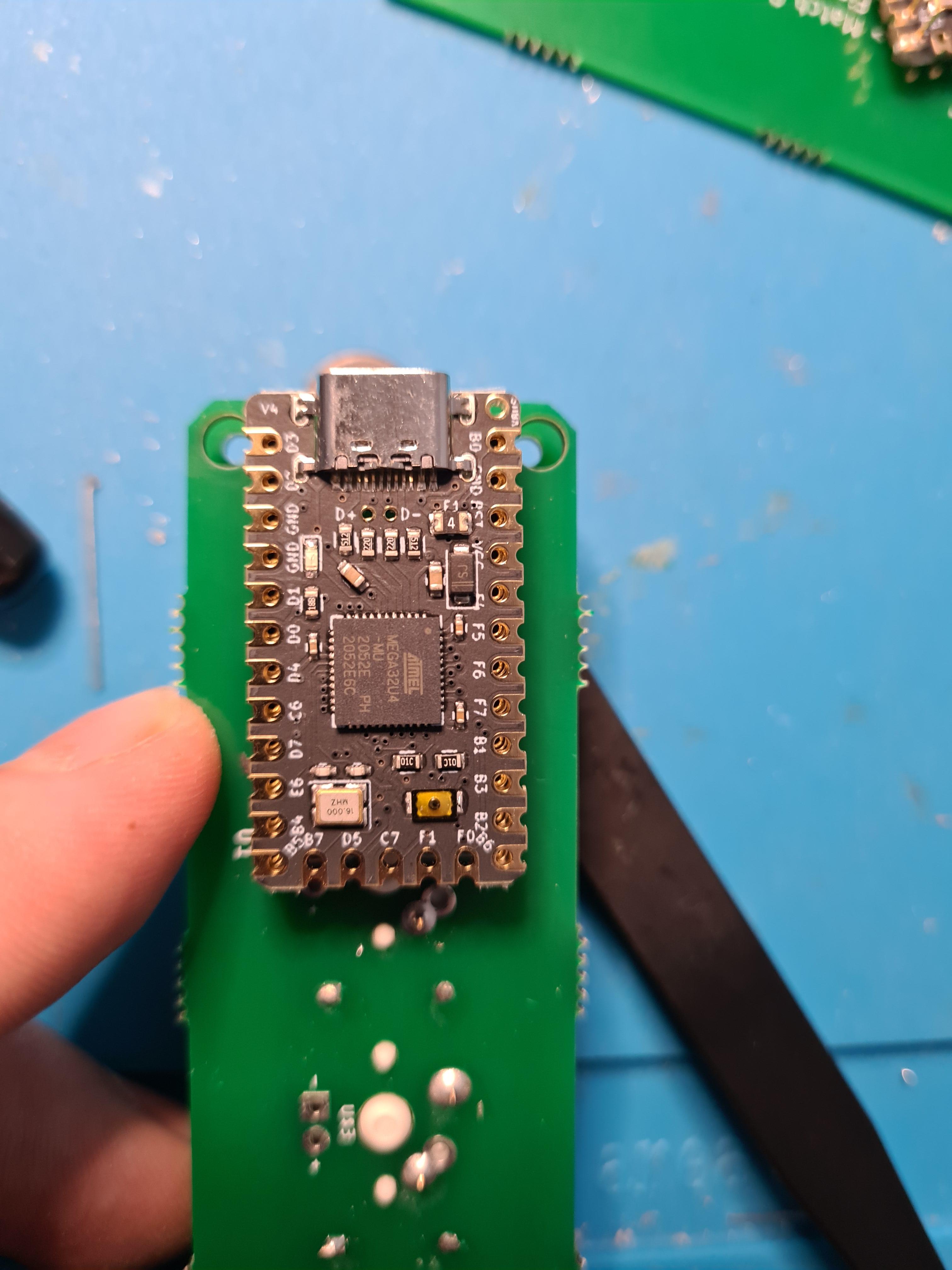
Now the switches are soldered it's time to position the micro controller. Here I am using an elite c. So we use the RAW pin marker to determine which way we are to place this. In my instance it's chip side facing up. If in doubt, ask, though if you socket it then it is far easier to undo a mistake than when using headers
A view without showing the RAW text on the board
NOTE: I have pre flashed my elite c
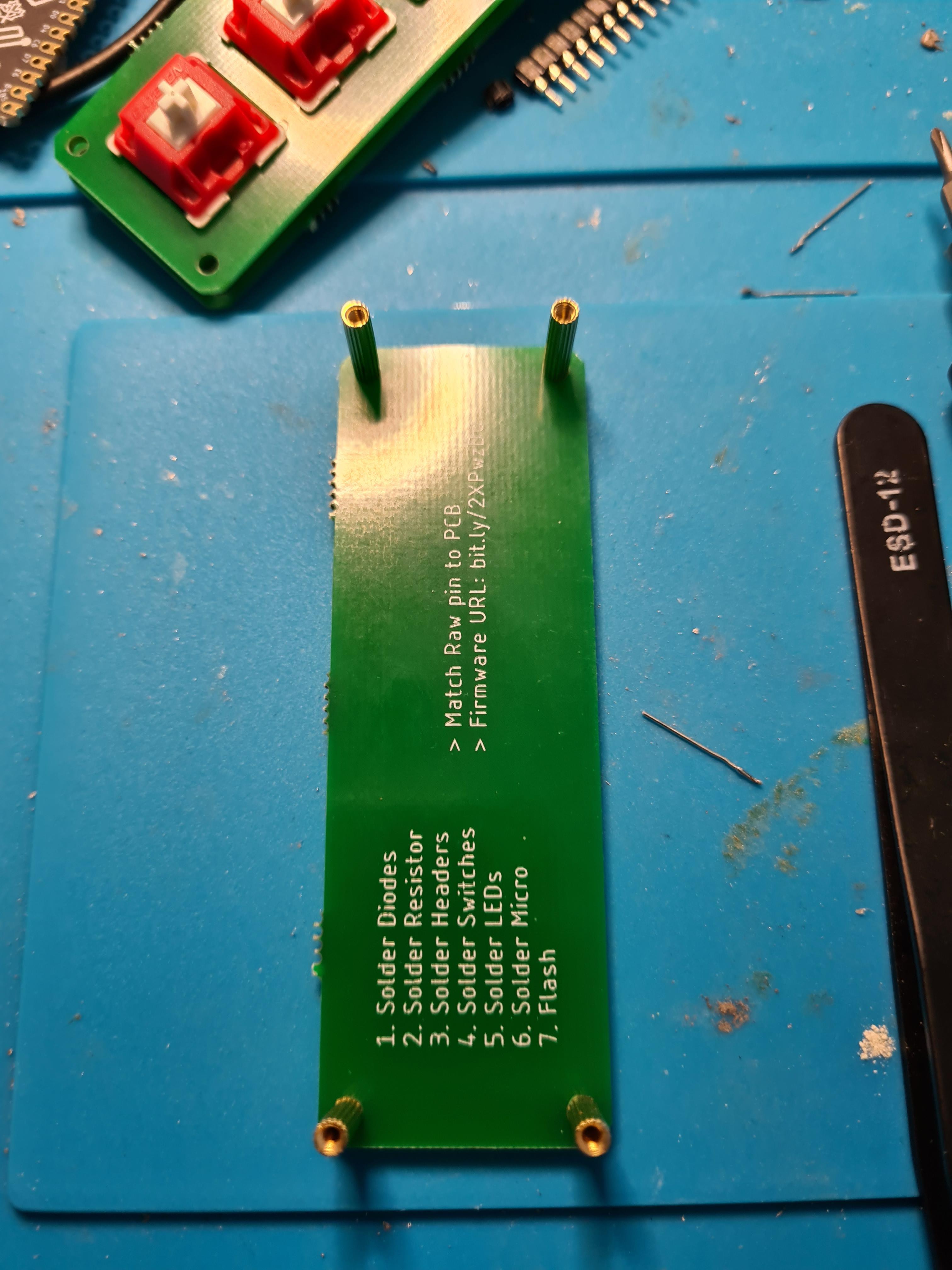
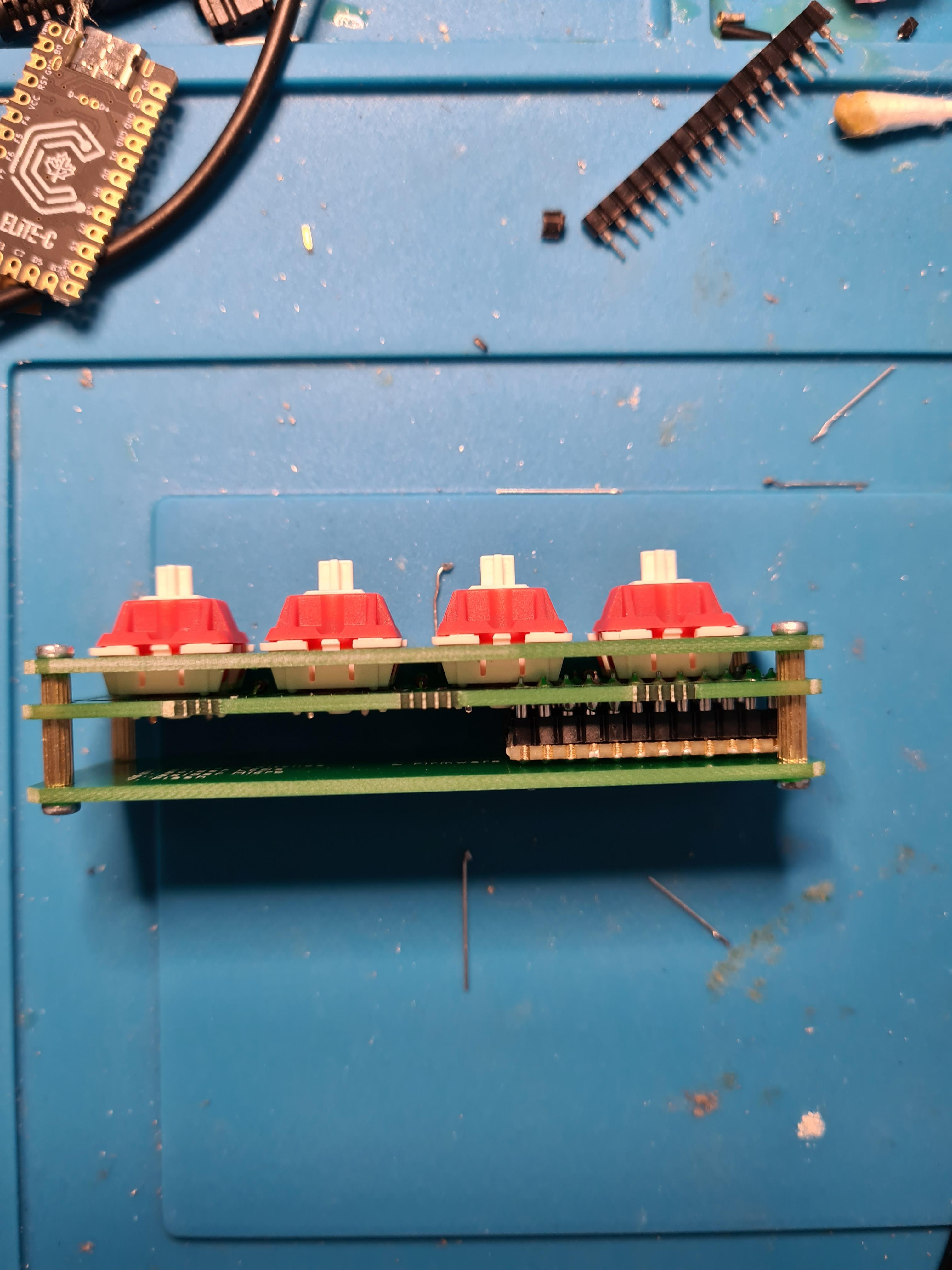
Time to start assembling the case. Screw a standoff to each corner of the base
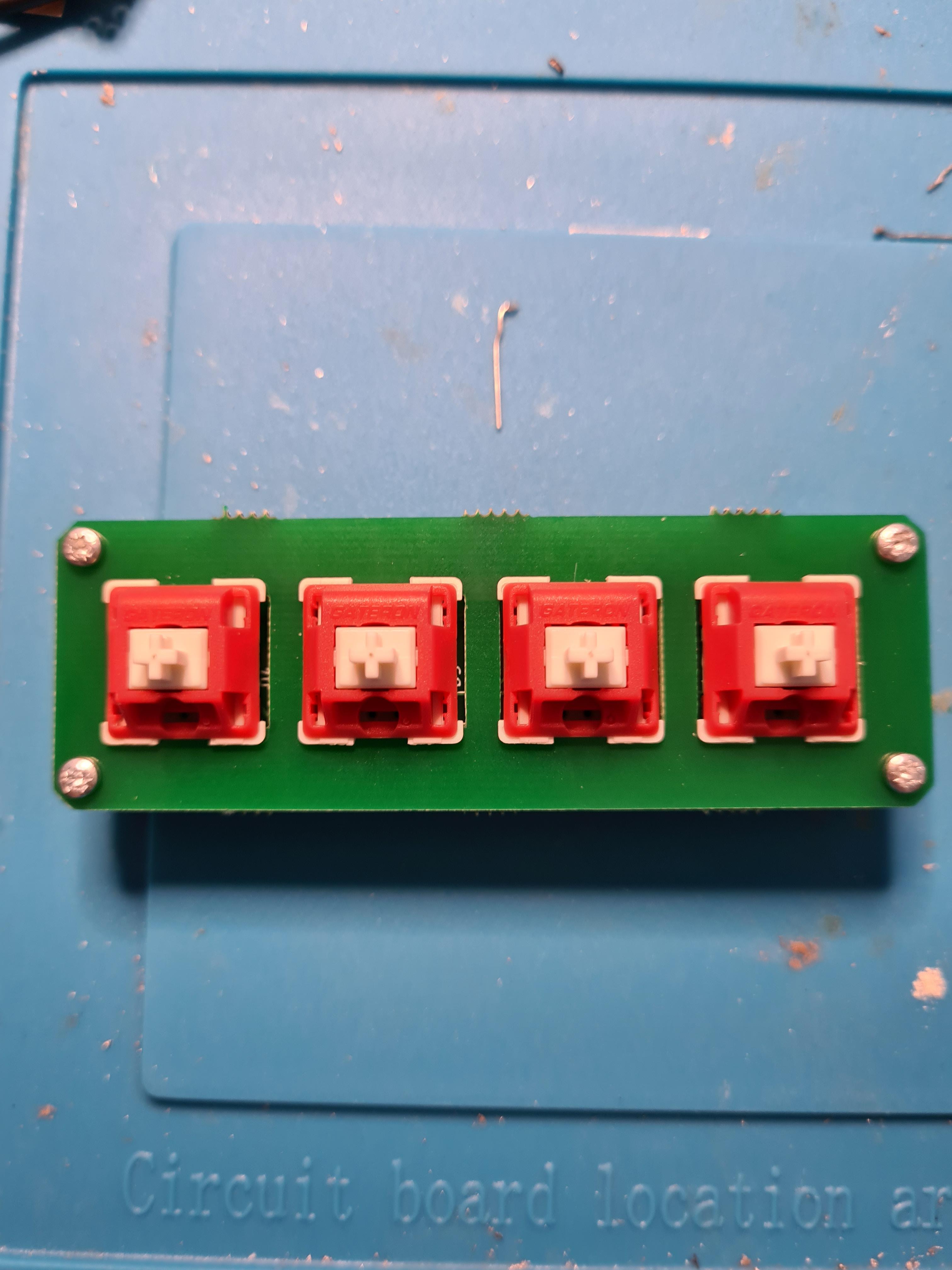
Line it up with the larger holes in the PCB and then screw them into the plate
Done! You can now test and modify your layout with VIAL.
{% content-ref url="/pages/q53gQzod6egzHv8azfCo" %}
[Using VIAL](/guides/other-guides/using-vial.md)
{% endcontent-ref %}