# The Sesame Build Guide

The original sesame guide referenced below can be found [here](https://github.com/str-dst/sesame/blob/master/guide.pdf)

<figure><img src="https://456586235-files.gitbook.io/~/files/v0/b/gitbook-x-prod.appspot.com/o/spaces%2F6bjiReLol1HqmhjbjtT5%2Fuploads%2FKf17OQx11Z7zocMT1NQ3%2FVcrCqEm.jpeg?alt=media&#x26;token=f1836657-f990-4e05-ae84-8661e7051a85" alt=""><figcaption></figcaption></figure>

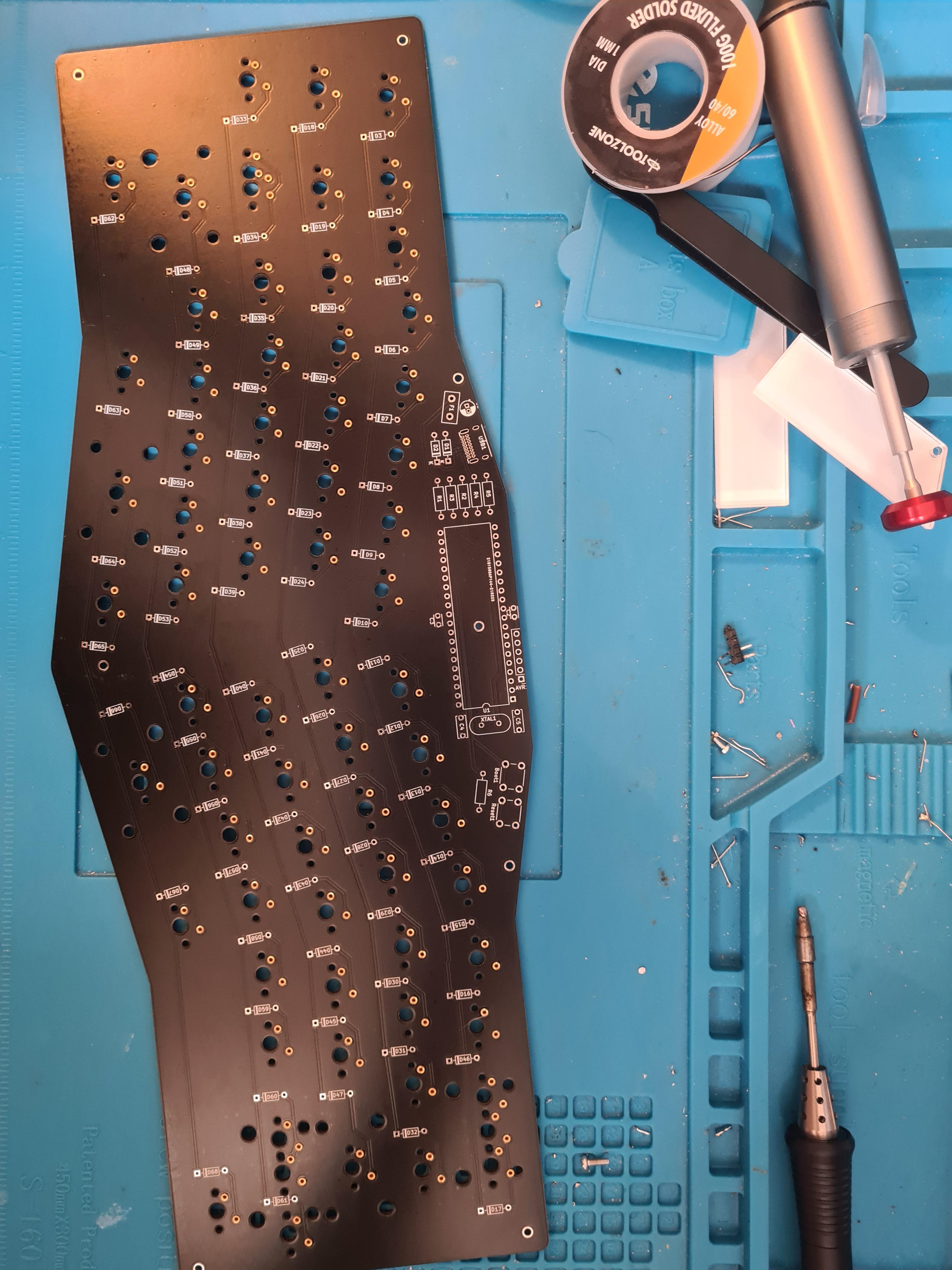
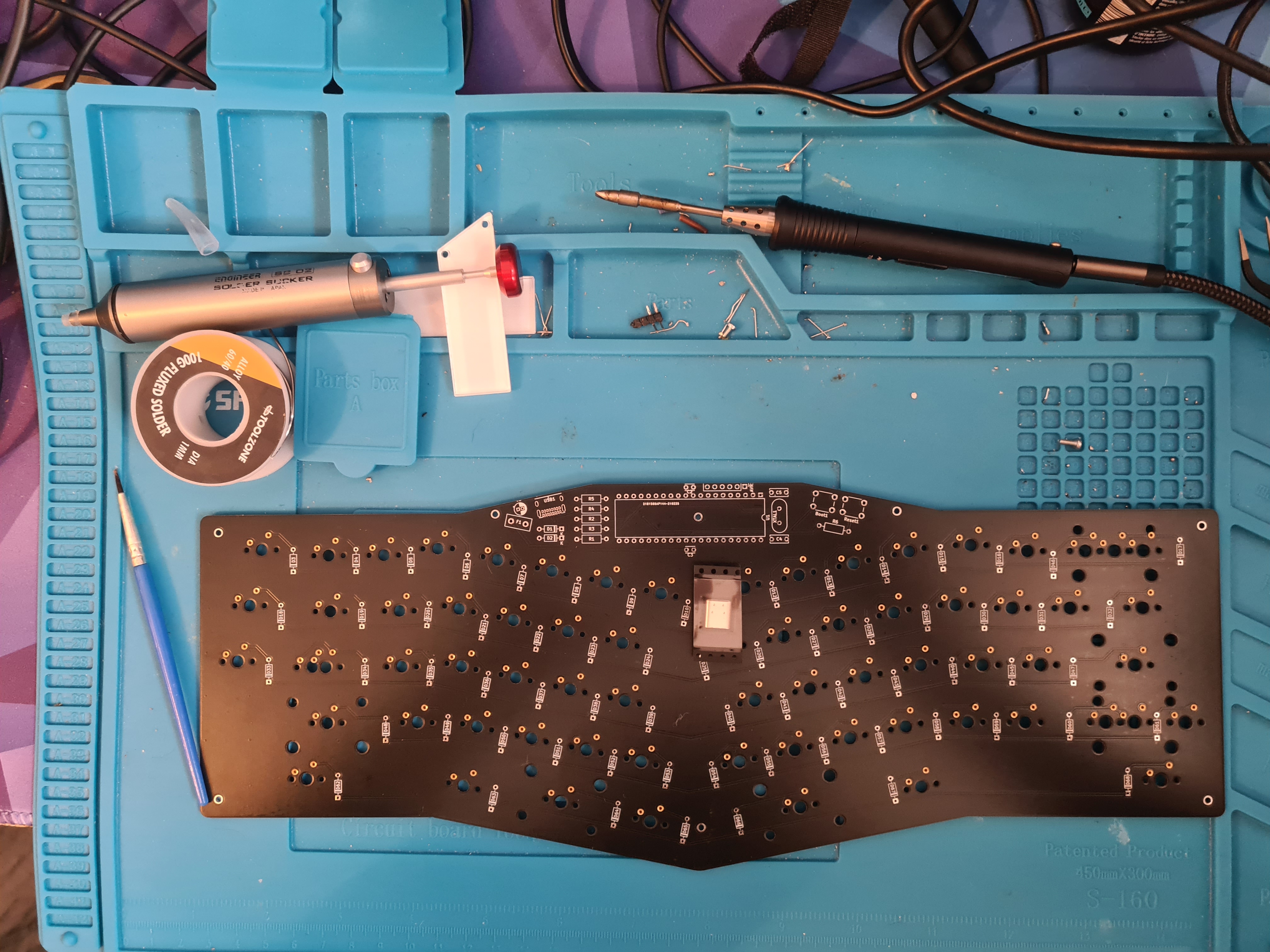
Start off with the PCB, I had fitted this one with mill max sockets, so ignore the brass circles on the switch pads

<figure><img src="https://456586235-files.gitbook.io/~/files/v0/b/gitbook-x-prod.appspot.com/o/spaces%2F6bjiReLol1HqmhjbjtT5%2Fuploads%2Fe0aEWY9YpUgli2pHxjfw%2FUpPGU6J.jpeg?alt=media&#x26;token=be061f40-47d0-4d64-bc79-c085b175db0a" alt=""><figcaption></figcaption></figure>

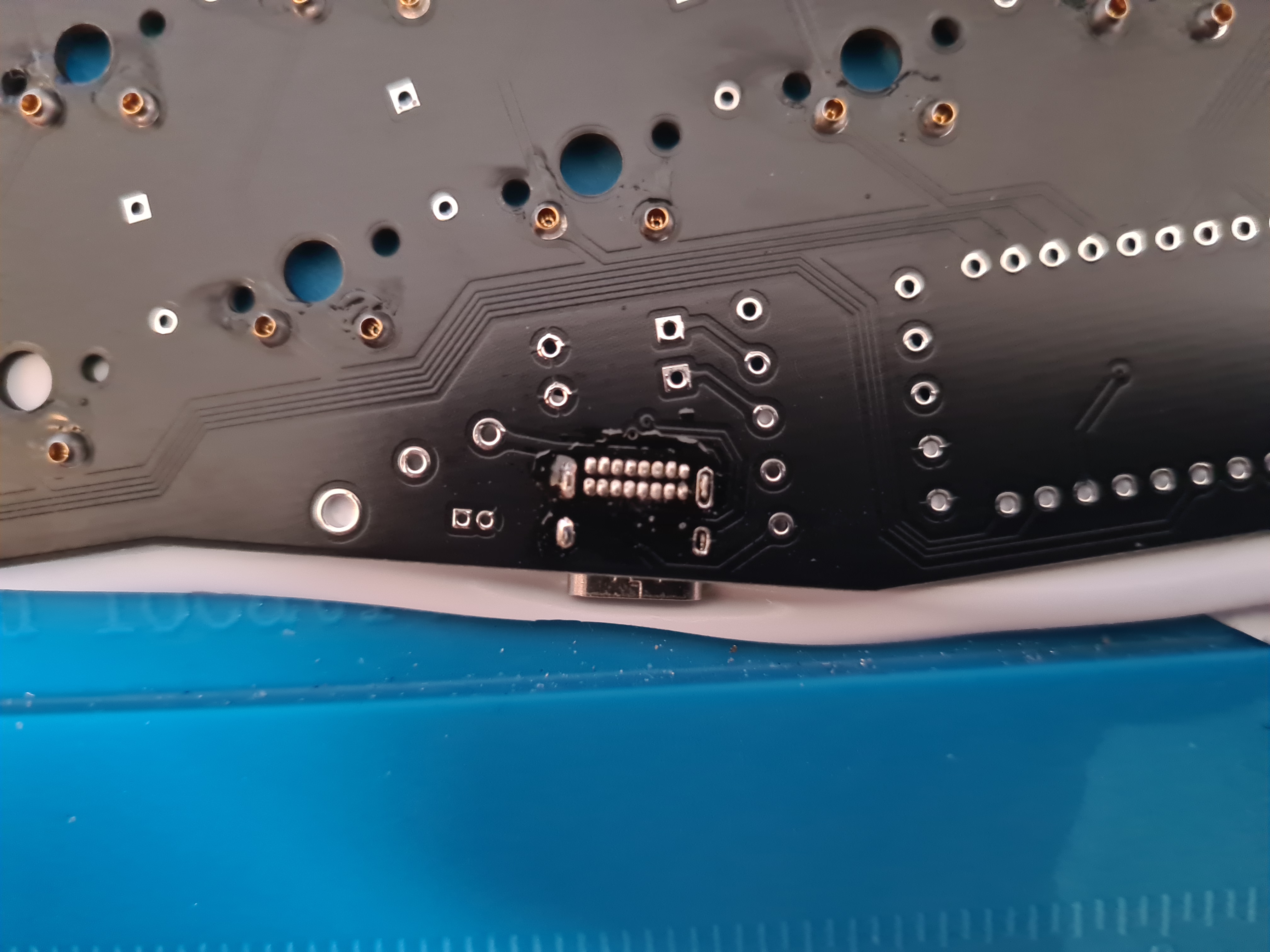
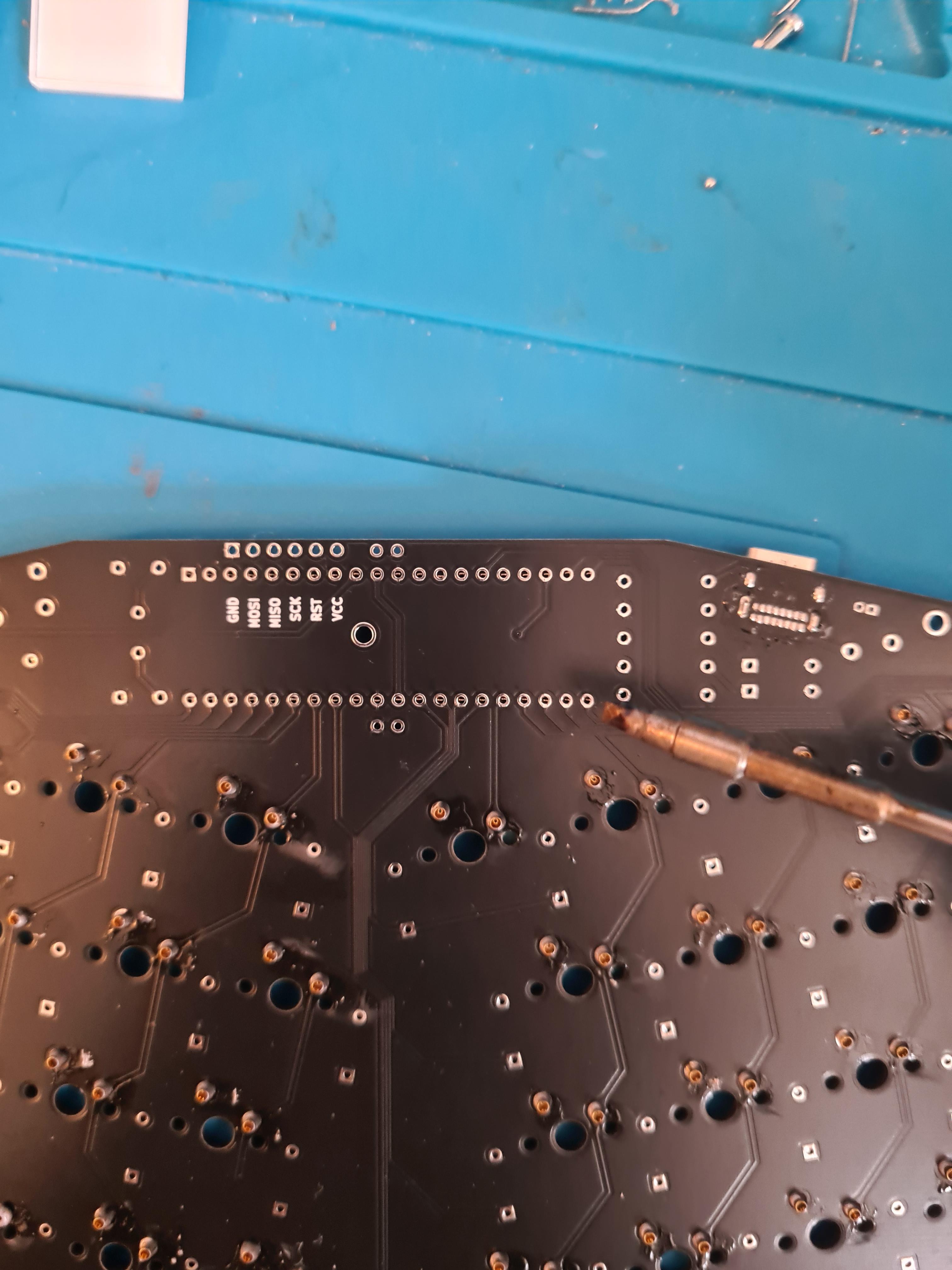
First up, USB

<figure><img src="https://456586235-files.gitbook.io/~/files/v0/b/gitbook-x-prod.appspot.com/o/spaces%2F6bjiReLol1HqmhjbjtT5%2Fuploads%2FYPGk1RVJQTxocN8C8E9v%2Fa8gJ50X.jpeg?alt=media&#x26;token=20038325-42c5-4a8a-9af6-3e272092b6dc" alt=""><figcaption></figcaption></figure>

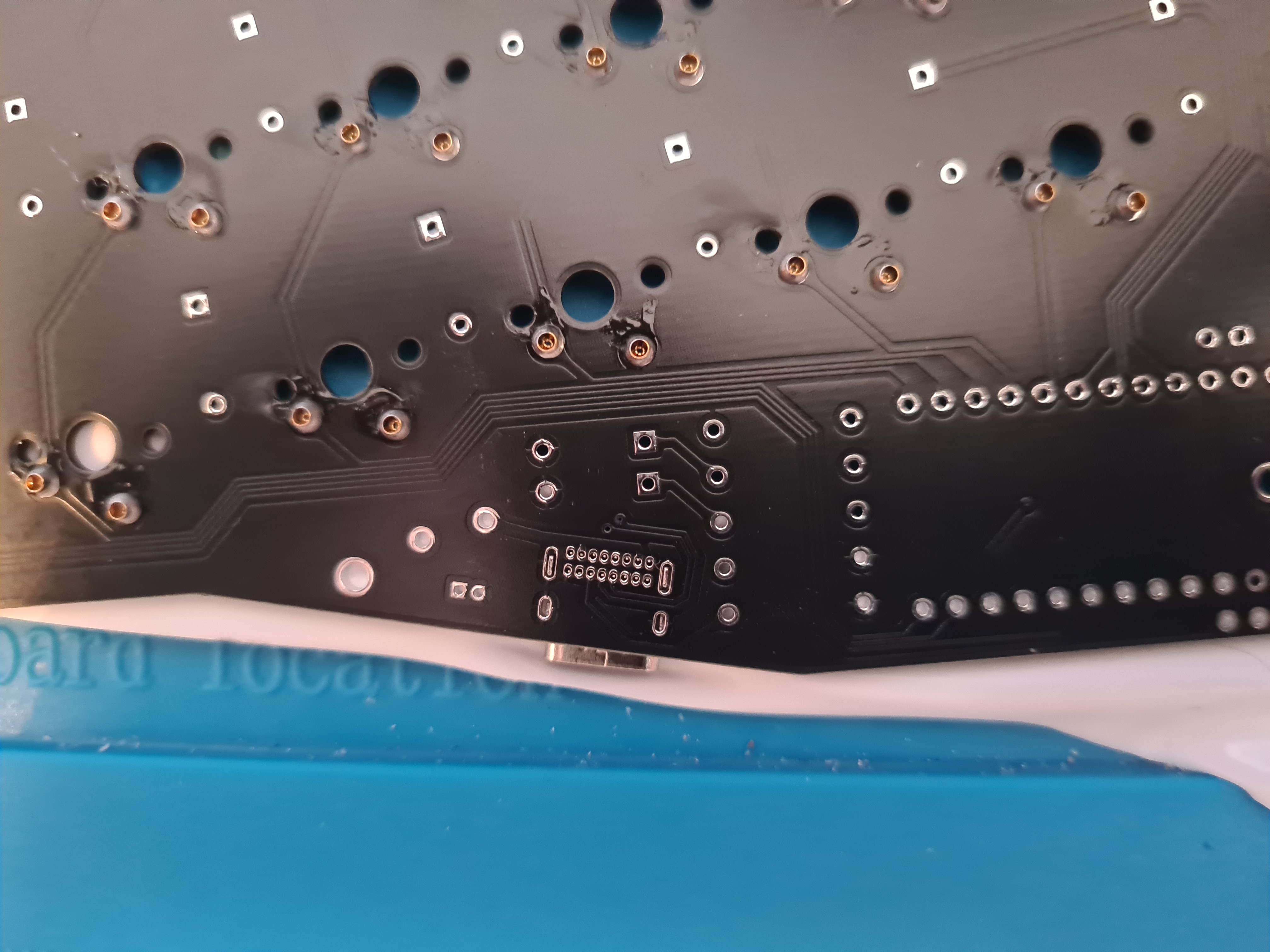
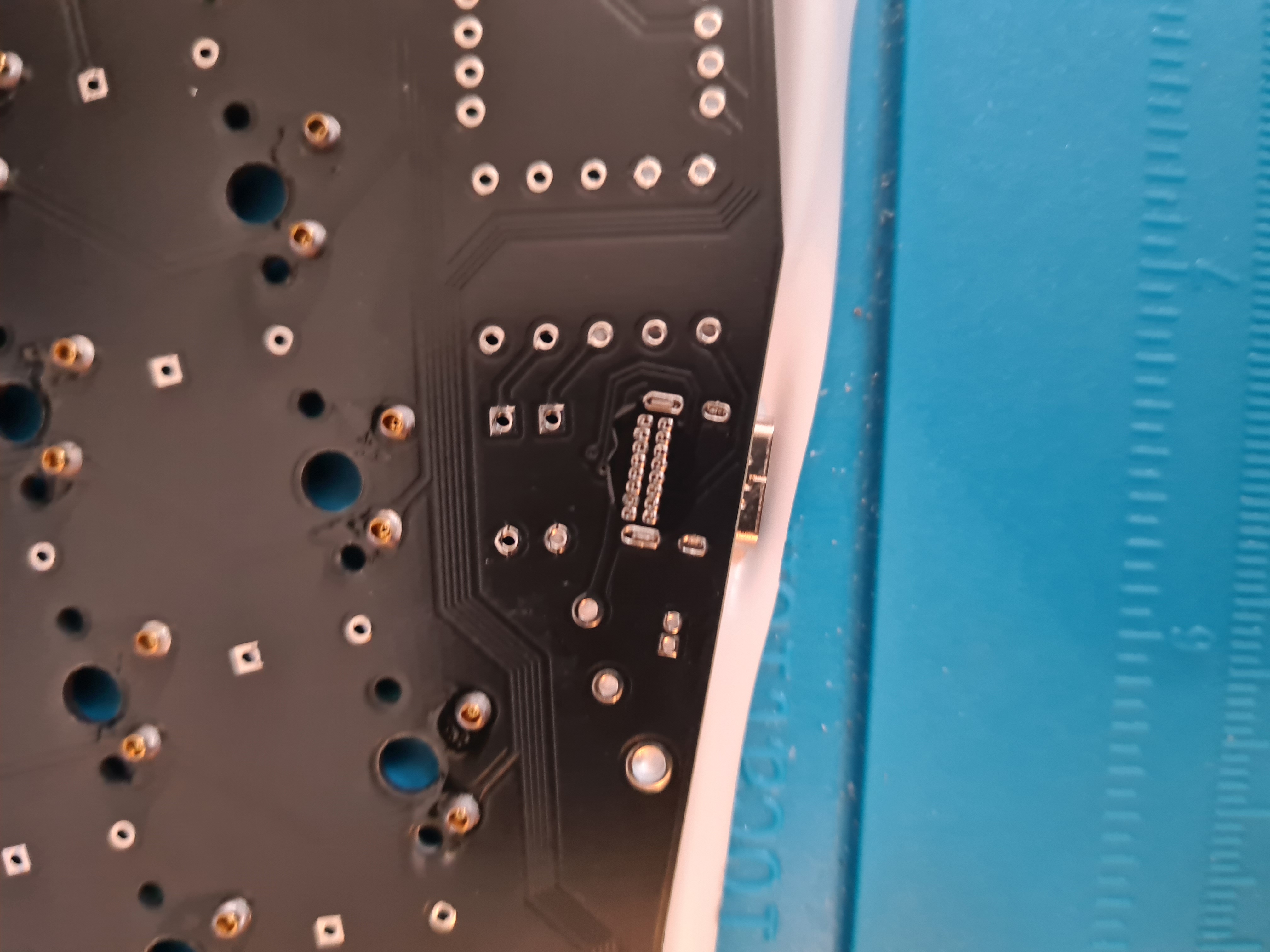
Slot it in place and tape it down, then flip the PCB so you can solder the underside.

It is important to put flux on these pins , it makes it a lot easier to cleanly solder the small pinds

<figure><img src="https://456586235-files.gitbook.io/~/files/v0/b/gitbook-x-prod.appspot.com/o/spaces%2F6bjiReLol1HqmhjbjtT5%2Fuploads%2F9vtqBTUWg7P7I6jZp953%2Fu2GYUzY.jpeg?alt=media&#x26;token=19ab782e-d445-4de8-9b9a-4c0701e8c9ba" alt=""><figcaption></figcaption></figure>

Fluxed

<figure><img src="https://456586235-files.gitbook.io/~/files/v0/b/gitbook-x-prod.appspot.com/o/spaces%2F6bjiReLol1HqmhjbjtT5%2Fuploads%2FnZGnJfmu3olkW4HYGGro%2Fmu0Dzms.jpeg?alt=media&#x26;token=55823da5-6dd8-45d8-93d7-4cec6ee1aac4" alt=""><figcaption></figcaption></figure>

Done!

<figure><img src="https://456586235-files.gitbook.io/~/files/v0/b/gitbook-x-prod.appspot.com/o/spaces%2F6bjiReLol1HqmhjbjtT5%2Fuploads%2FN1ygrTFjTO0Q5R0LKOcc%2FhUXORL2.jpeg?alt=media&#x26;token=e999e877-b3f7-4e69-9d01-dbc23dcf7dac" alt=""><figcaption></figcaption></figure>

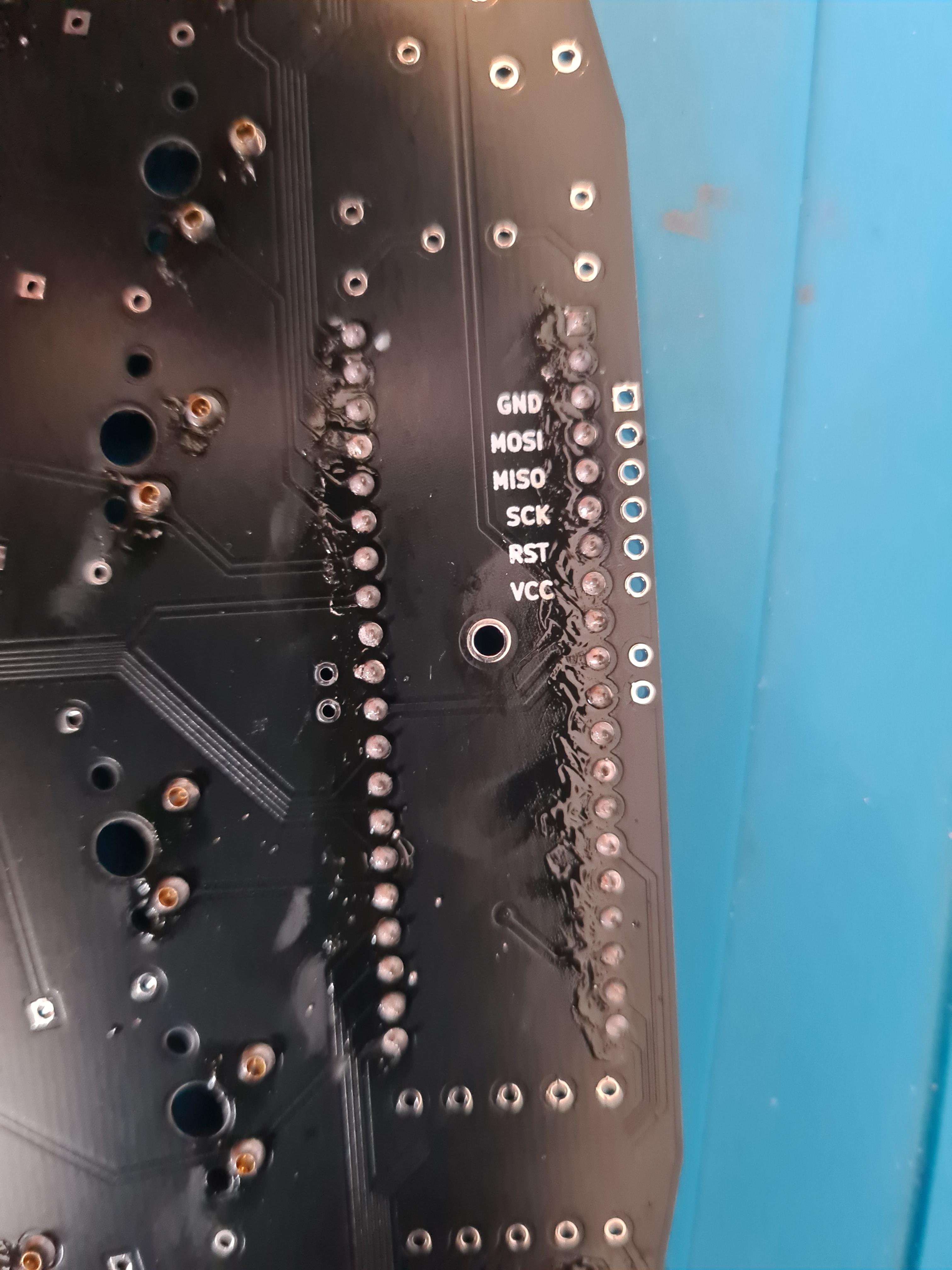
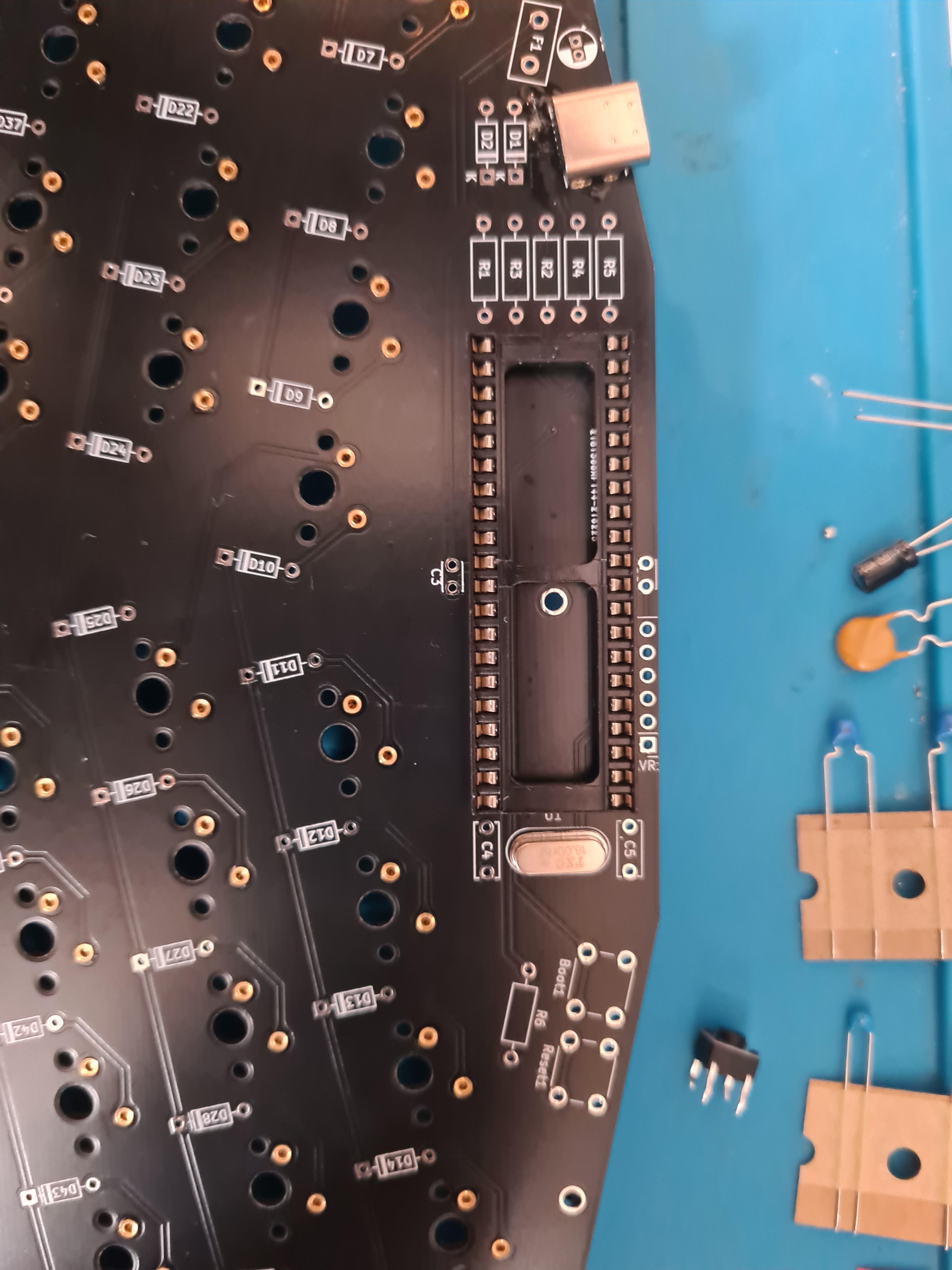
Next, the socket for the header

<figure><img src="https://456586235-files.gitbook.io/~/files/v0/b/gitbook-x-prod.appspot.com/o/spaces%2F6bjiReLol1HqmhjbjtT5%2Fuploads%2FeeLbbNJHgWDQ6Su350MF%2FVpjNbtP.jpeg?alt=media&#x26;token=2fb73996-e112-4074-a546-6f76c4d9d0ed" alt=""><figcaption></figcaption></figure>

done

<figure><img src="https://456586235-files.gitbook.io/~/files/v0/b/gitbook-x-prod.appspot.com/o/spaces%2F6bjiReLol1HqmhjbjtT5%2Fuploads%2FyvbhNZ7XQGRayJThznvn%2Fbt1LdQq.jpeg?alt=media&#x26;token=6815ceb4-b7ab-4875-975f-cad541a4c661" alt=""><figcaption></figcaption></figure>

Then install the crystal, which is the metal oval

<figure><img src="https://456586235-files.gitbook.io/~/files/v0/b/gitbook-x-prod.appspot.com/o/spaces%2F6bjiReLol1HqmhjbjtT5%2Fuploads%2FGAx2FXBvhhWbkljYL5Ra%2F99TtcV1.jpeg?alt=media&#x26;token=42e1af02-36fa-44ee-a836-f5f443202cbc" alt=""><figcaption></figcaption></figure>

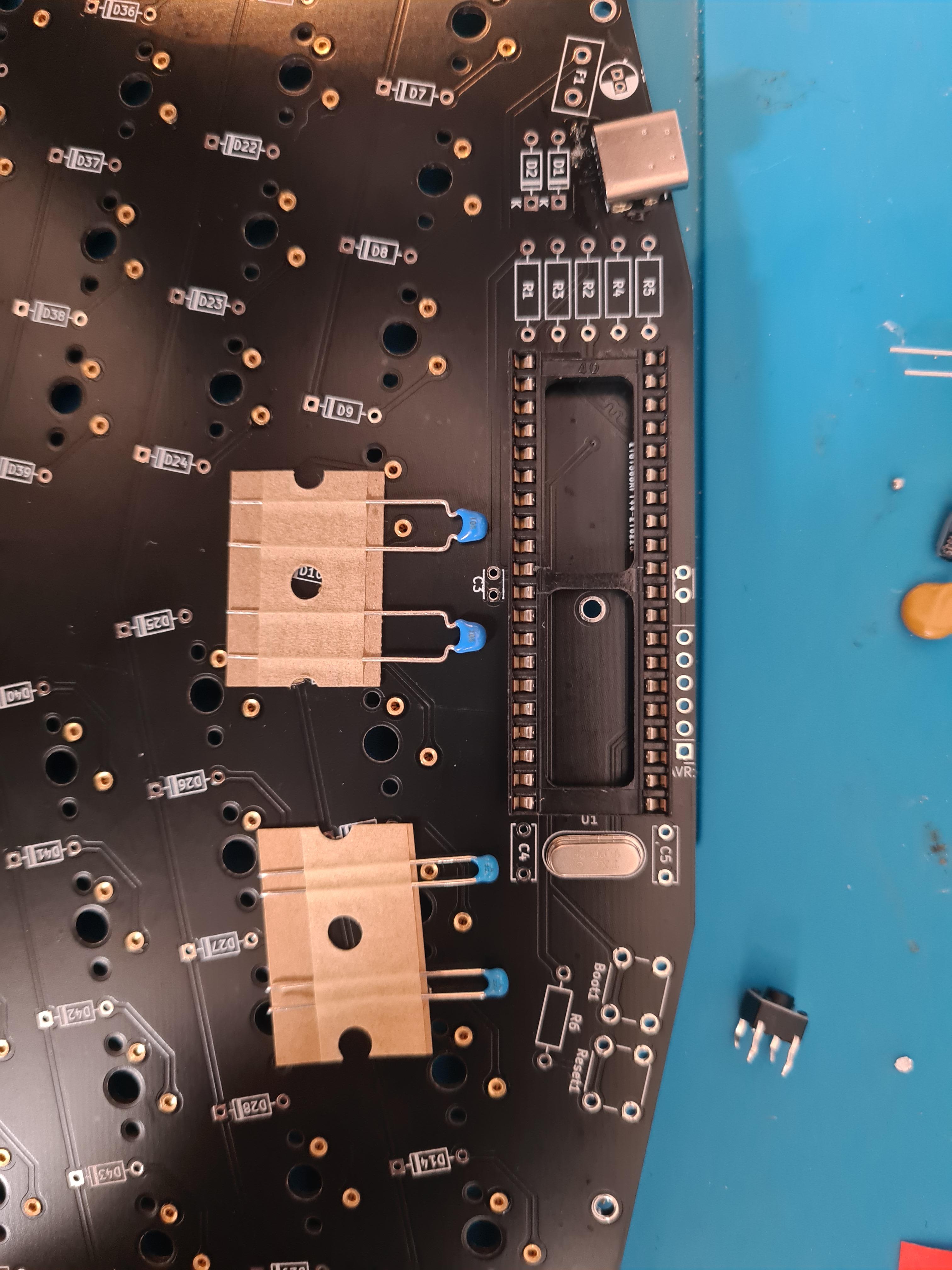
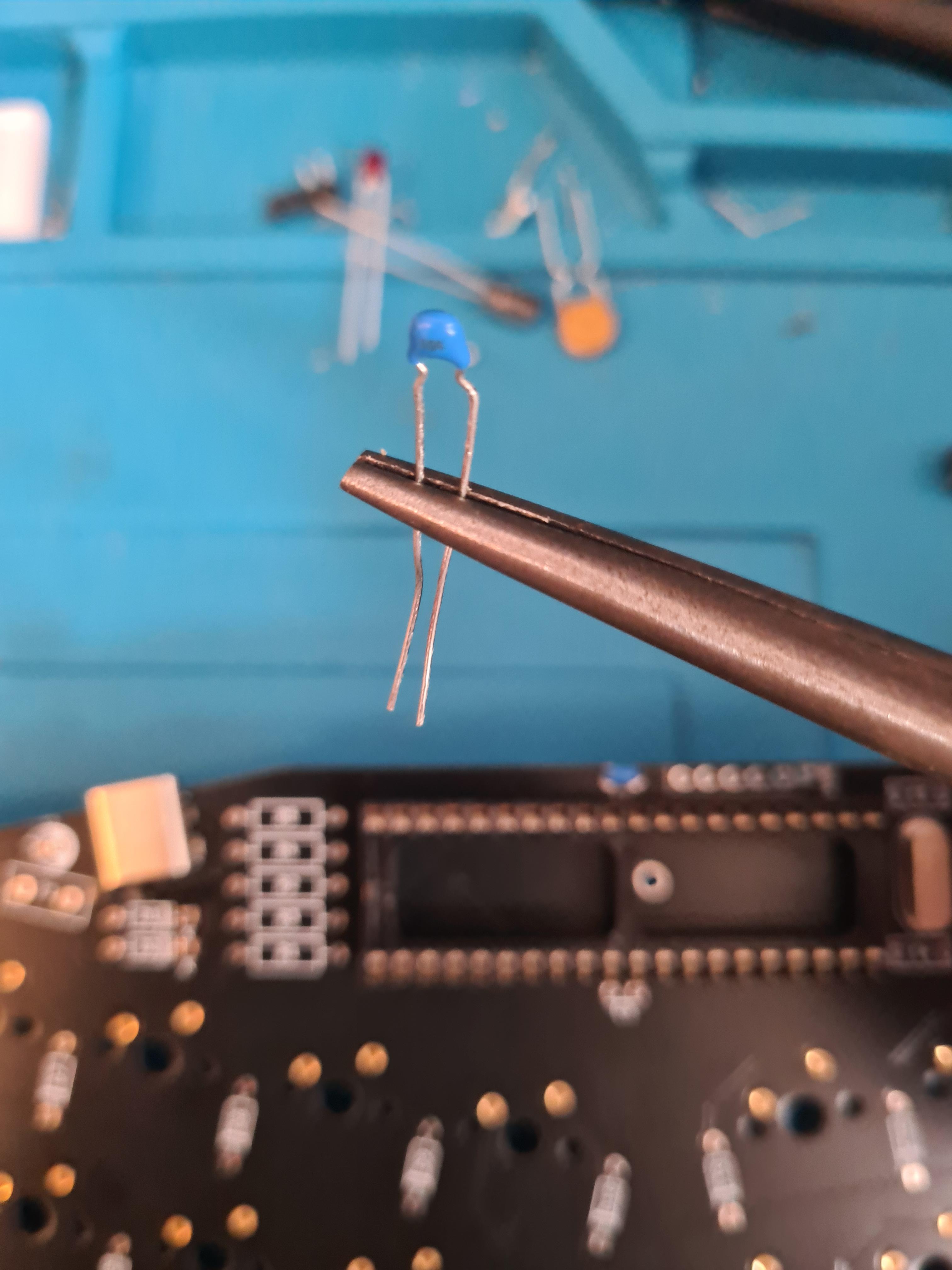
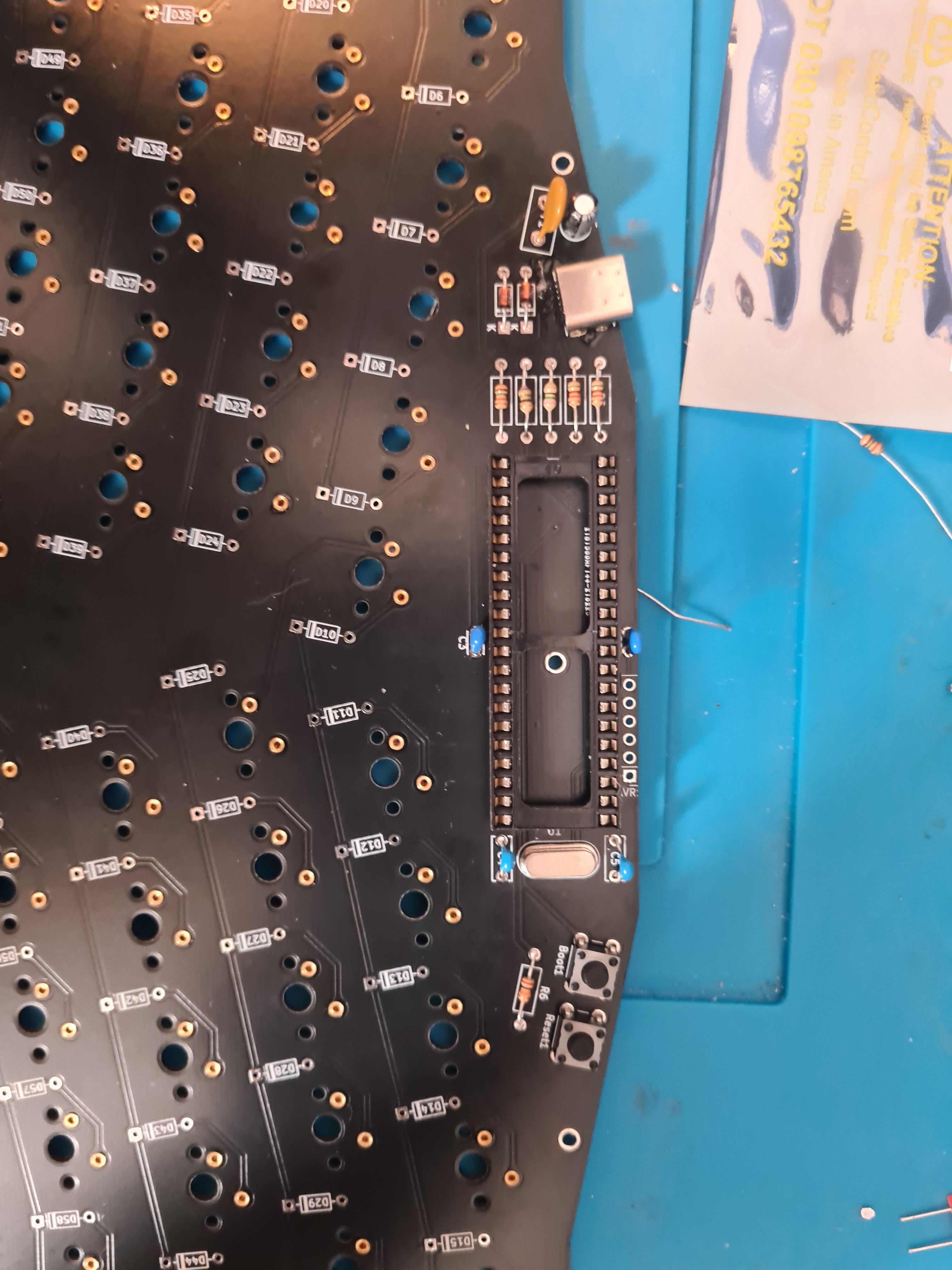
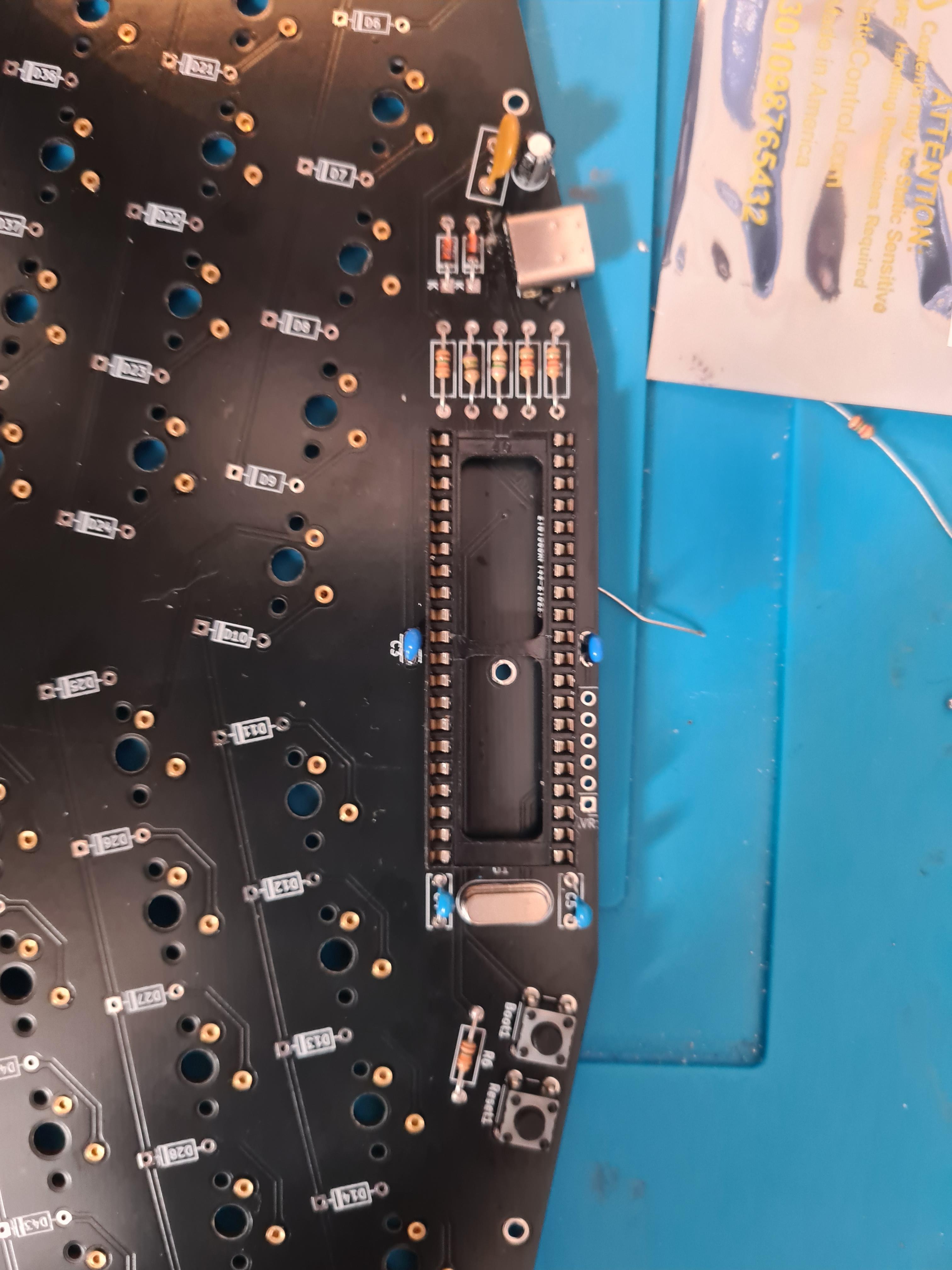
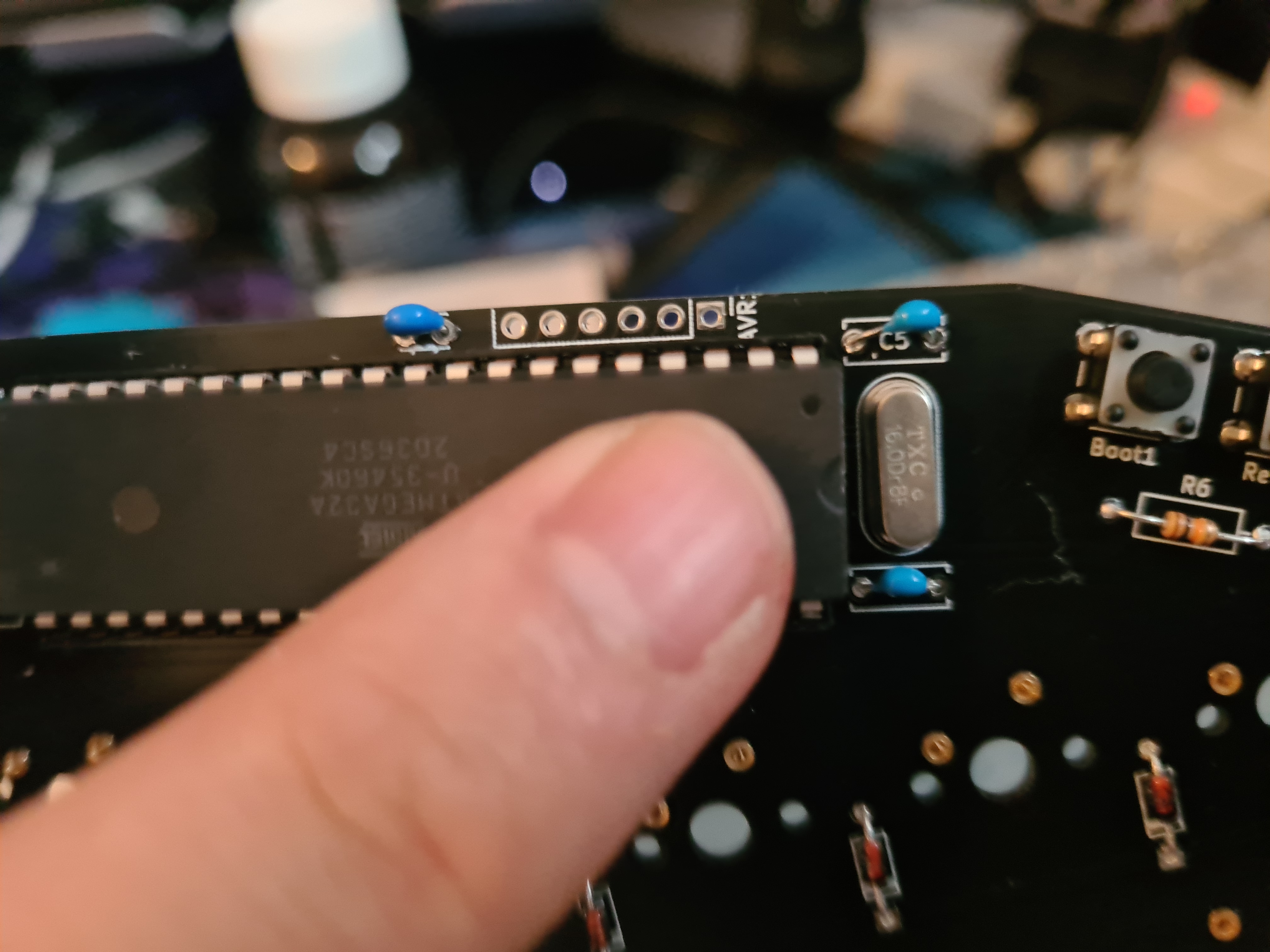
The important bit, and the entire reason I wanted to make this guide. The capicitors in the mechboards kit look different to the github instructions. The wider footprint goes above and below the controller sockets. The smaller footprint goes beside the sockets and above and below the crystal

<figure><img src="https://456586235-files.gitbook.io/~/files/v0/b/gitbook-x-prod.appspot.com/o/spaces%2F6bjiReLol1HqmhjbjtT5%2Fuploads%2FGKt9quccXP6QVejS3OaK%2FgSWwn65.jpeg?alt=media&#x26;token=eabe457e-047a-4bd4-aab2-2c37ef825bdf" alt=""><figcaption></figcaption></figure>

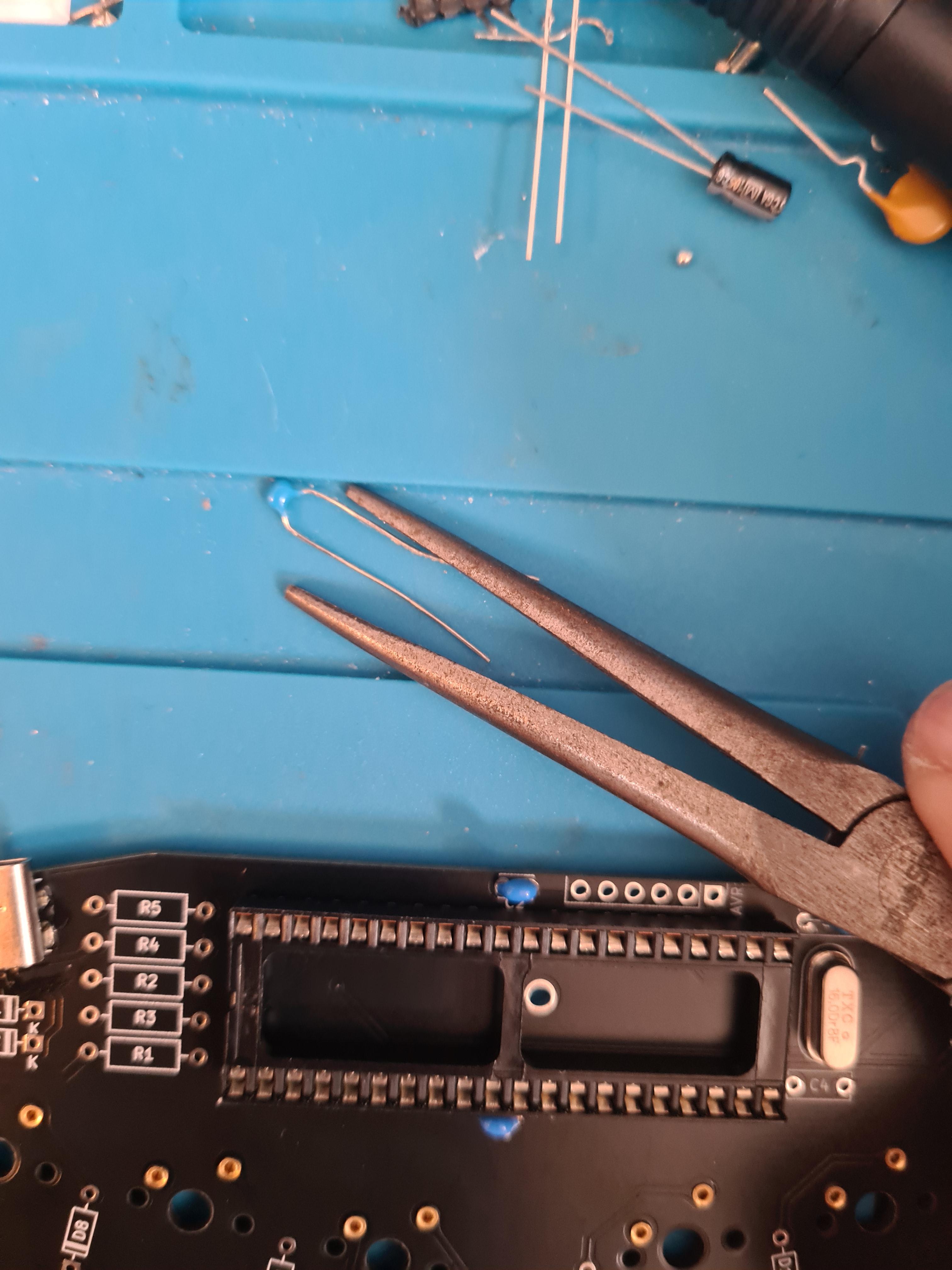
Use a set of needle nose plyers to better shape the different footprints to match the holes in the board

<figure><img src="https://456586235-files.gitbook.io/~/files/v0/b/gitbook-x-prod.appspot.com/o/spaces%2F6bjiReLol1HqmhjbjtT5%2Fuploads%2F1jklGPlveTifnOWiSUkU%2FhU1mDtu.jpeg?alt=media&#x26;token=0e019ed8-3401-4543-b2a6-63eb5bd1d812" alt=""><figcaption></figcaption></figure>

<figure><img src="https://456586235-files.gitbook.io/~/files/v0/b/gitbook-x-prod.appspot.com/o/spaces%2F6bjiReLol1HqmhjbjtT5%2Fuploads%2Ft8kh1oj2Qi0V1vROY8Ip%2FoKExYKM.jpeg?alt=media&#x26;token=0e5c5cfc-fcf9-463a-bab2-71c2681cd525" alt=""><figcaption></figcaption></figure>

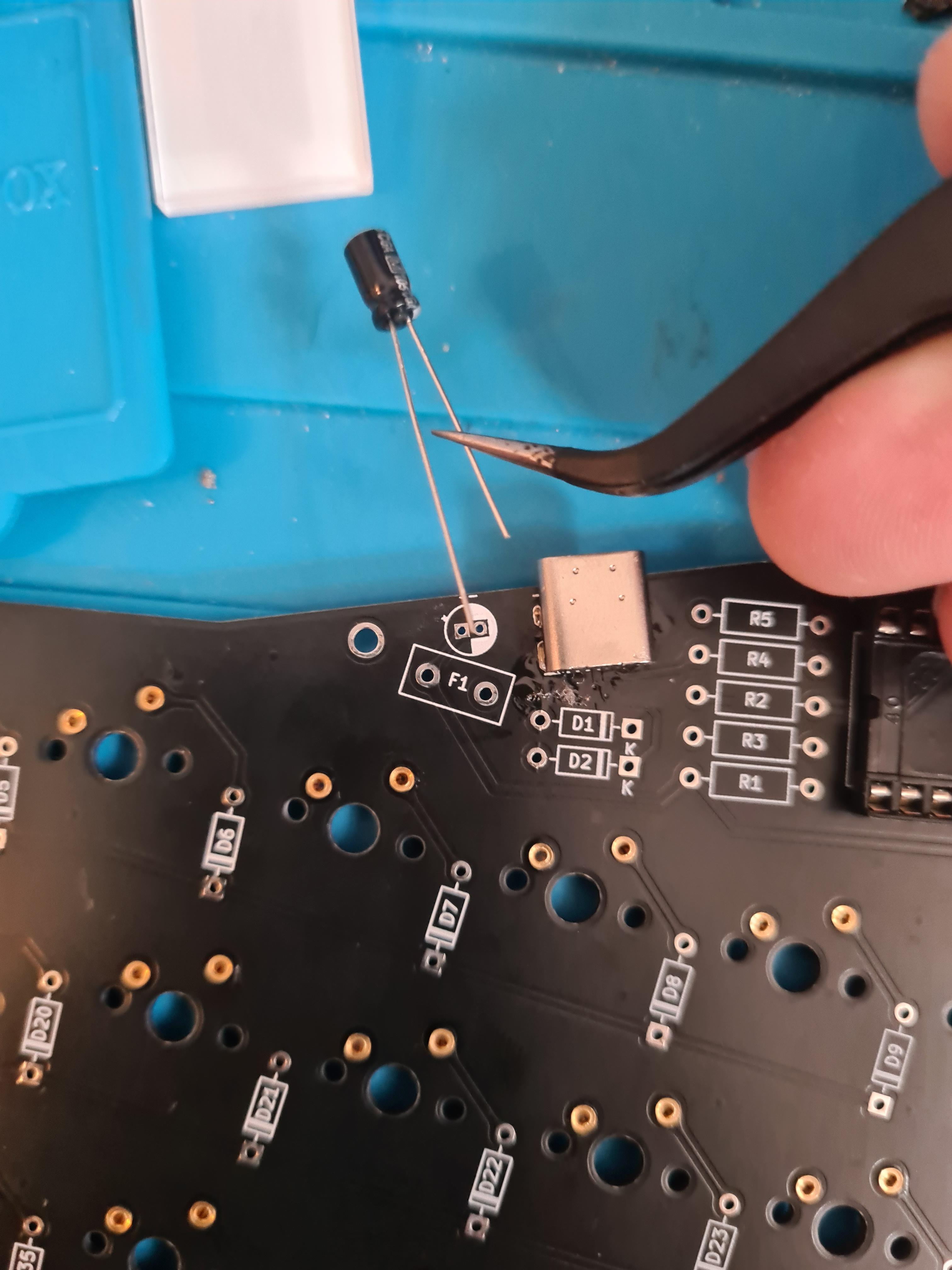
Then the big capacitor, this has a right and wrong way to installing, The shorter leg (negative) goes in the hole on the white side of the hole

<figure><img src="https://456586235-files.gitbook.io/~/files/v0/b/gitbook-x-prod.appspot.com/o/spaces%2F6bjiReLol1HqmhjbjtT5%2Fuploads%2FGMQMI5R3vwYFY77o27EF%2FNjYEqWp.jpeg?alt=media&#x26;token=87a494cb-705d-4555-8f99-01bf0c81391d" alt=""><figcaption></figcaption></figure>

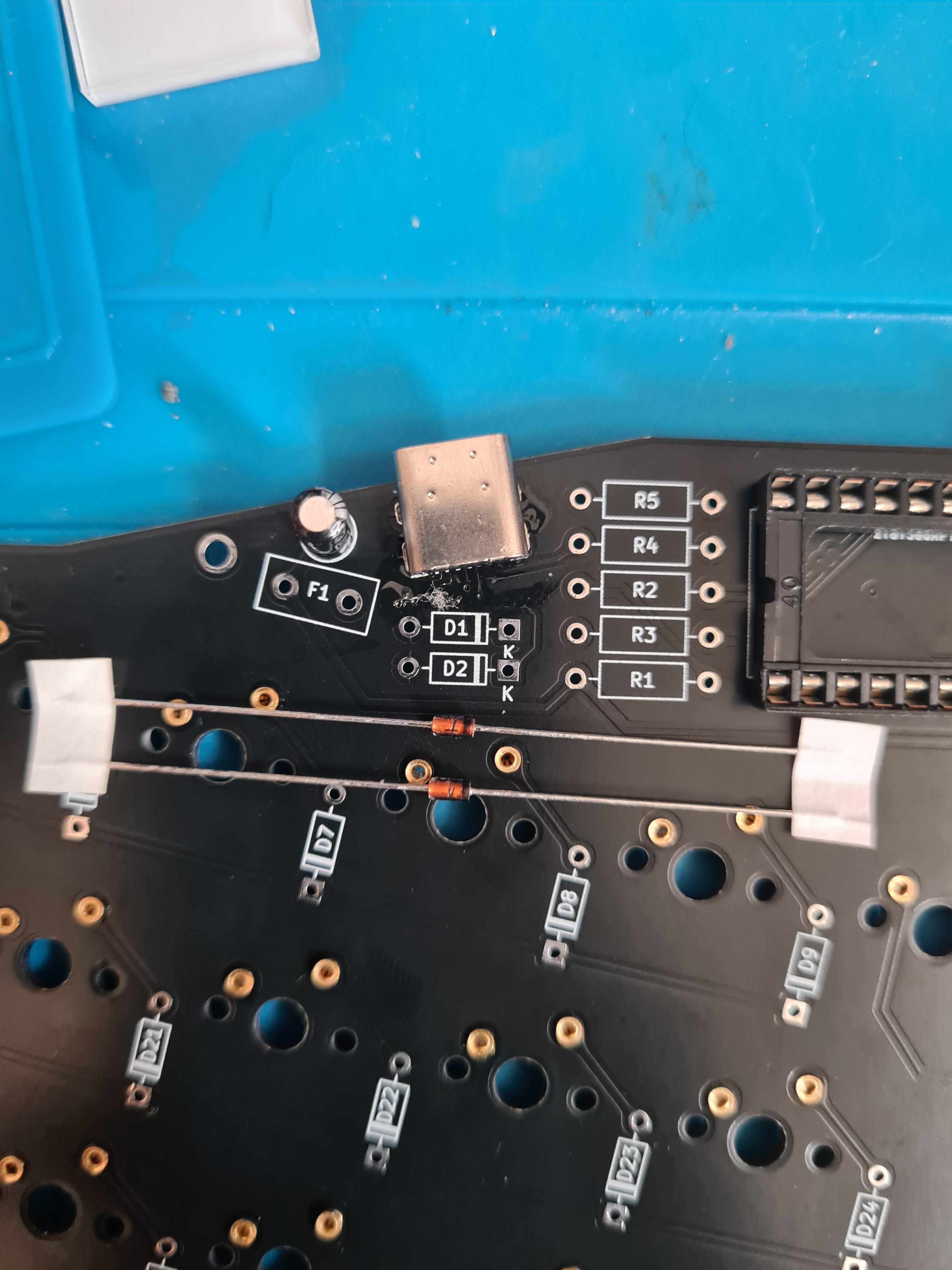
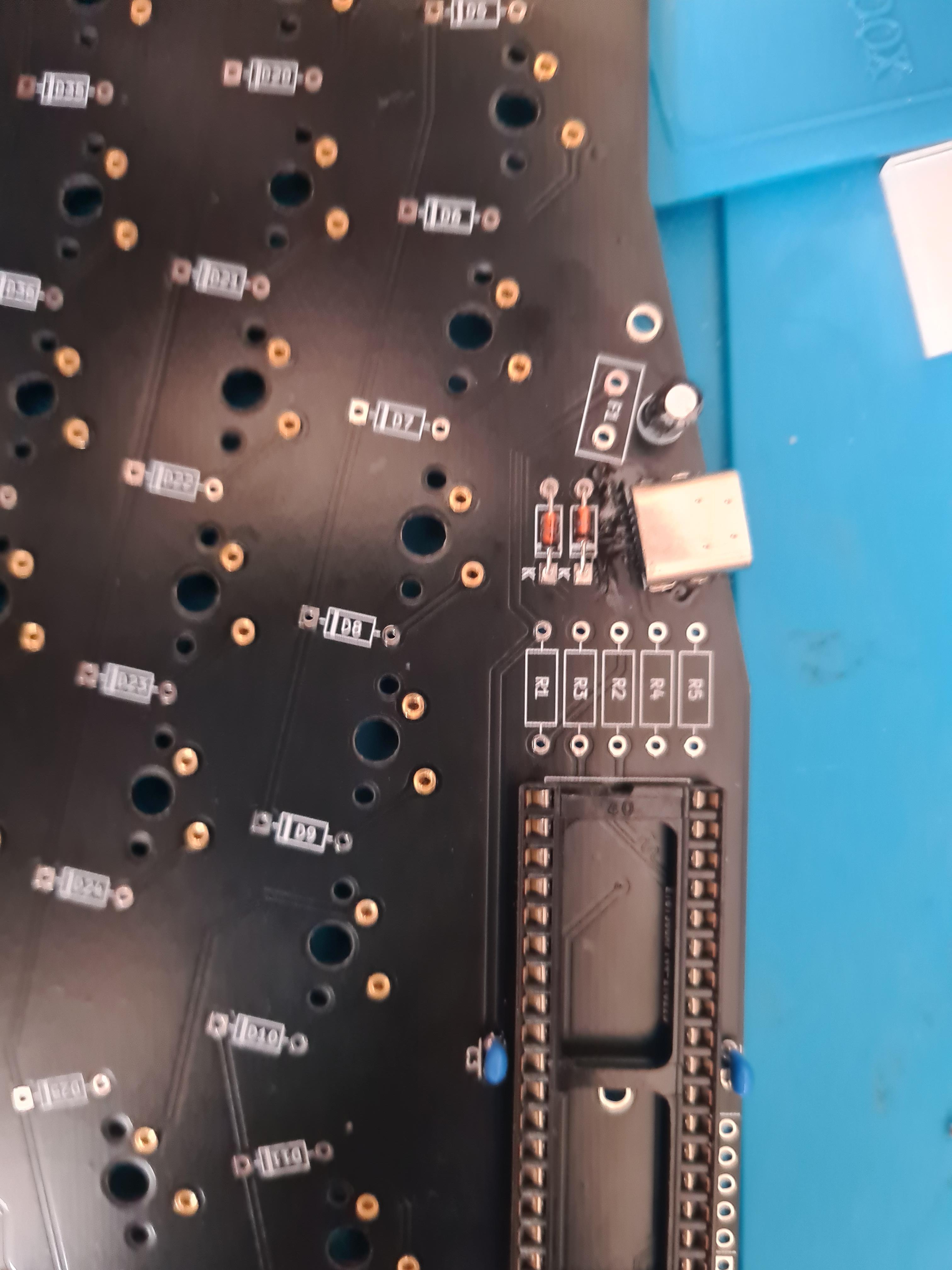
The 2 special diodes go under the USB port

<figure><img src="https://456586235-files.gitbook.io/~/files/v0/b/gitbook-x-prod.appspot.com/o/spaces%2F6bjiReLol1HqmhjbjtT5%2Fuploads%2FXLka4UX4BPrZ5wTyNlHd%2FWeHgqgW.jpeg?alt=media&#x26;token=d30fb1b6-c83e-4ce1-85cc-a8589d815691" alt=""><figcaption></figcaption></figure>

<figure><img src="https://456586235-files.gitbook.io/~/files/v0/b/gitbook-x-prod.appspot.com/o/spaces%2F6bjiReLol1HqmhjbjtT5%2Fuploads%2FdSZbL25SDLi5XUi1F5ne%2FNUbKpQP.jpeg?alt=media&#x26;token=a7fbad7f-d678-43df-af14-70a81138e152" alt=""><figcaption></figcaption></figure>

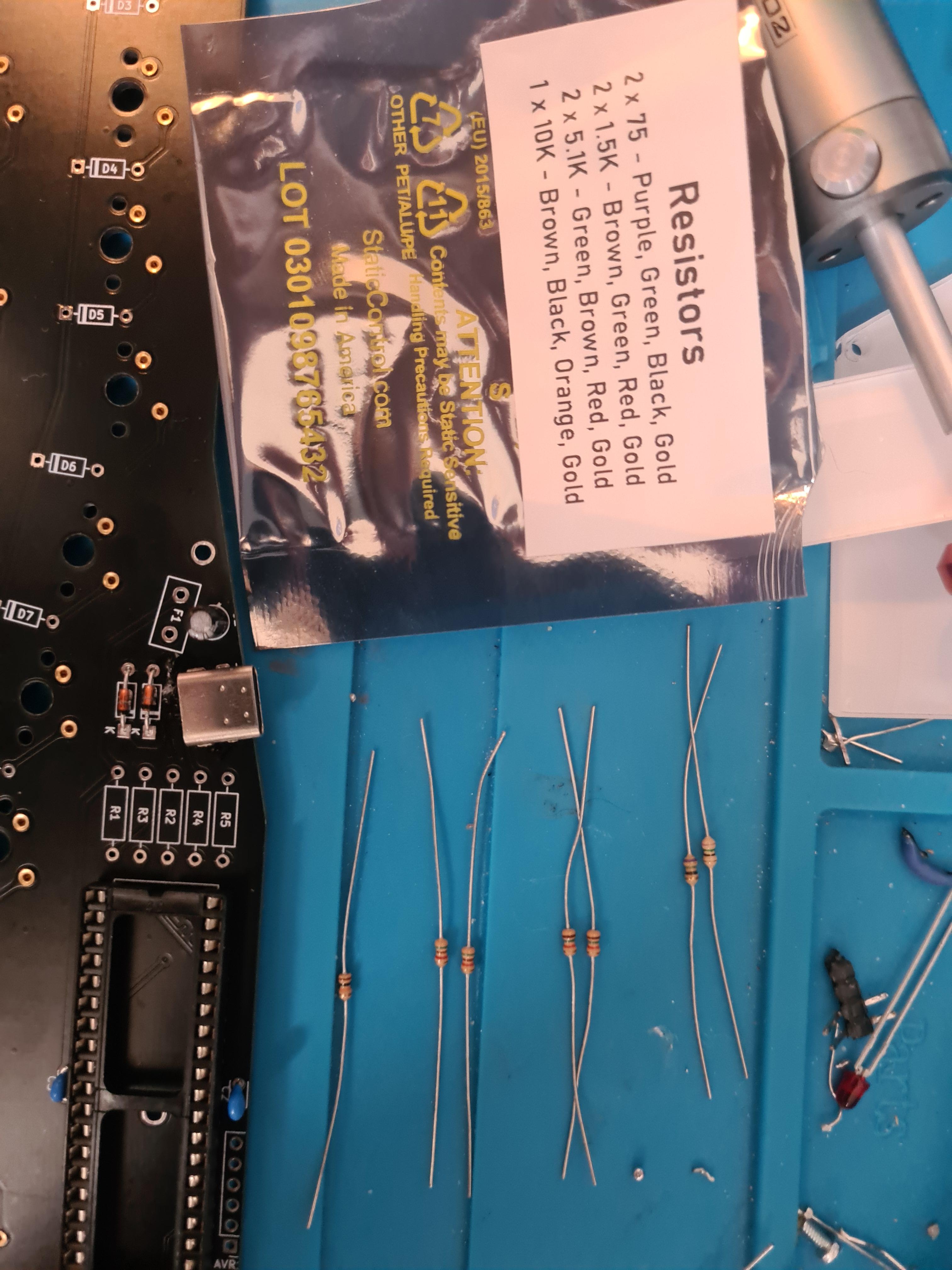
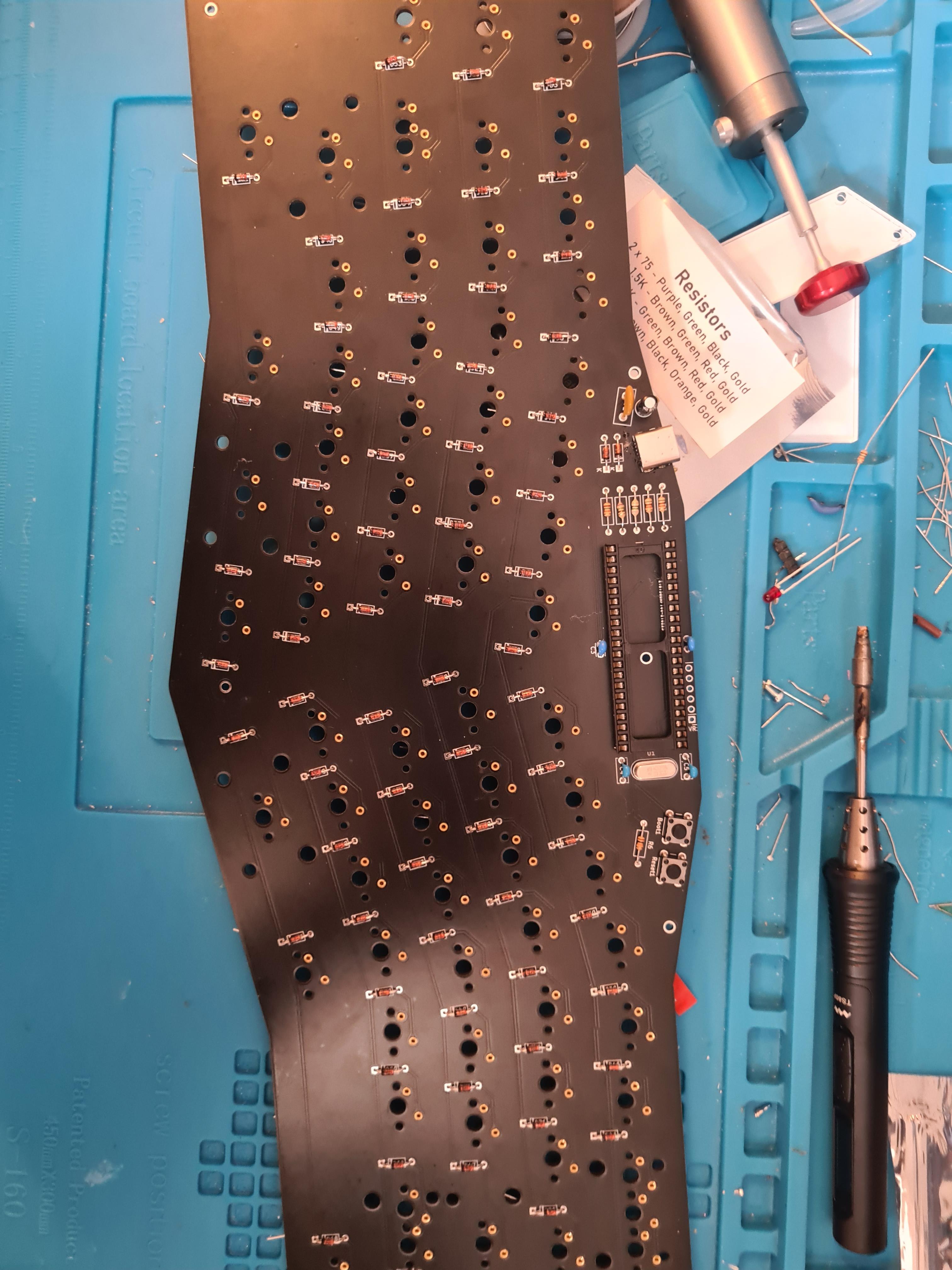
Time to do resistors, I like to organise them in the same layout as the packaging so I can reference it. Again the github build guide differs slightly here. R2&3 are 75 ohm in the mechboards kit and not the 68 ohm stated on the github guide. This is fine

<figure><img src="https://456586235-files.gitbook.io/~/files/v0/b/gitbook-x-prod.appspot.com/o/spaces%2F6bjiReLol1HqmhjbjtT5%2Fuploads%2FpN9DBsoTTWcQaQGhAXpJ%2FjxFpcLI.jpeg?alt=media&#x26;token=7bf27288-5f43-4fd8-bdec-6ecbd7c566b0" alt=""><figcaption></figcaption></figure>

If you've ordered the resisters as displayed on the packaging then from bottom to top you will do R6, which is under the two buttons

R4&5

R1 and you will have one 1.5k ohm resistor left over

Then finally the 2 75ohm resistors in R2&3

Also solder the large ceramic capacitor (should be the only one left) to just under the big cylindrical one

<figure><img src="https://456586235-files.gitbook.io/~/files/v0/b/gitbook-x-prod.appspot.com/o/spaces%2F6bjiReLol1HqmhjbjtT5%2Fuploads%2FiyGrQmm6DklIHnnC2Zj5%2FE13MJFD.jpeg?alt=media&#x26;token=9c9ef86e-a40e-4026-87ef-76c062a495b2" alt=""><figcaption></figcaption></figure>

<figure><img src="https://456586235-files.gitbook.io/~/files/v0/b/gitbook-x-prod.appspot.com/o/spaces%2F6bjiReLol1HqmhjbjtT5%2Fuploads%2FVWZ0AcLP3RaaeOAoXgX9%2FejKaEus.jpeg?alt=media&#x26;token=237f0e13-4c1d-4911-b568-e2a6f0559dff" alt=""><figcaption></figcaption></figure>

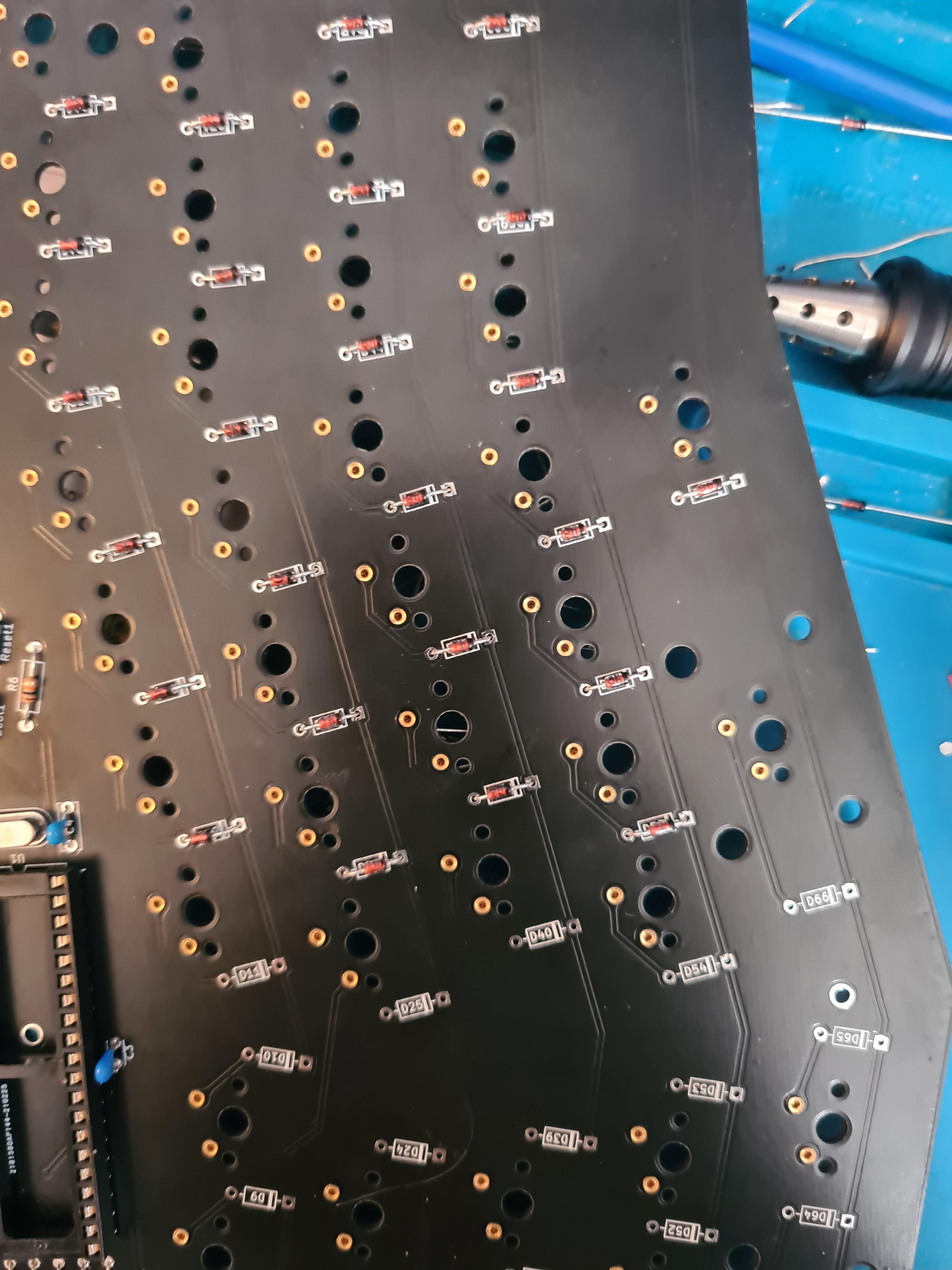
From here it's as you would do any other through hole build, add the diodes making sure the orientation is correct

<figure><img src="https://456586235-files.gitbook.io/~/files/v0/b/gitbook-x-prod.appspot.com/o/spaces%2F6bjiReLol1HqmhjbjtT5%2Fuploads%2Fe0ZF5l7YBHvbIyP05TdT%2FeKSV3My.jpeg?alt=media&#x26;token=201c05d7-07e5-4454-8dd5-e21aa4732b24" alt=""><figcaption></figcaption></figure>

<figure><img src="https://456586235-files.gitbook.io/~/files/v0/b/gitbook-x-prod.appspot.com/o/spaces%2F6bjiReLol1HqmhjbjtT5%2Fuploads%2FosKwBYVImsjeobaOJeka%2FoAyUyMb.jpeg?alt=media&#x26;token=947ca910-21d7-4129-9fdf-822f386cff58" alt=""><figcaption></figcaption></figure>

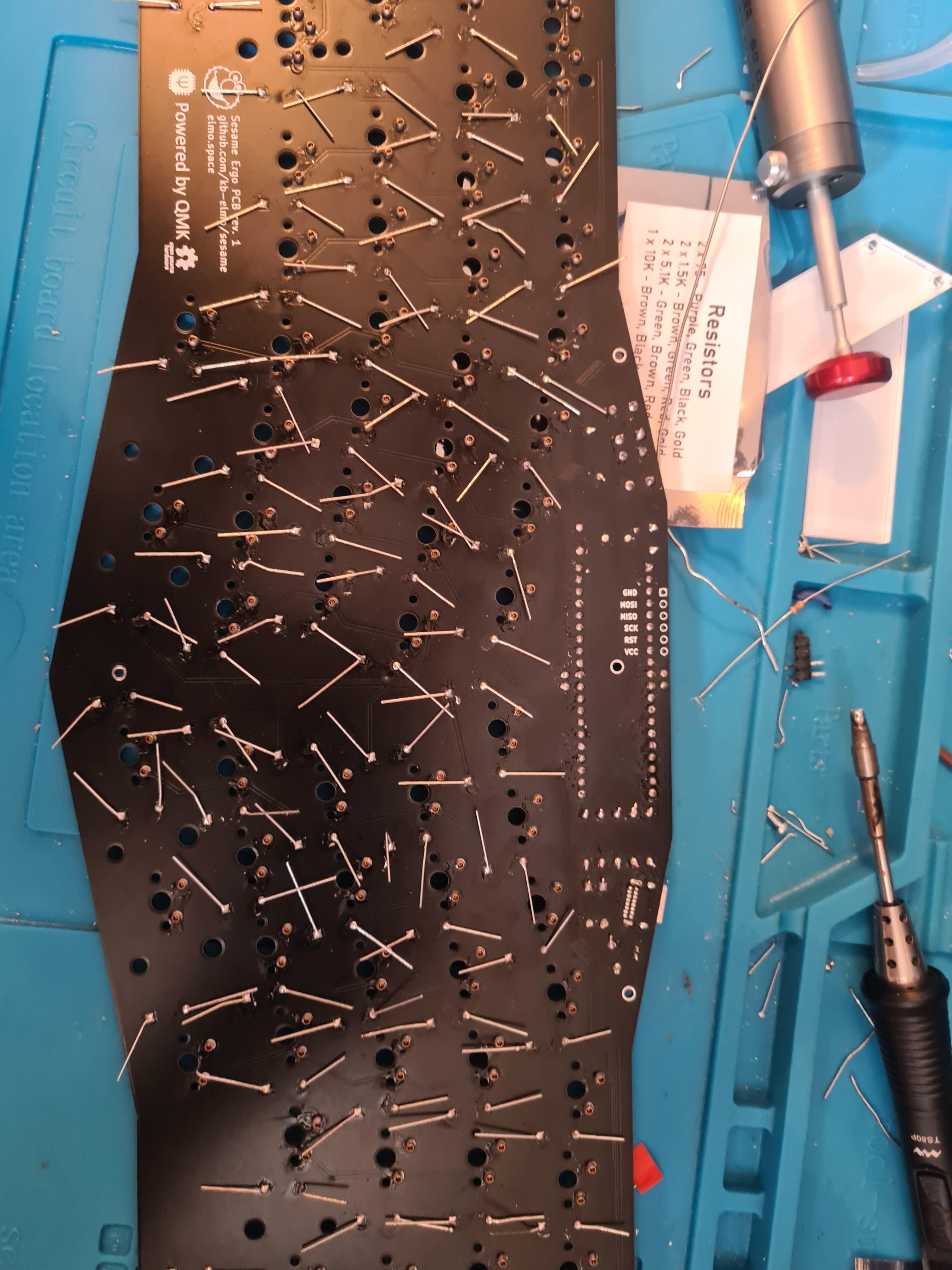
Lots of legs to snip

<figure><img src="https://456586235-files.gitbook.io/~/files/v0/b/gitbook-x-prod.appspot.com/o/spaces%2F6bjiReLol1HqmhjbjtT5%2Fuploads%2F5BSDXrpCSSe8u2dMs7Sd%2FpGEU2co.jpeg?alt=media&#x26;token=aca116d4-3af3-411c-af74-10a07cf4e385" alt=""><figcaption></figcaption></figure>

Fit the standoff below the controller then snap it in place. Being user to line up the black recessed circle on the chip to the marking on the bottom of the PCB - at the time of writing this guide the correct orientation was the black circle went at the top right, next to the crystal

<figure><img src="https://456586235-files.gitbook.io/~/files/v0/b/gitbook-x-prod.appspot.com/o/spaces%2F6bjiReLol1HqmhjbjtT5%2Fuploads%2F3RE7Cr7Mu6sVLsU4BuFT%2FSskt22j.jpeg?alt=media&#x26;token=9360877d-f1d6-4bd6-82f8-1ee20ff36e25" alt=""><figcaption></figcaption></figure>

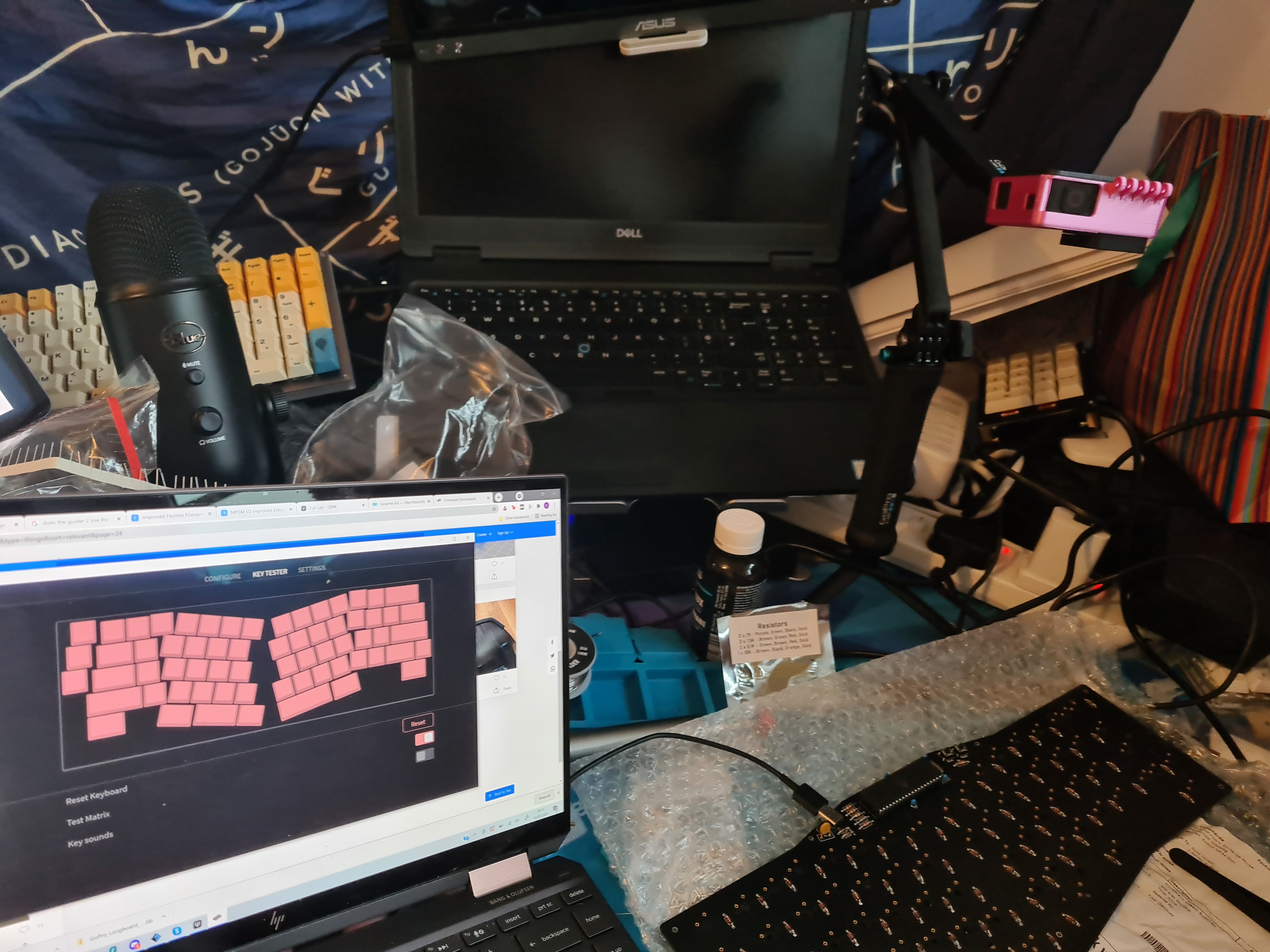
Check they all work

<figure><img src="https://456586235-files.gitbook.io/~/files/v0/b/gitbook-x-prod.appspot.com/o/spaces%2F6bjiReLol1HqmhjbjtT5%2Fuploads%2Fxo21TjGB1pZ86aMoDr88%2FOHJPafI.jpeg?alt=media&#x26;token=5f56a5bf-ddb6-41c2-940c-23e98d4d365f" alt=""><figcaption></figcaption></figure>

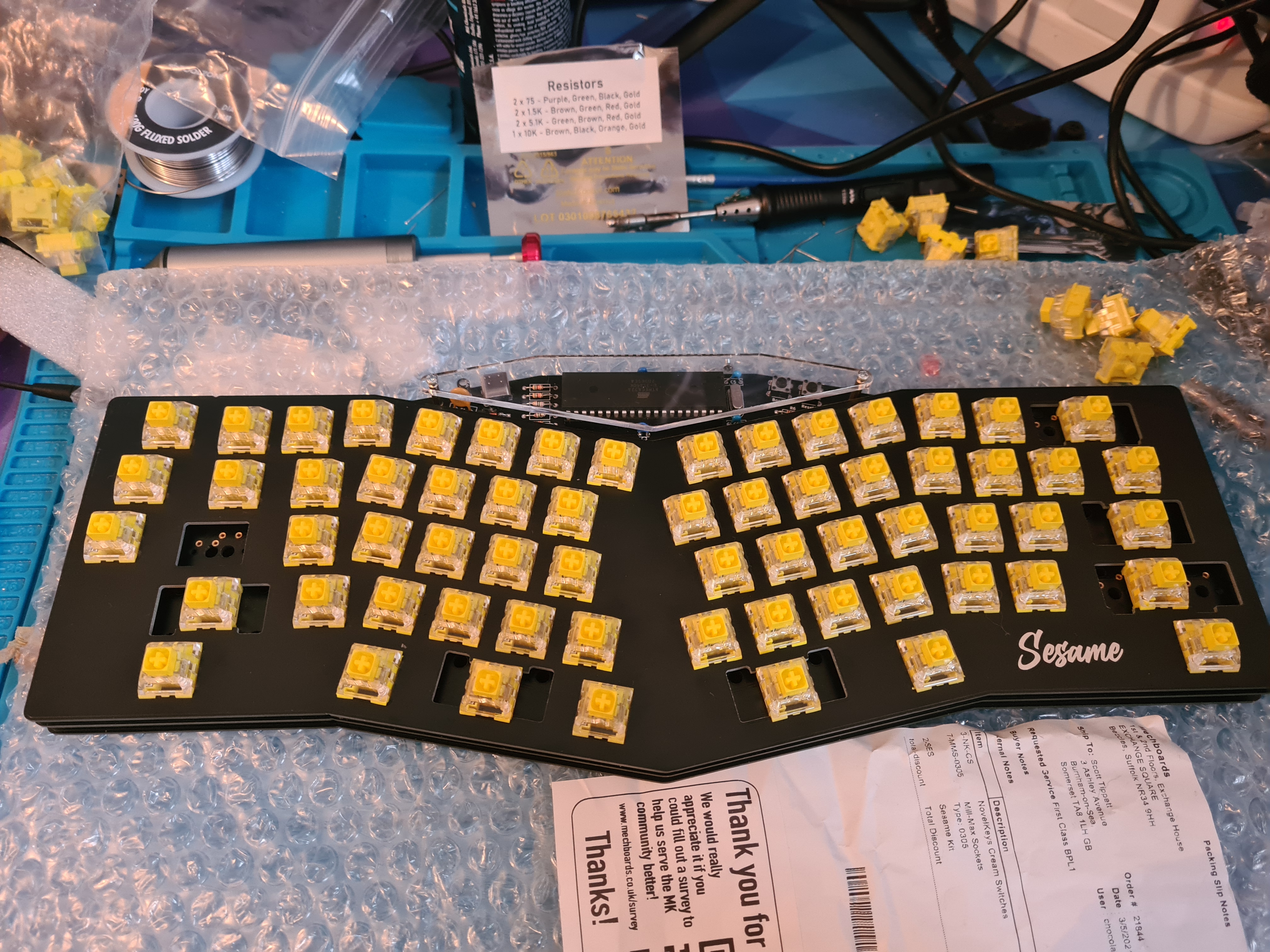
Add case and switches