> For the complete documentation index, see [llms.txt](https://guides-mechboards.gitbook.io/guides/llms.txt). Markdown versions of documentation pages are available by appending `.md` to page URLs; this page is available as [Markdown](https://guides-mechboards.gitbook.io/guides/mbuk-build-guides/list-of-other-build-guides/the-romac-build-guide.md).
# The Romac Build Guide
Re-upload of original guide by https\://github.com/The-Royal
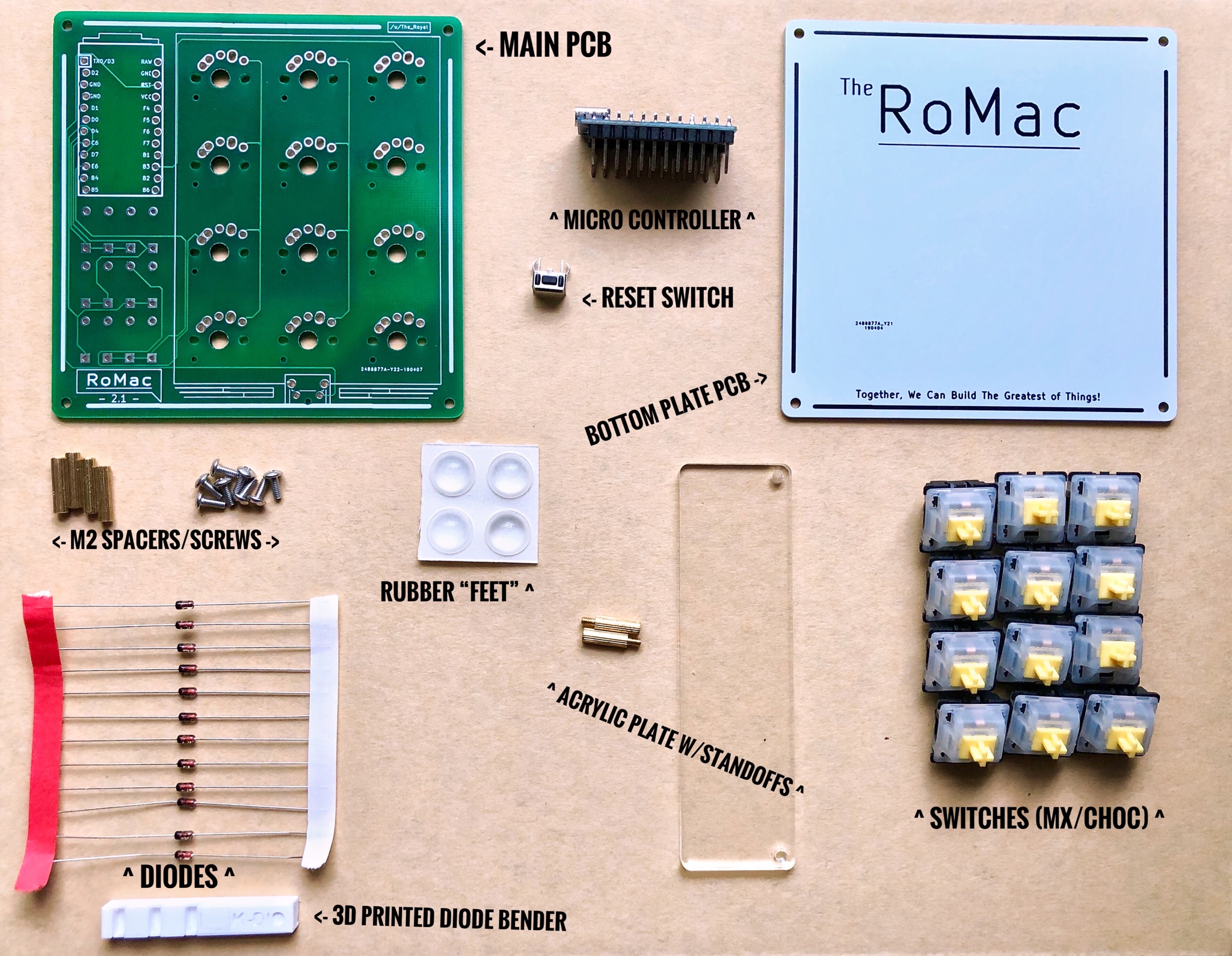
Parts and Pieces
\*Note: In Production Run GB, Both the Main PCB and Bottom Plate Will Be the Same Color. Color Chosen By Individual Order.
I Didn't order any Bottom Plate Green Variants as the green PCB were faster to manufacture and test my different revisions of the PCB.
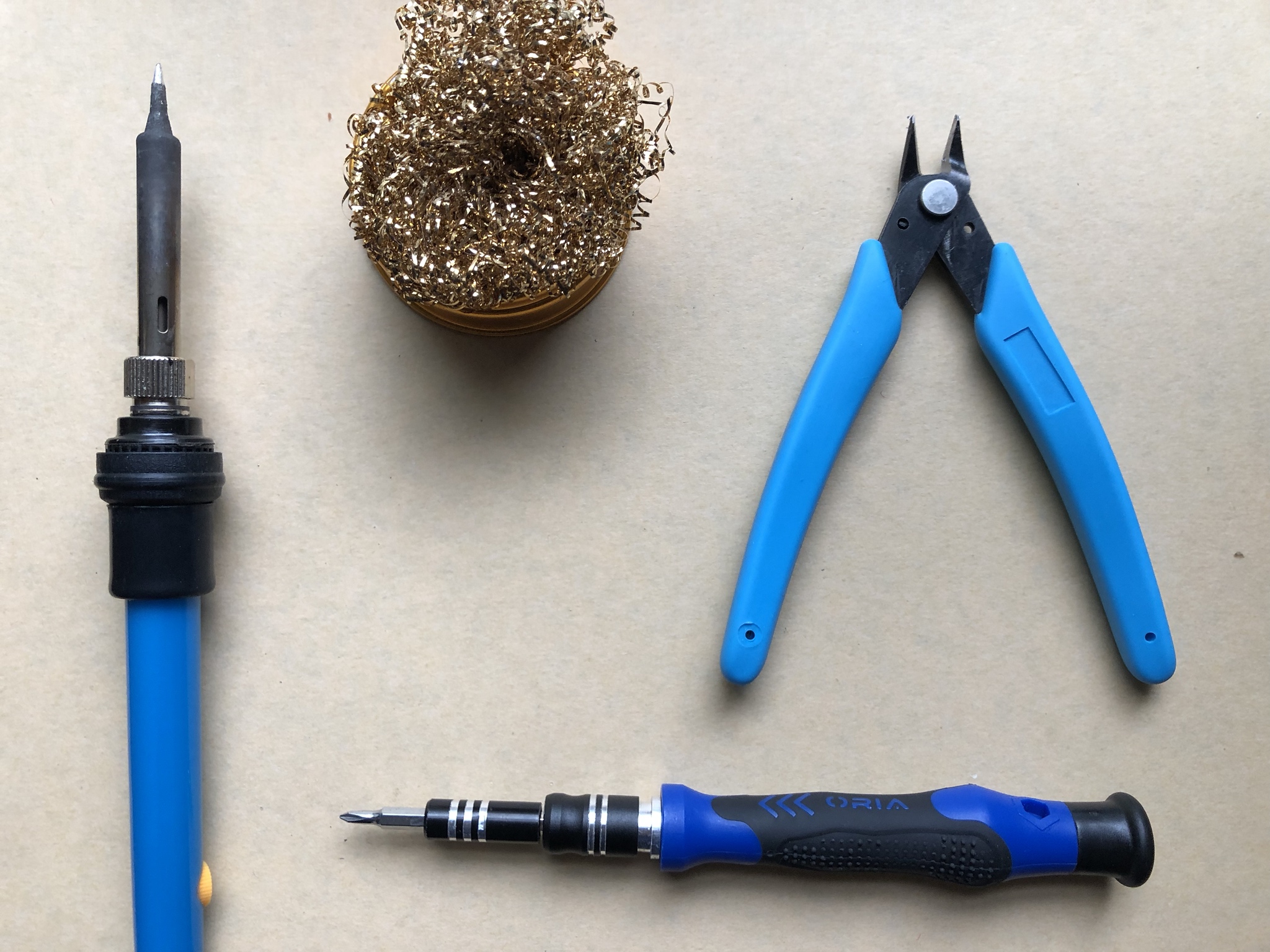
TOOLS (listed Clock Wise)
* Soldering Iron
* Brass Soldering Iron Cleaning Cup
* Flush Clippers
* Phillips Head Screw Driver ( JM-CRVJ0)
* *not pictured* - Solder Wire...1mm Diameter 60/40 Solder is what I used for this build guide (and is my preferred variant).
I get the best results in terms of look and flow with \~300°C Settings on my Iron. I'm sure that varies by manufacture and iron you use though.
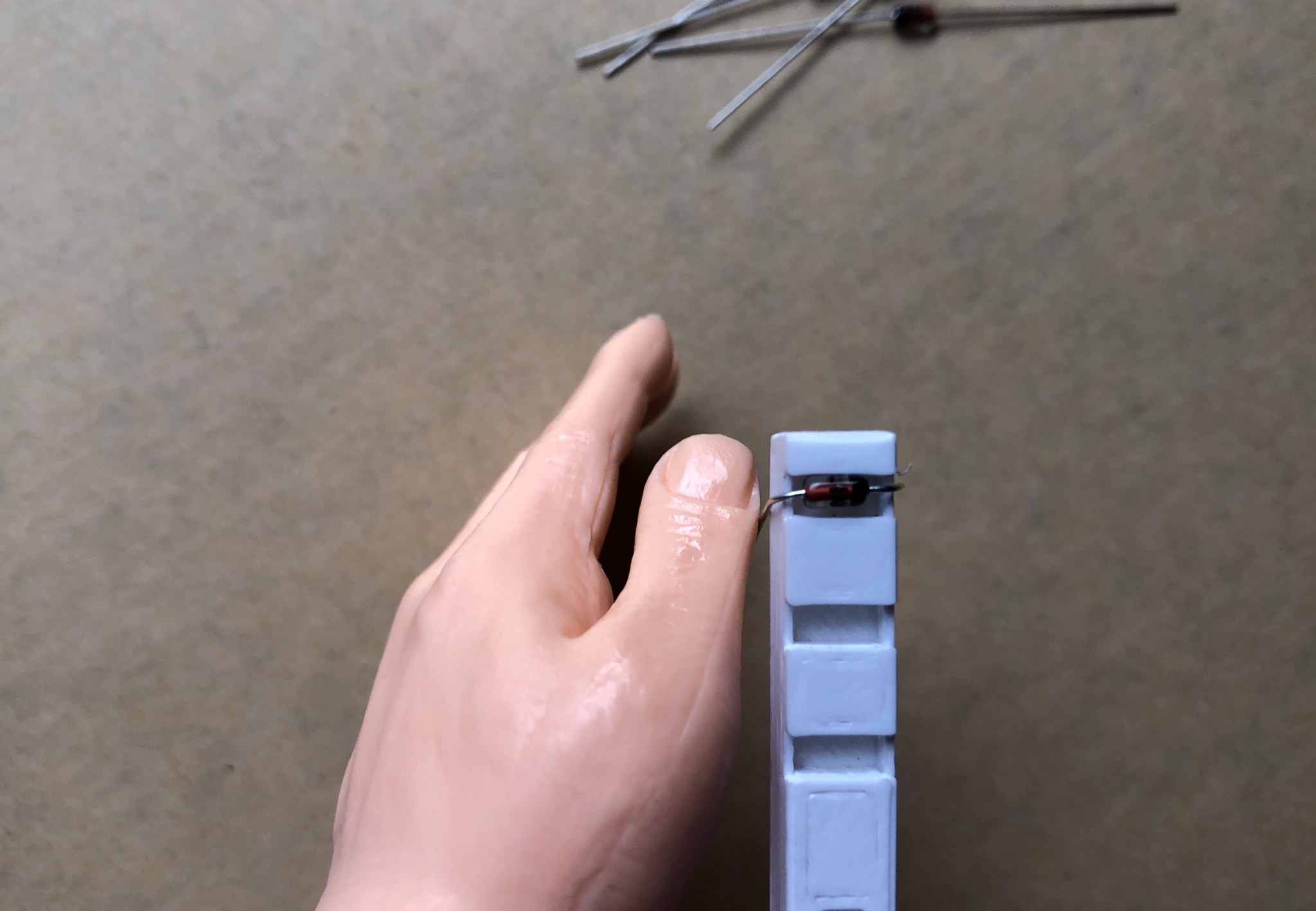
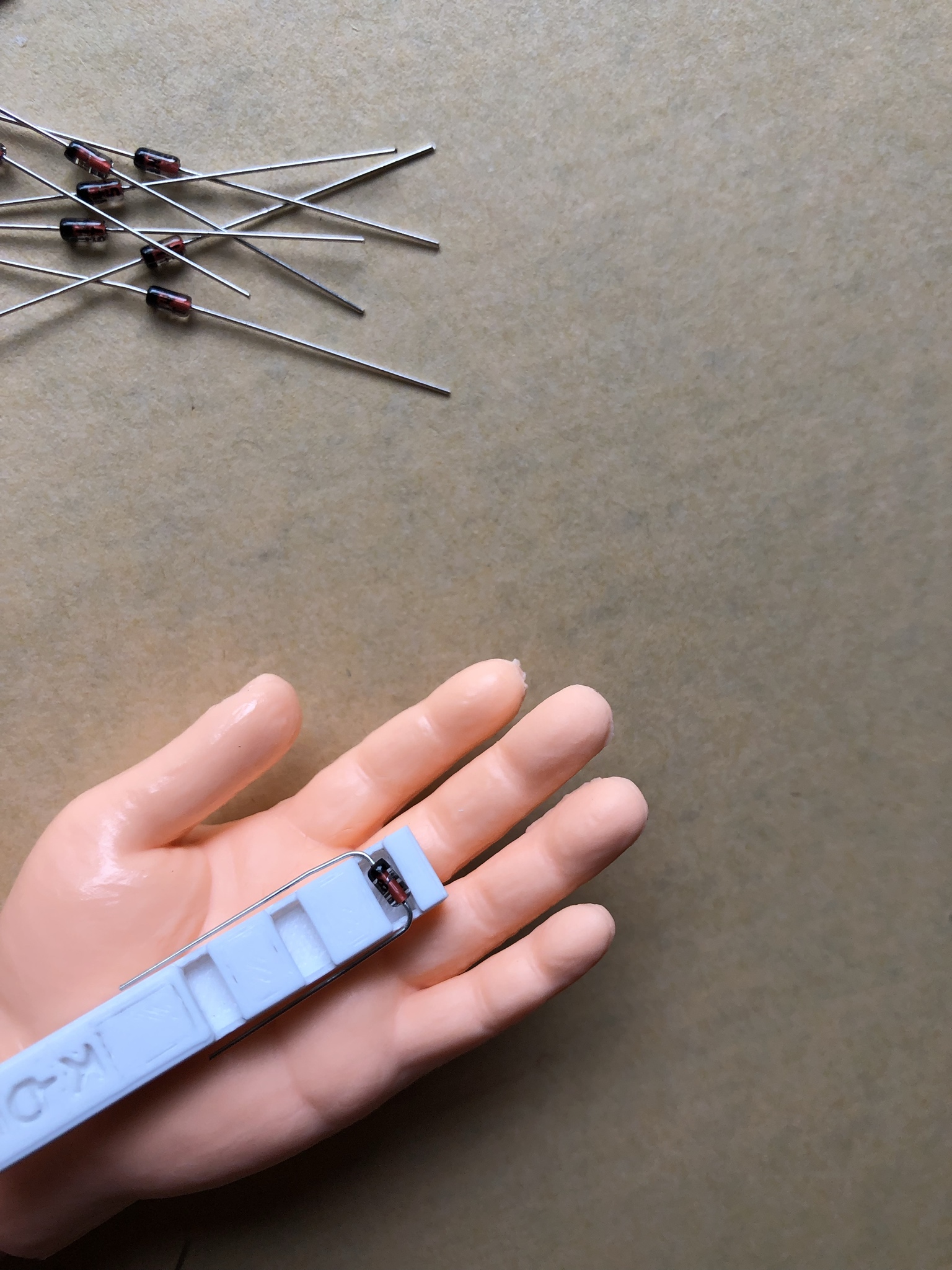
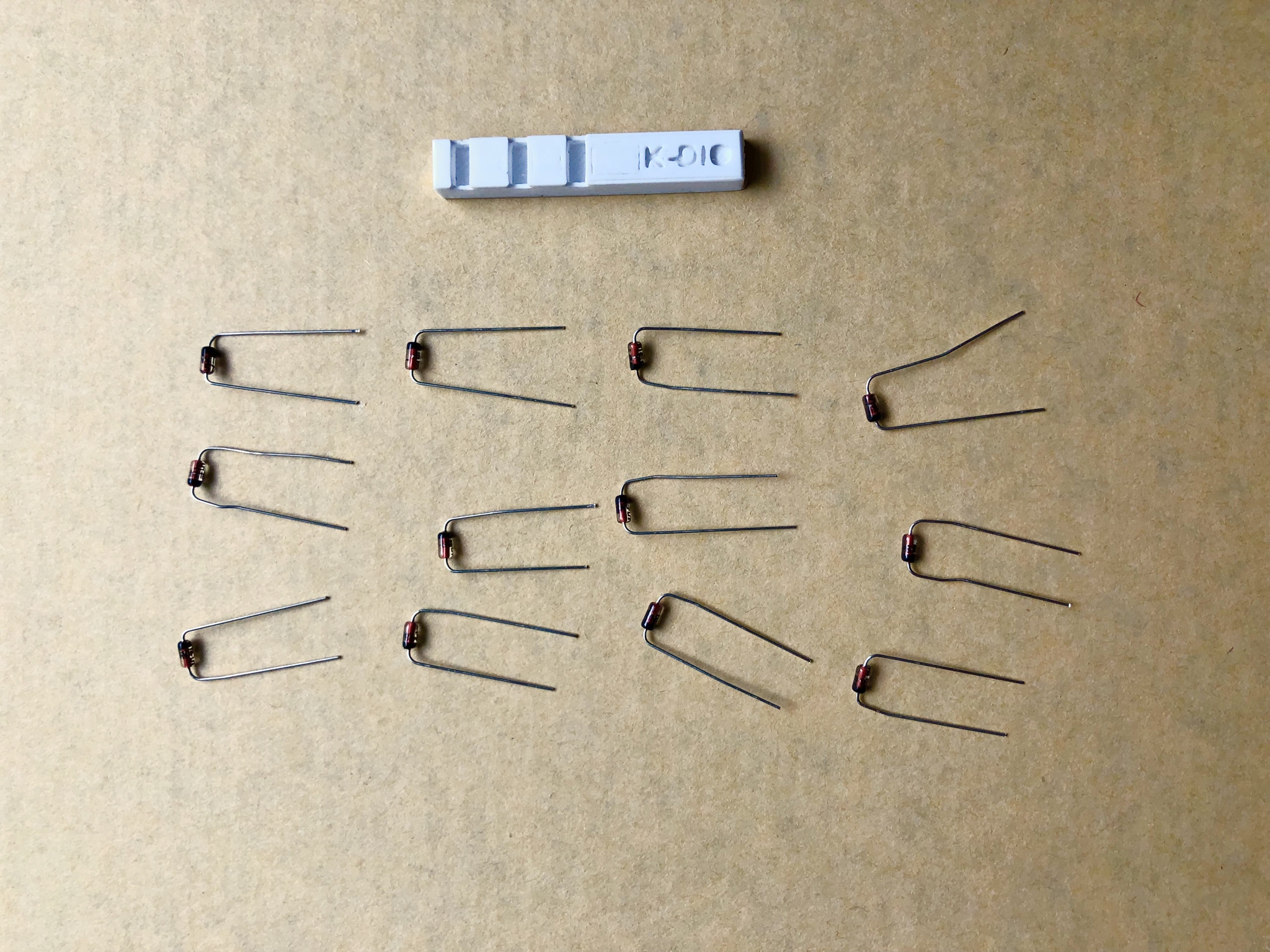
The Diode bending tool I designed makes sure your diodes are uniformly bent. Nice and Neat.
Though it isn't necessary to use. I'm just sloppy without it.
\*The diode bend length also works for most Keeb.io spacing on the builds I've done with their products.
Just Place Diode Glass in well, and bend leads down over side edge!
Viola!
All 12 Diodes bent and ready.
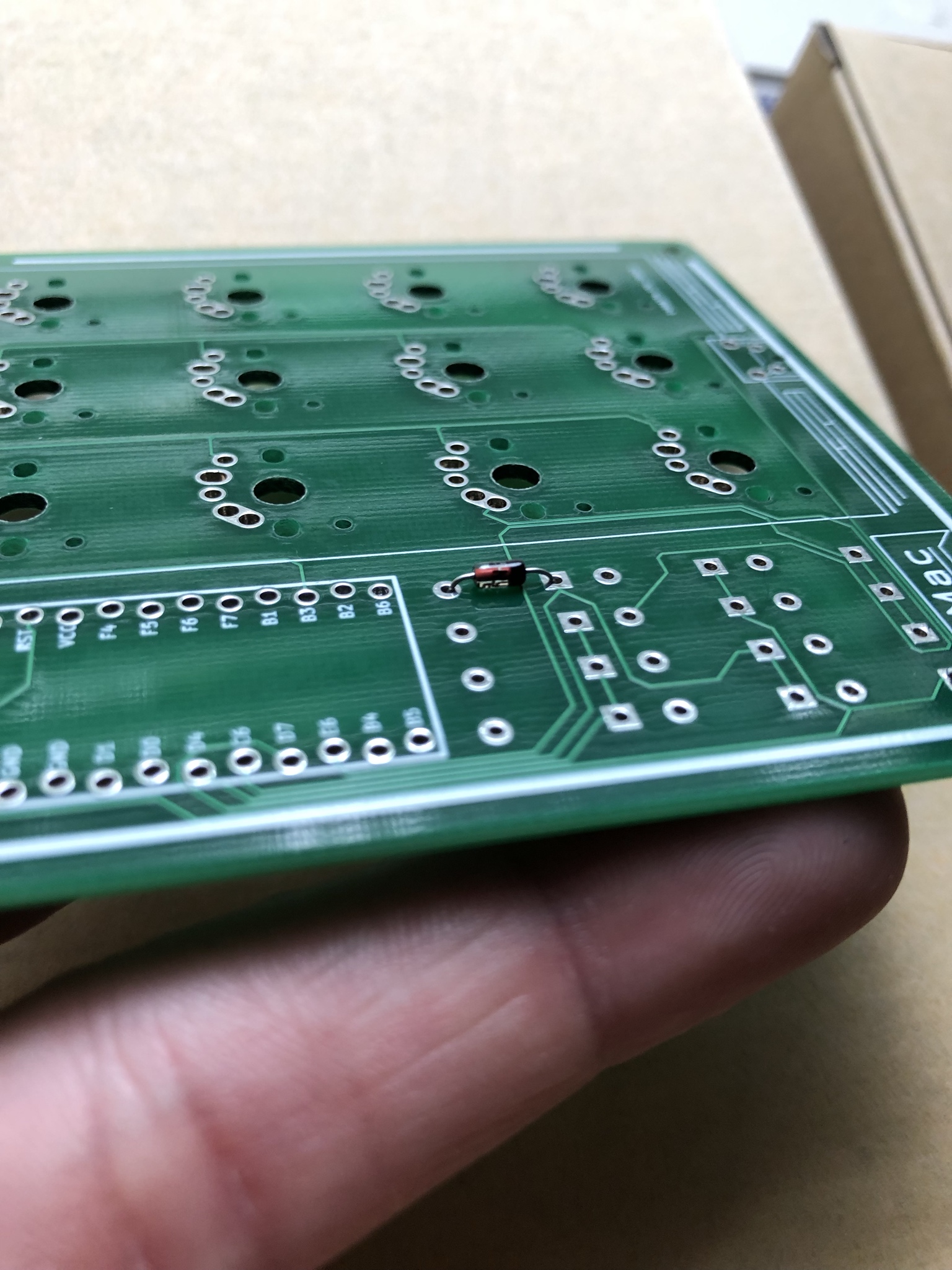
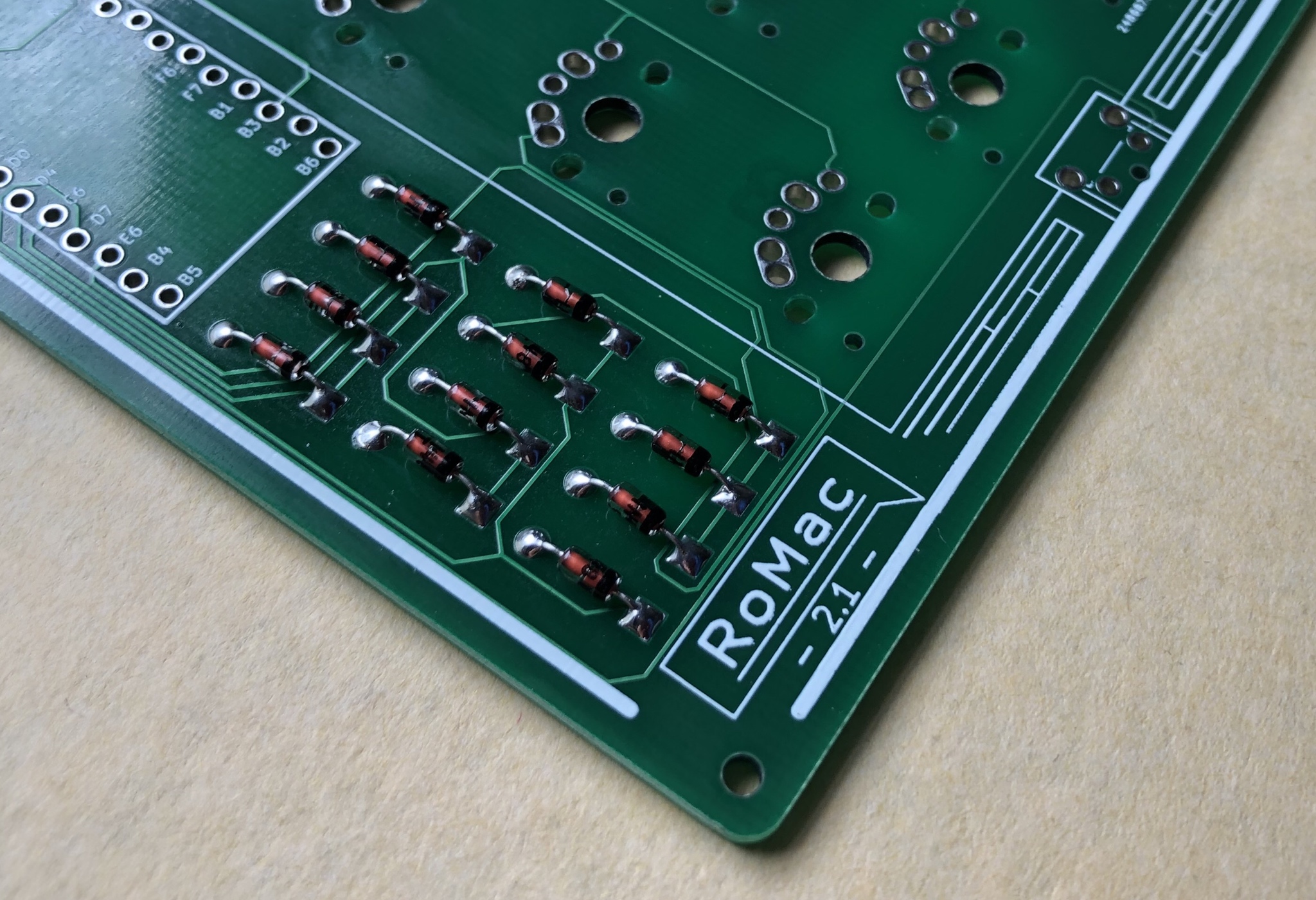
On each diode, there is a small Black bar on one end of the glass. This is the Cathode side of the Diode.
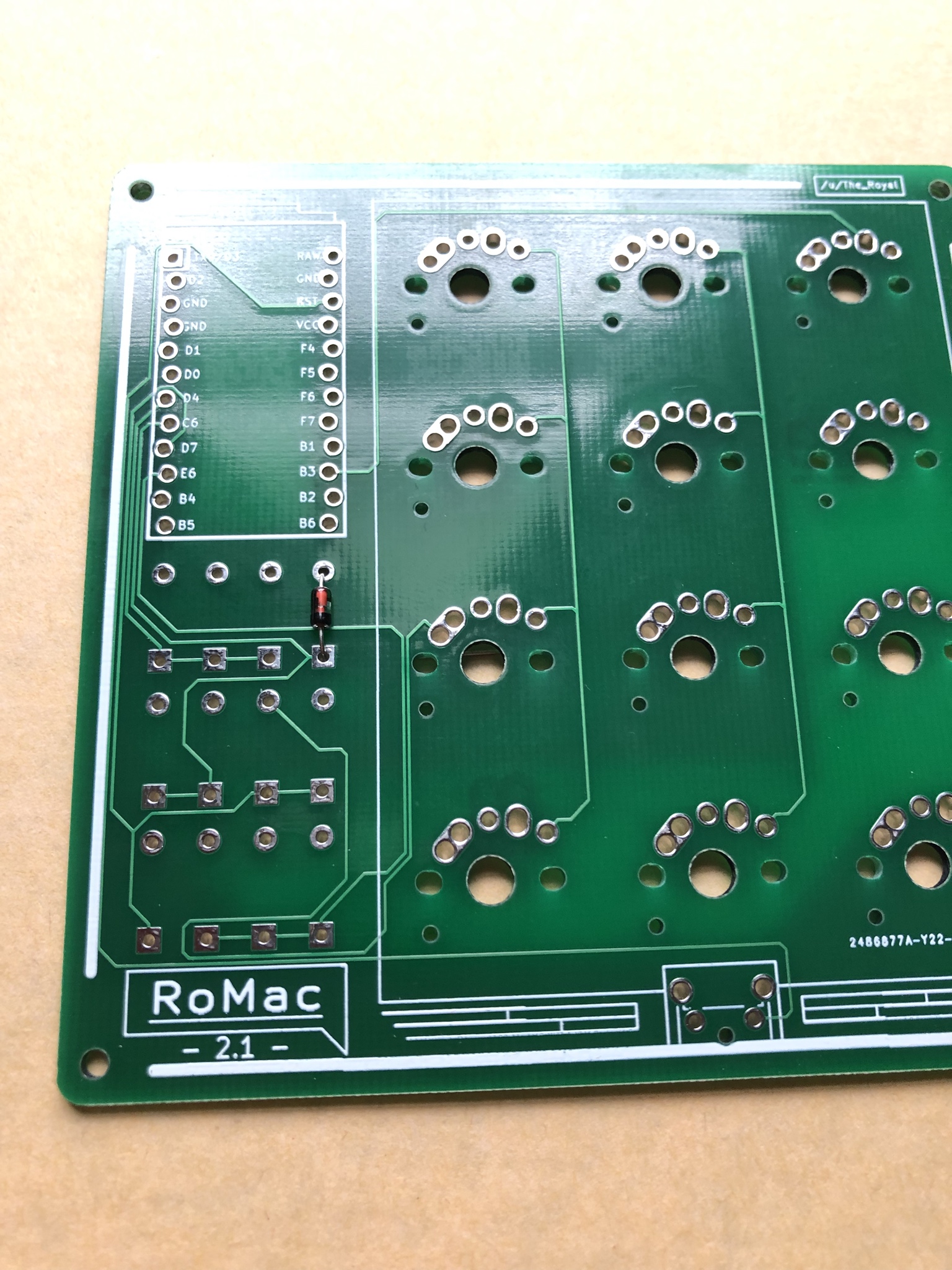
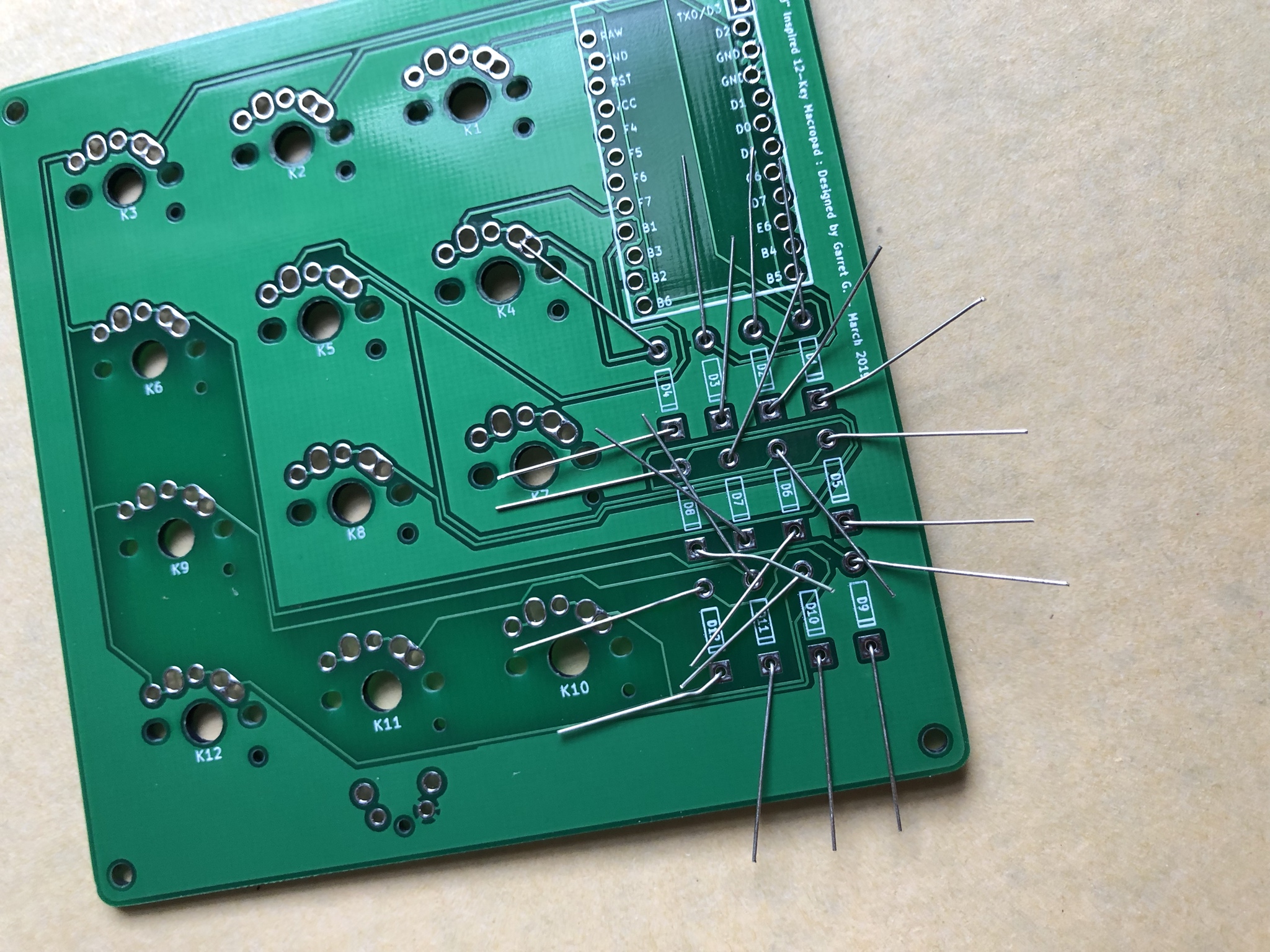
\*\*All Black Bars should face the Squared through-holes on PCB As shown here. The board will not function otherwise.
**BLACK BAR === SQUARE HOLE**
Correct Placement Top View
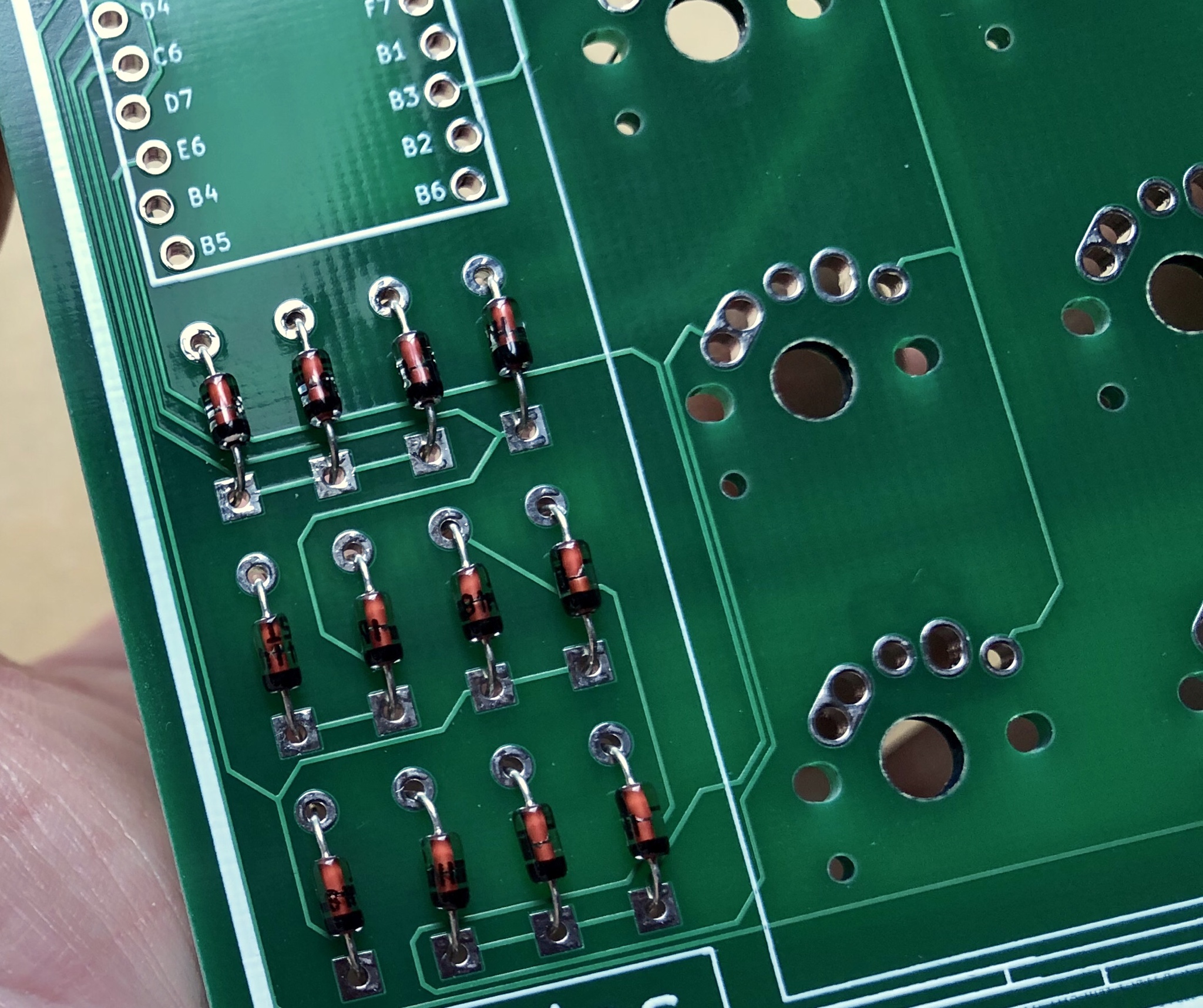
Insert all diodes the same way.
\*\*Refer to this photo for a Visual Check
Since I don't have a set of "Helping Hands" or PCB Vice, I like to bend the diode leads from the back while holding them in the correct positions in the front with one hand.
This just keeps everything neat and tidy on the front.
It looks wild right now but we will clean this all up in the next few steps.
SOLDERING TIME!
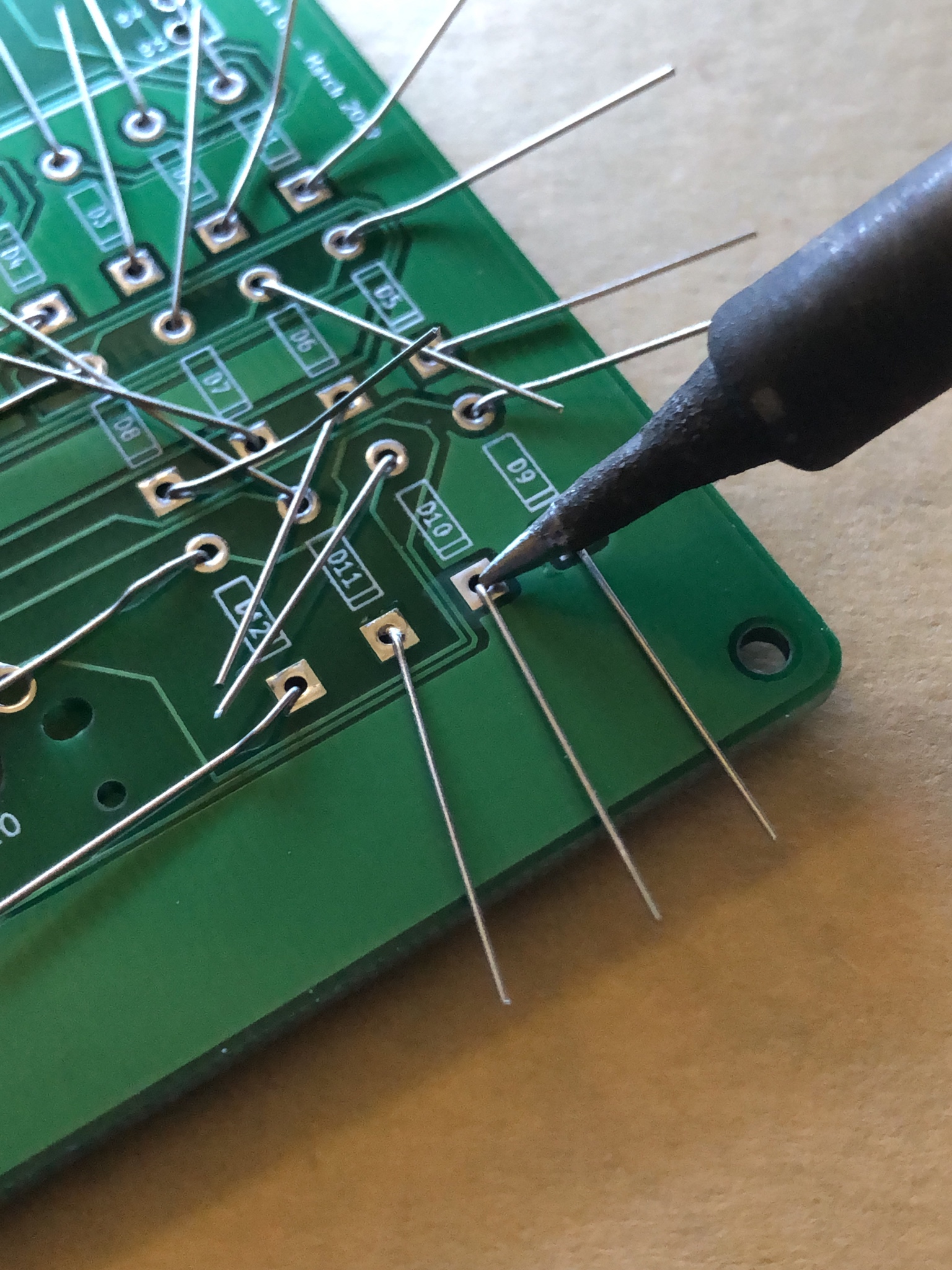
1.) Make sure your iron is CLEAN AF. Or as much as it can be. That's what the brass wool I listed in the tools is for. A wet soldering sponge also works just as well.
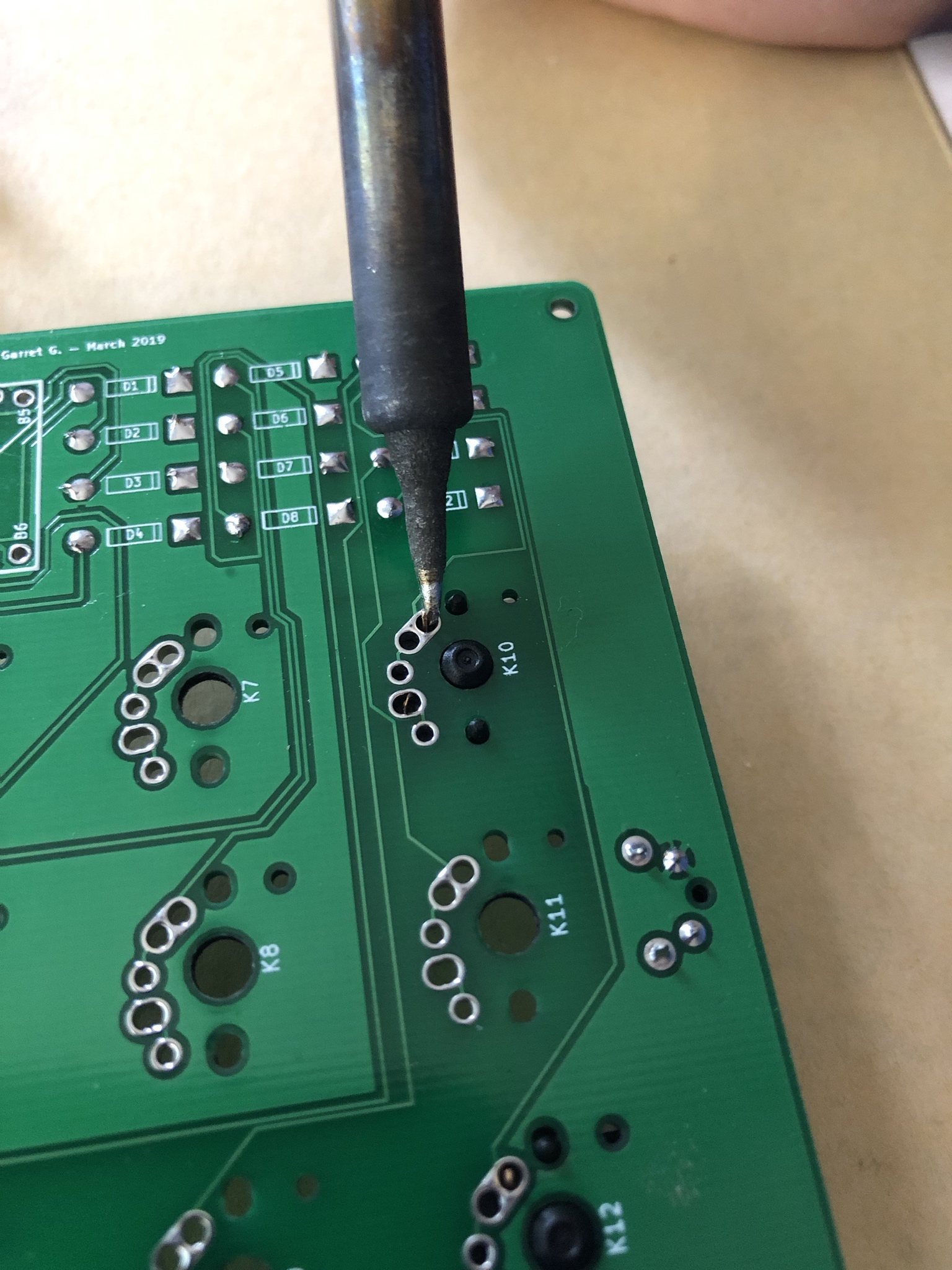
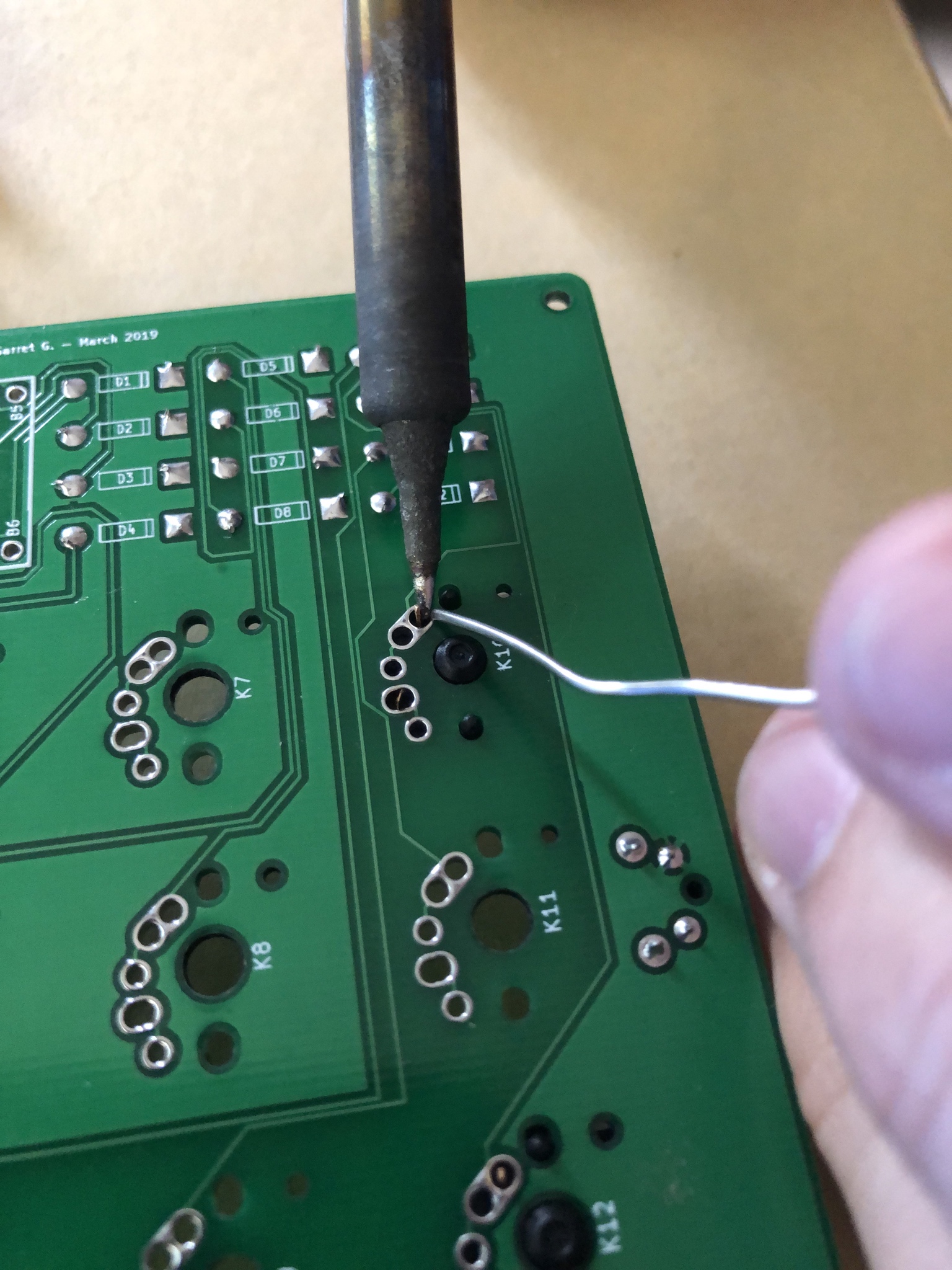
2.) We want to make sure the solder has a nice HOT area to flow through/around. Place the very tip of the Iron right on the Metal surface of your through-hole.
Try and Make your Iron touch both the Diode Lead and the Surface of the Metal PCB Connection.
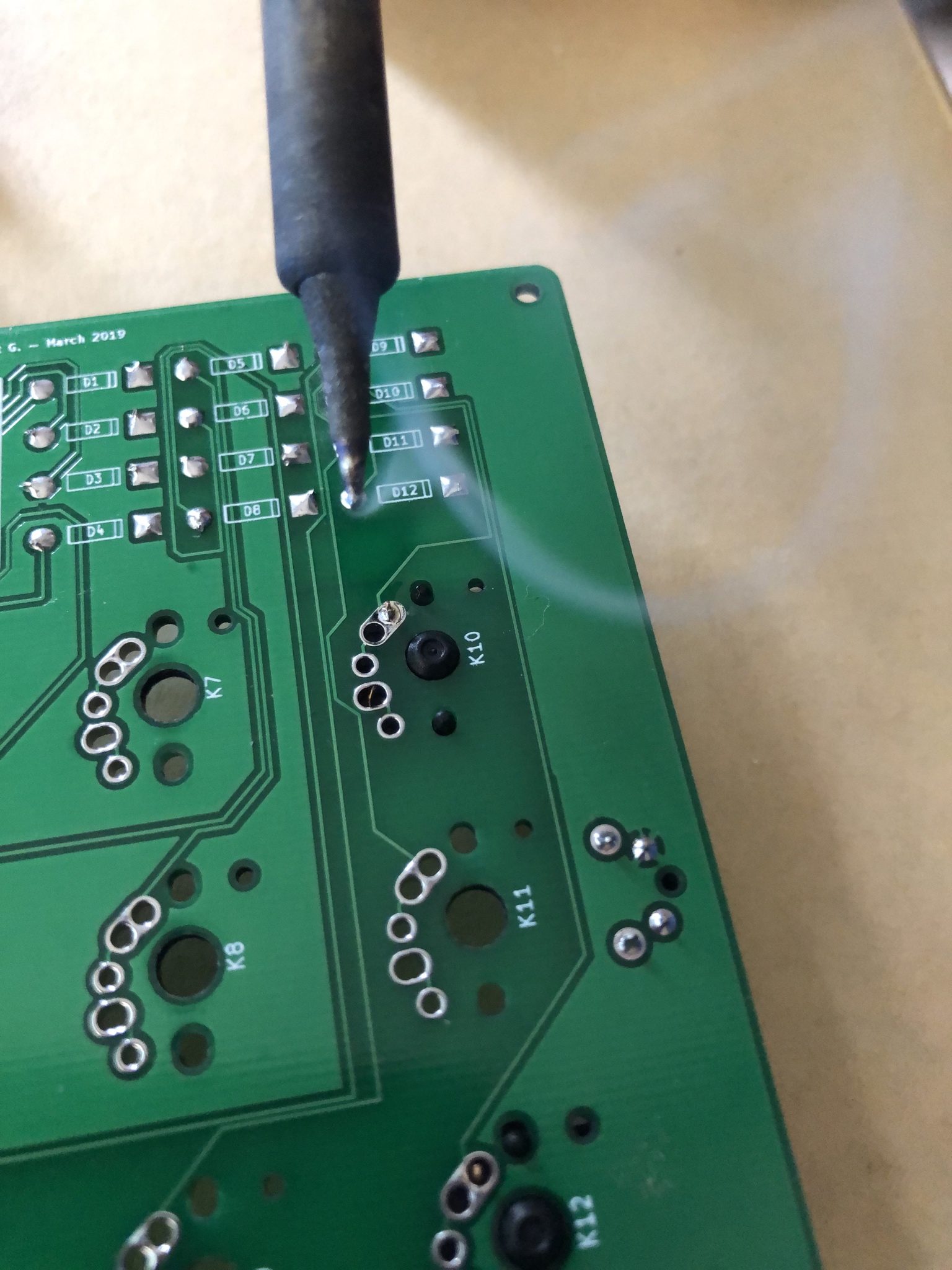
3.) Let the iron heat the parts for 2-5 seconds and touch your solder piece to the tip of the iron. Let it flow around the connection and form a SMALL Conical shape that rises above the PCB just ever so slightly. NO SOLDER GOBS! You don't need but just the smallest amount.
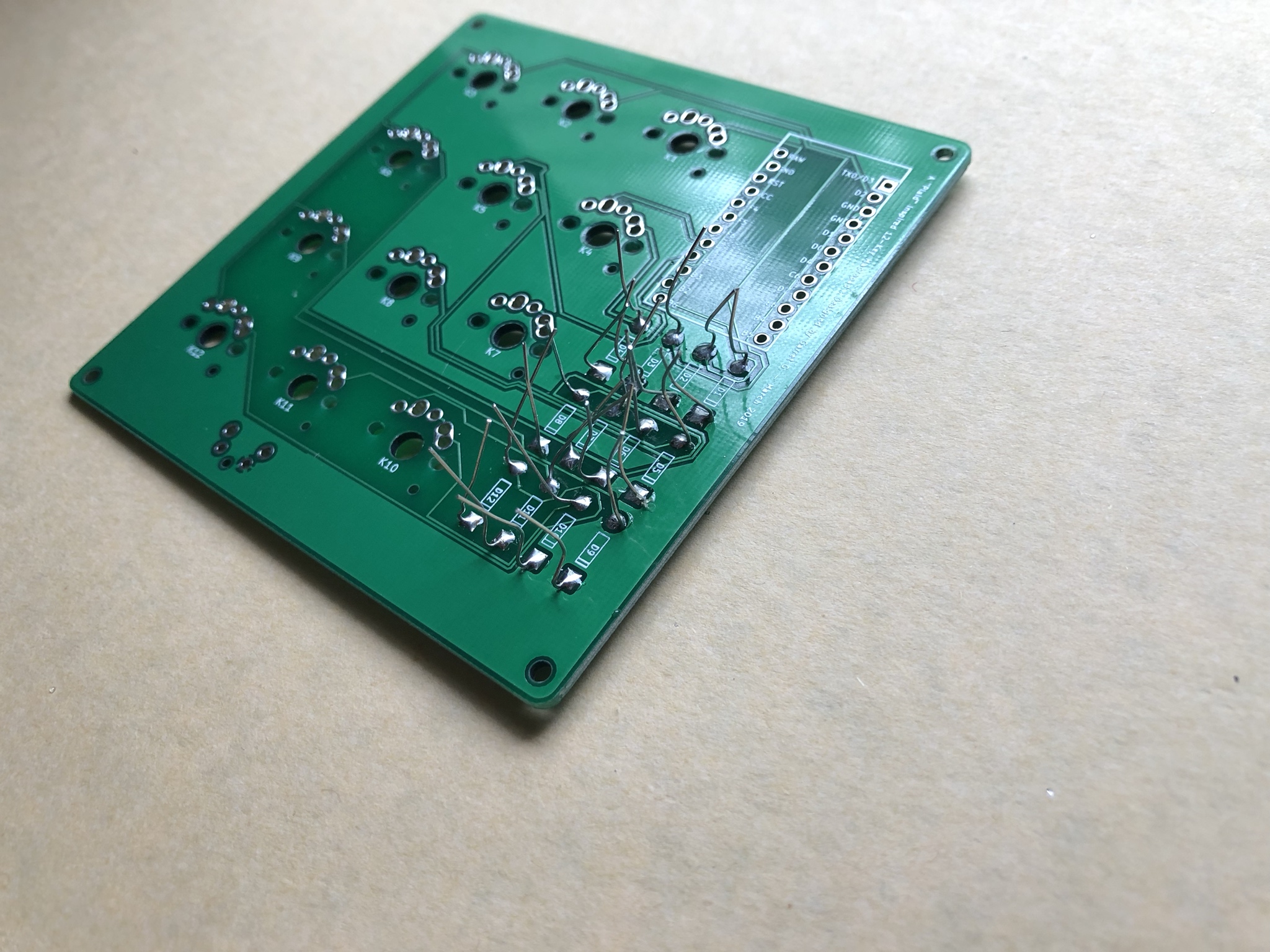
After we have soldered all the Diode leads down, Bend those suckers back up.
\*\*Its time to trim them down and clean up this forest of metal.
Bend the diode leads up as close to the PCB as you can. The better this is done, the more flush you can cut the lead.
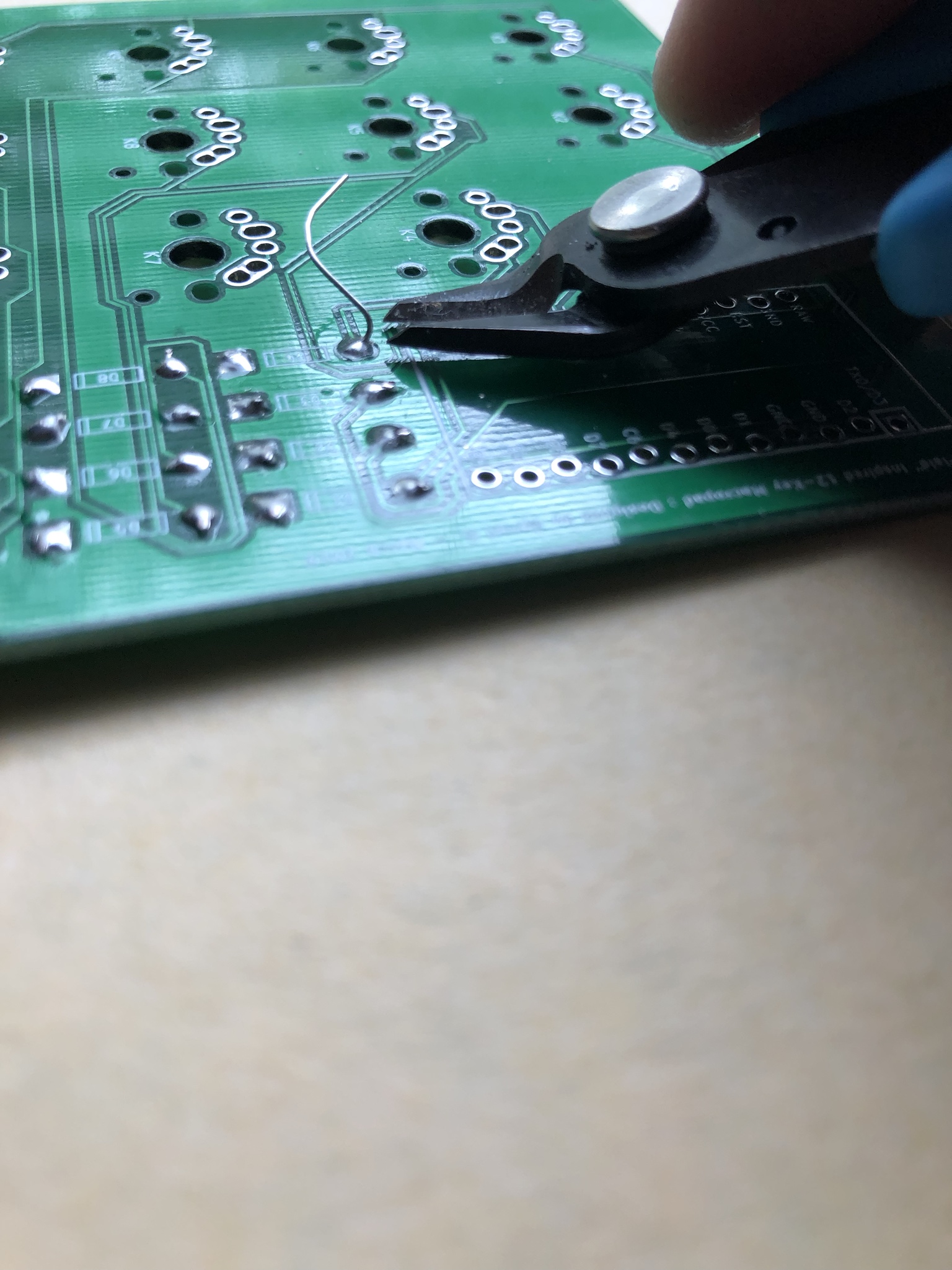
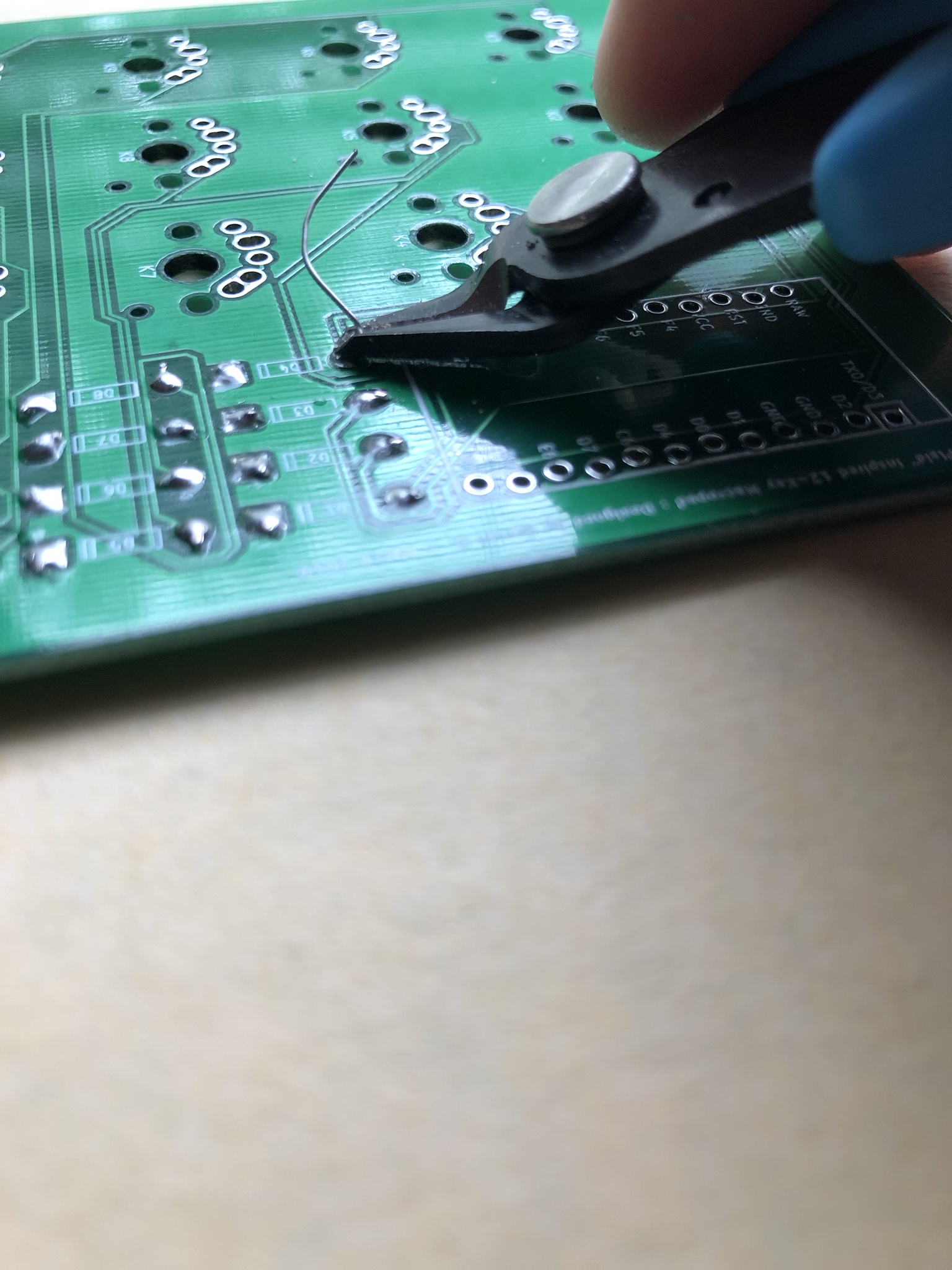
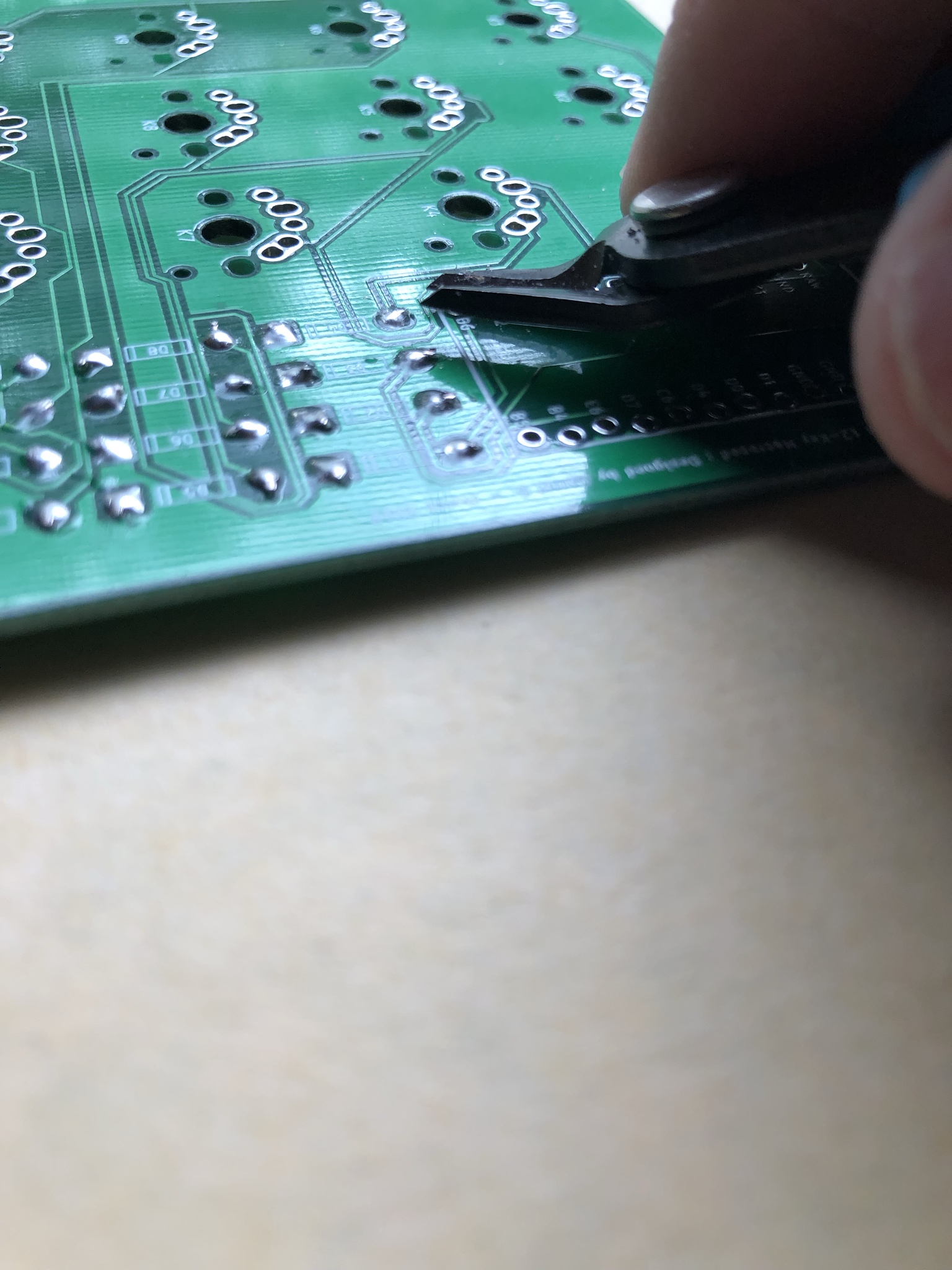
Flush Cutters in hand, Go down to the PCB and Shimmy your cutters right on top of the Solder Cone you made earlier.
SNIP EM CLOSE!
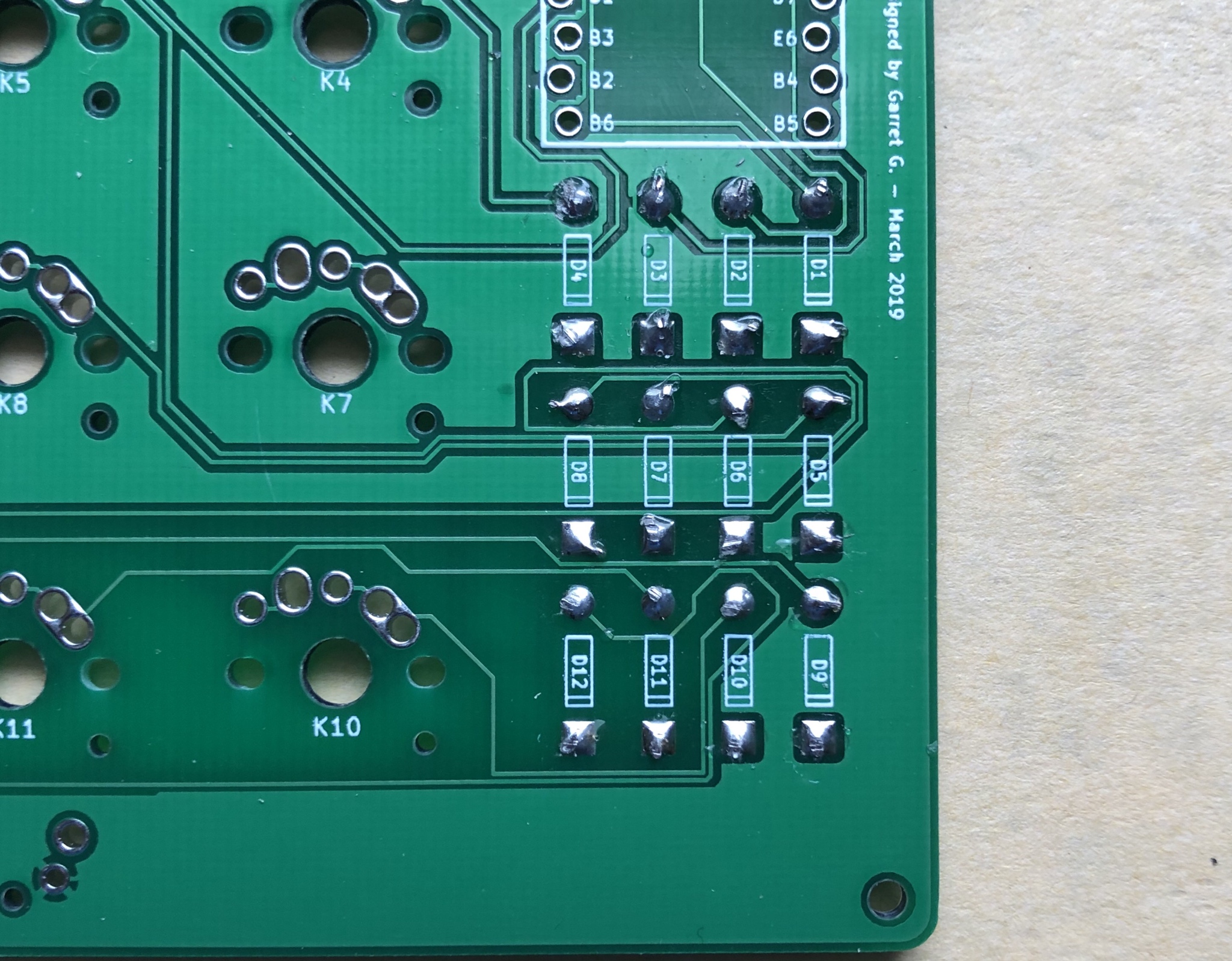
This is what it should look like after the snip.
Even all my leads aren't perfectly cut flush and suffer from the bending of the diodes to hold them in place we did earlier. A set of "Helping Hands" can help A LOT with this. You can just let the leads dangle vertically and avoid the bending after-effects.
\*\*Lets Clean This Up With Some Reflow of That Solder
\*\*BRUSH/CLEAN OFF YOUR IRON AGAIN. I KNOW ITS FILTHY AGAIN DON'T LIE
Gently touch each little solder cone with the very tip of your re-cleaned iron. Let the solder re-flow itself and hide a lot of our ugly mistakes. :)
The pic above is after the re-flow of the solder cones.
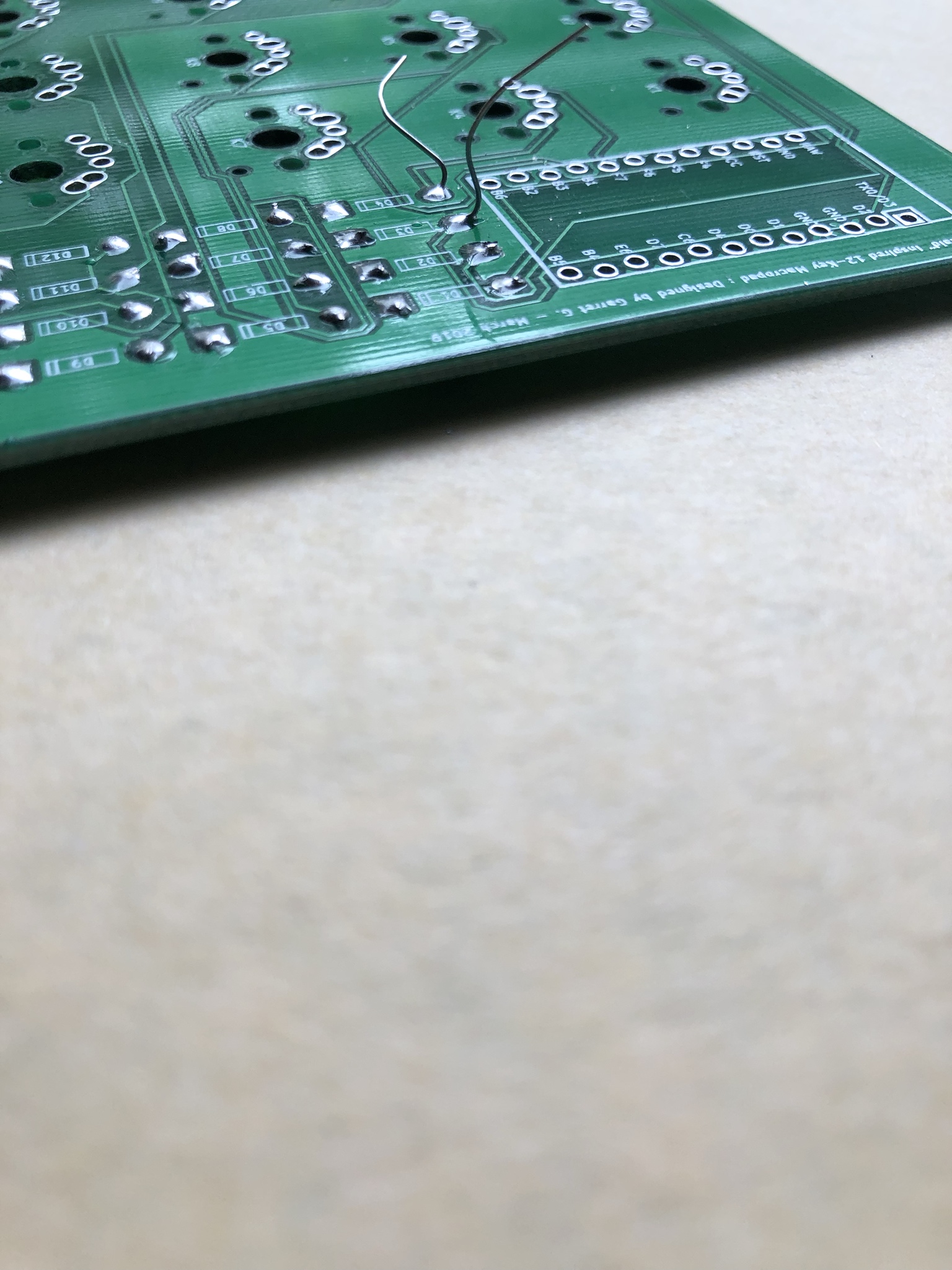
Checking the Front of the PCB...LOOKS CLEAN BROTHER!
Some times the solder wont flow all the way through to the top, as seen here, so a little "top-off" on the top connections never hurts. Makes everything a bit more uniform and "pretty".
DON'T OVER-DO-IT THOUGH!
Reset Switch is Next!
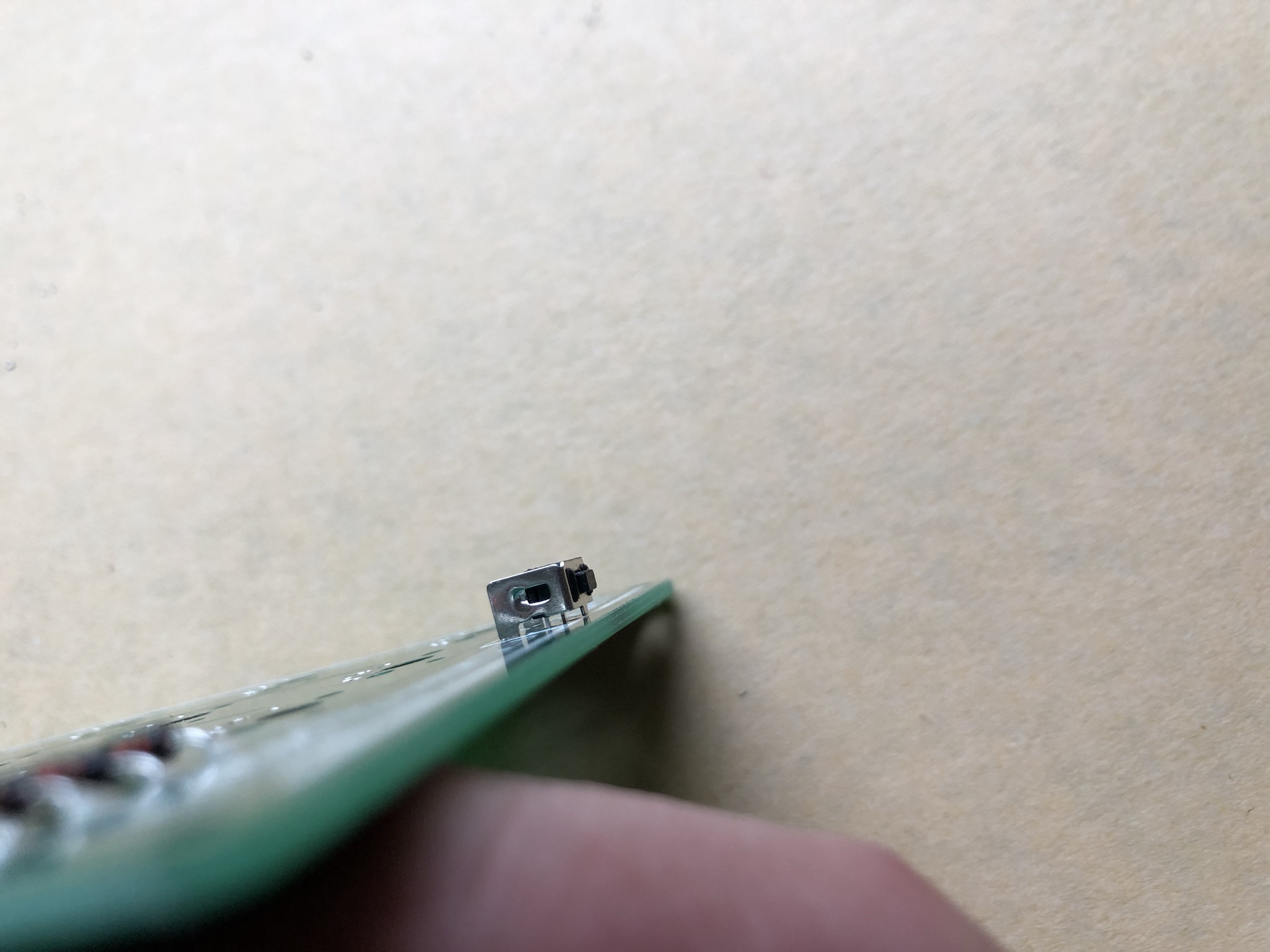
Grab it and Place it into the Through-Holes located below the key switch area. It should ever-so-slightly "clip" into place. Make sure its pushed down all the way through before soldering.
\*\*The Pic Above is the How it should Look, and how it should be soldered in.
\*\*\*Soldering will be performed on the same side of the PCB we soldered the Diodes on Initially.
Reset Switch PINS (VIEW FROM BOTTOM OF PCB) before Soldering.
Reset Switch PINS (VIEW FROM BOTTOM OF PCB) after Soldering.
Solder the reset switch in the same manner as we did for the diodes.
\*\*SMALL CONES, NO GOBS :)
Soldered Reset Switch - (VIEW FROM TOP OF PCB)
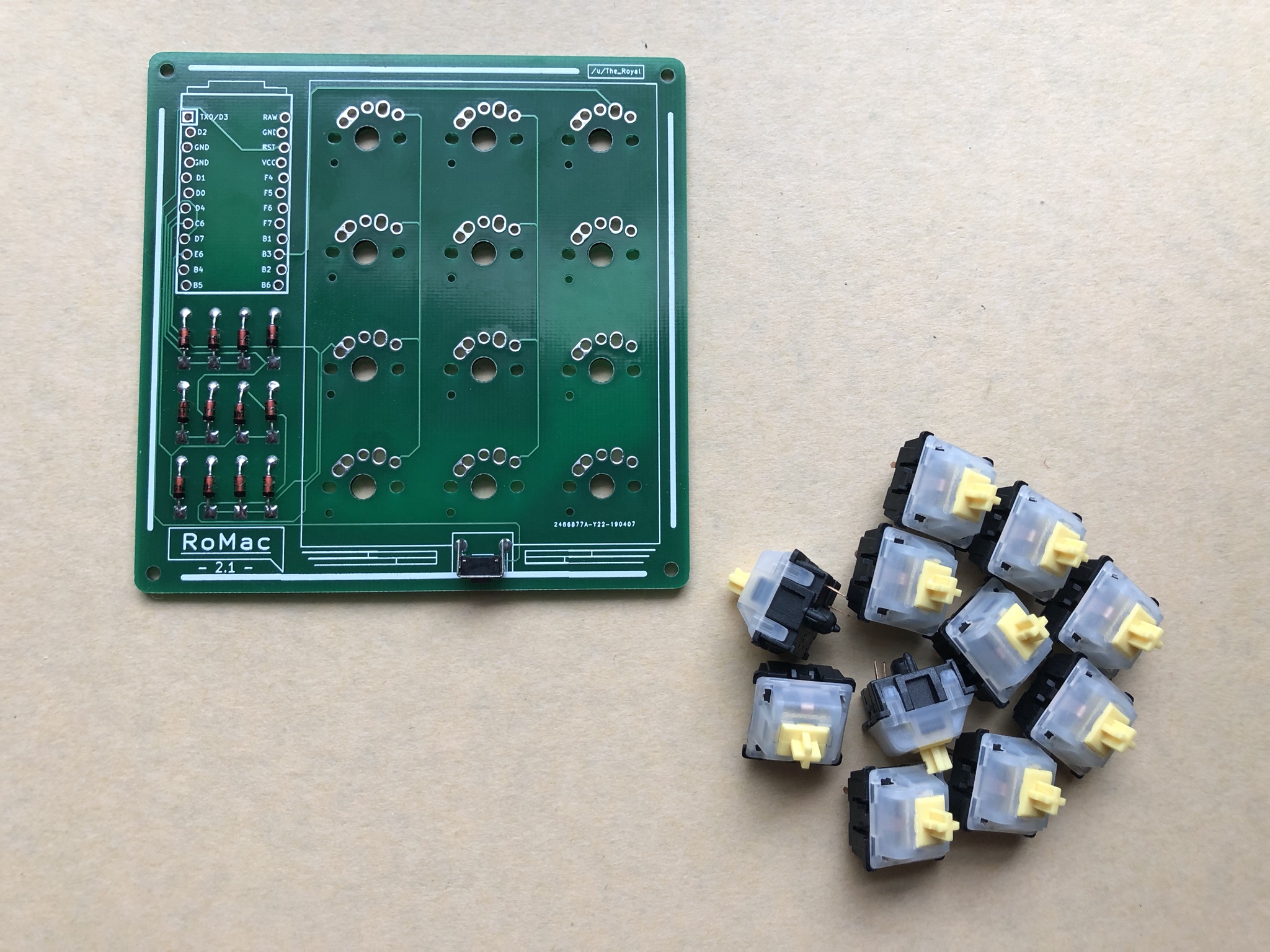
SWITCH TIME!
Steps are identical for both MX/Low-Pro "Choc" switch Variants.
\*\*If you are forcing something, in any way, shape, or form...
It doesn't go there.
Take it out and re-place the switch.
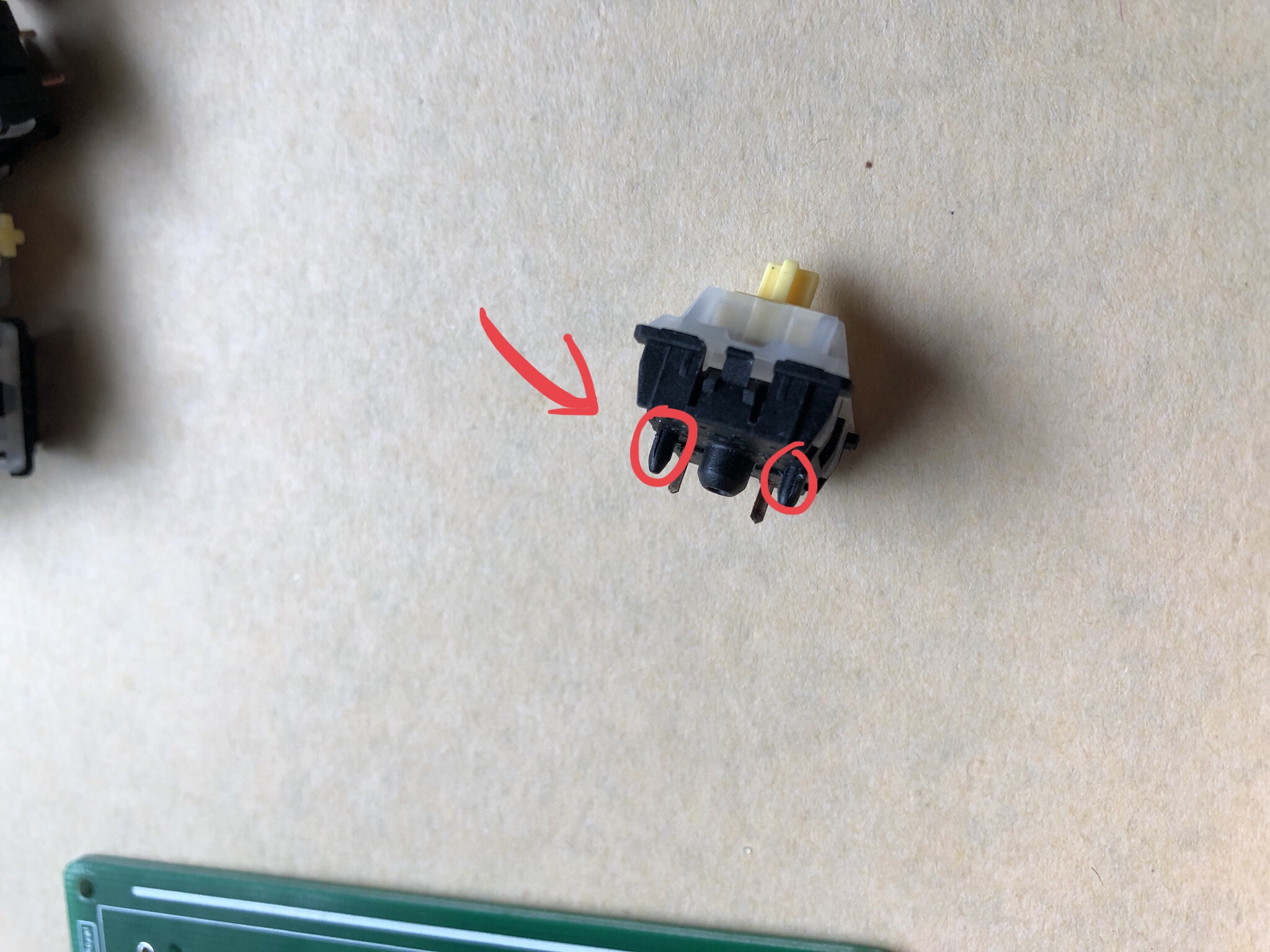
ONLY PCB MOUNT SWITCHES WILL WORK AND LINE-UP CORRECTLY!
\*\*Make sure your Switches have these Little Highlighted Pegs protruding from the bottom
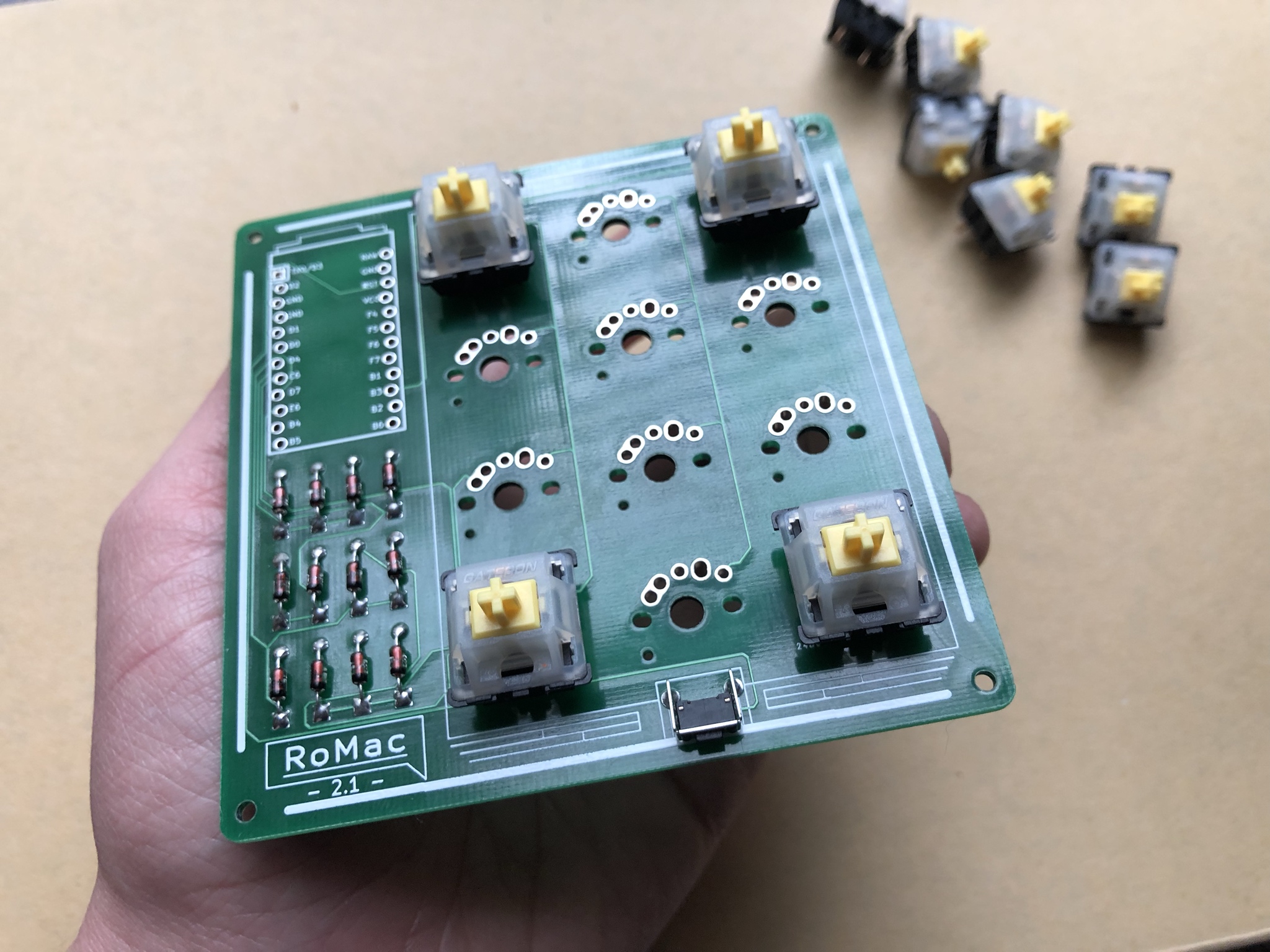
I Like to start with the 4 corner switches but It really doesn't matter in this case since we don't have a switch plate. Just Ritual things for me.
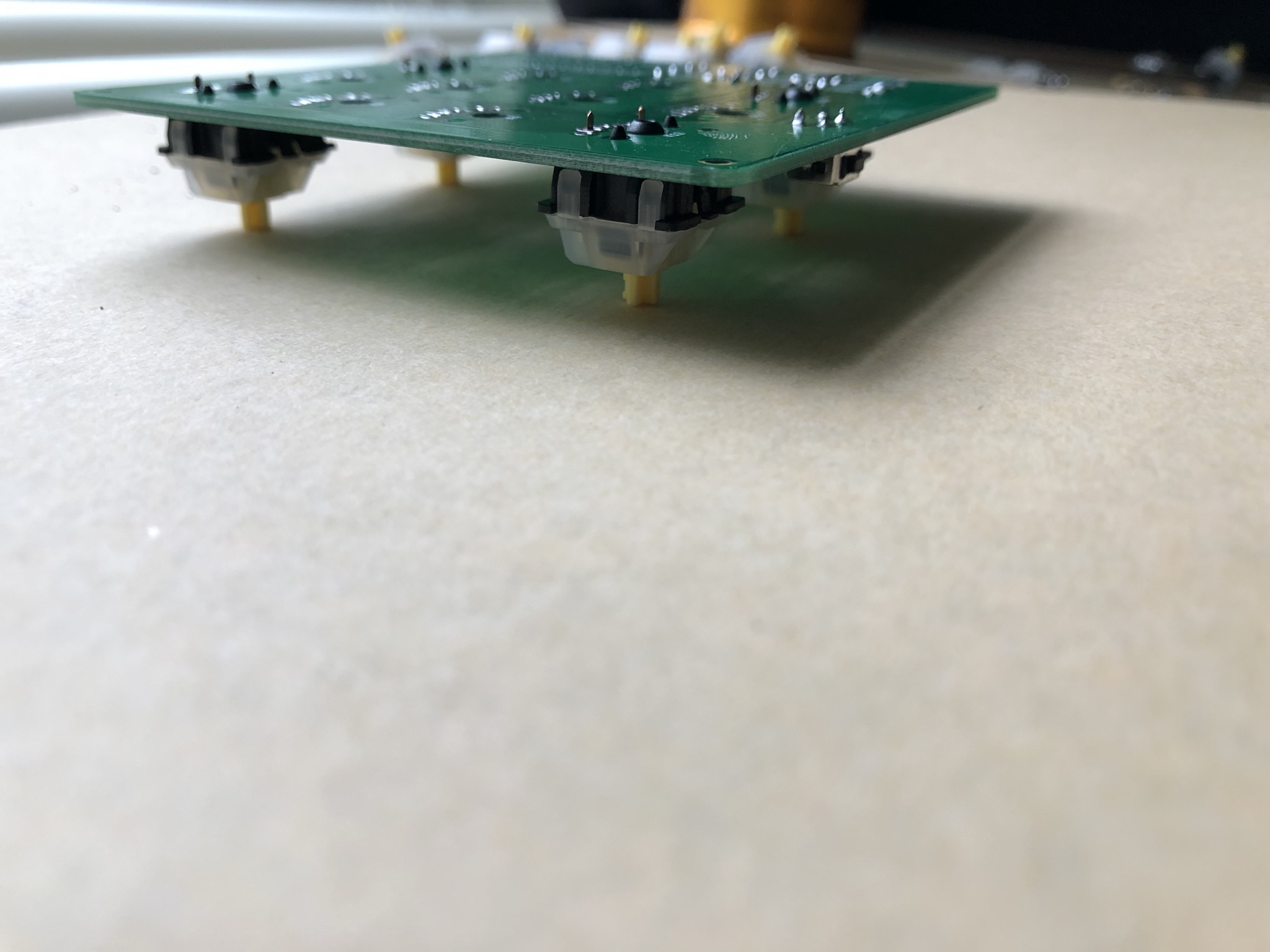
Flip the PCB over and push down on the whole PCB from the center. All Switches should fully collapse.
\*\*This ensures your Switches are Fully pushed into PCB Mounting holes and everything is flush.
Time to Solder
***CLEAN YOUR IRON TIP, YA FILTHY ANIMAL!***
-Since You Probably Didn't Listen
***CLEAN YOUR SOLDING IRON TIP***
...
**NOW CLEAN IT AGAIN**
:)
Soldering proceeds the same as the Diodes.
Hold Iron to Connections 2-5 Seconds
...
Touch Solder to Tip of ALL CONNECTIONS
...
Let solder flow in and around connections and then pull-away tip of Iron!
Small Cone! :D
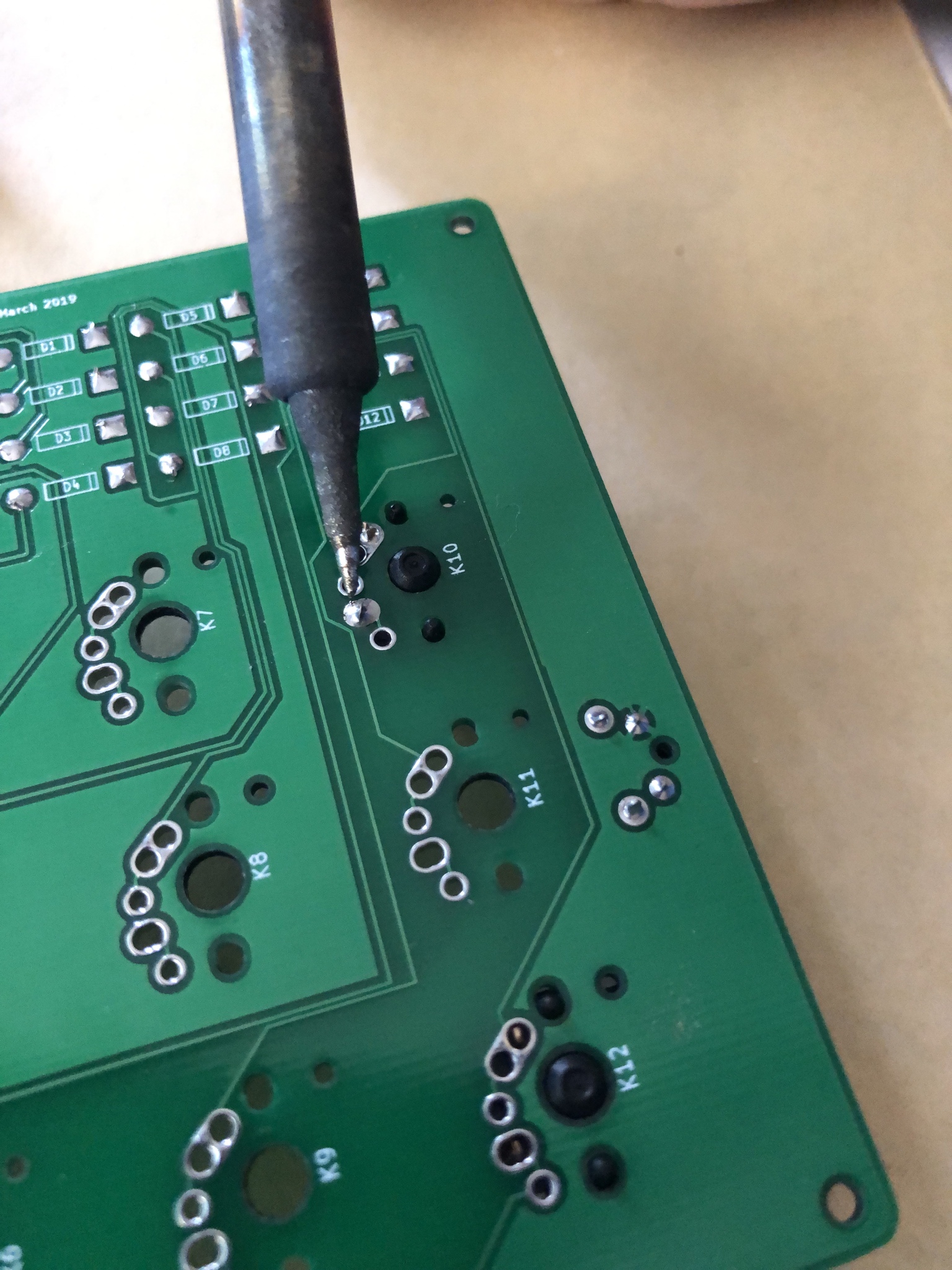
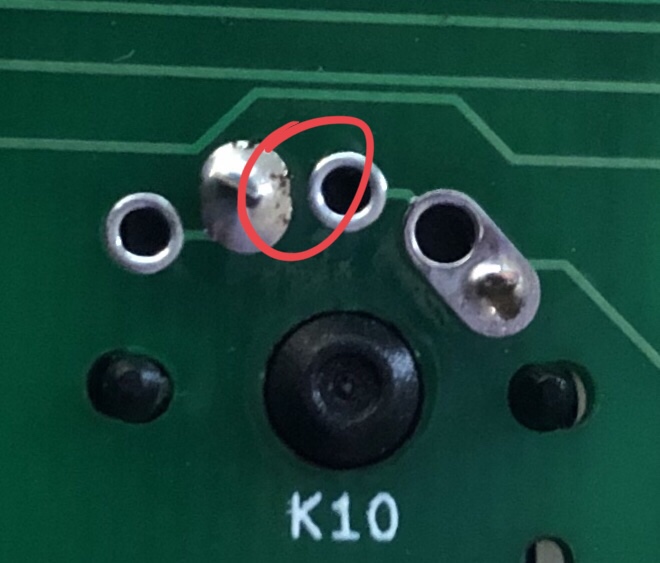
***Be Watchful of this area.***
If there is any solder or way of shorting the area between these two points...The Switch we be read as its being pressed, indefinitely.
Just take your time and don't over do the soldering cones and all will be fine :)
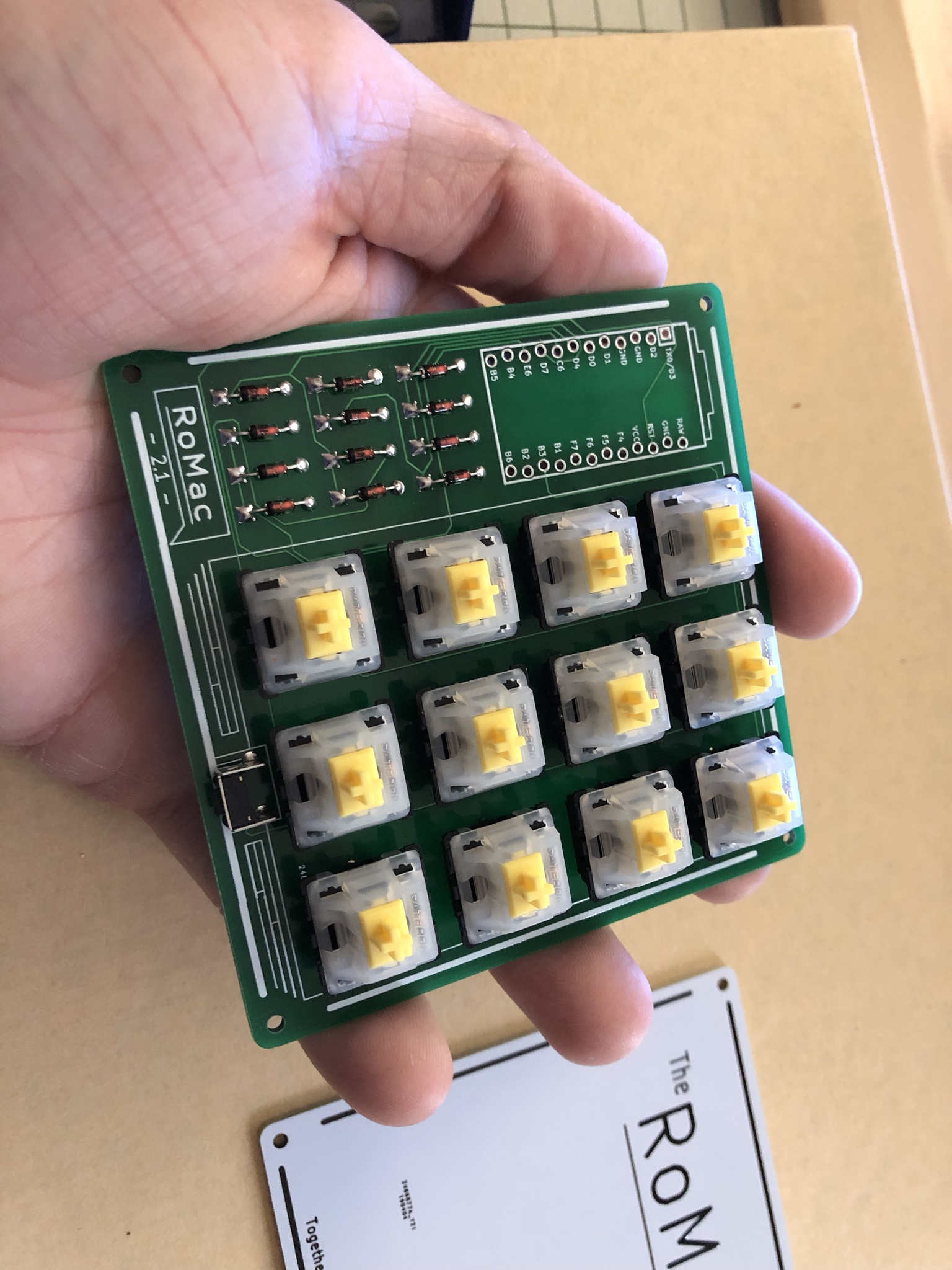
Follow Up With the Remaining switches!
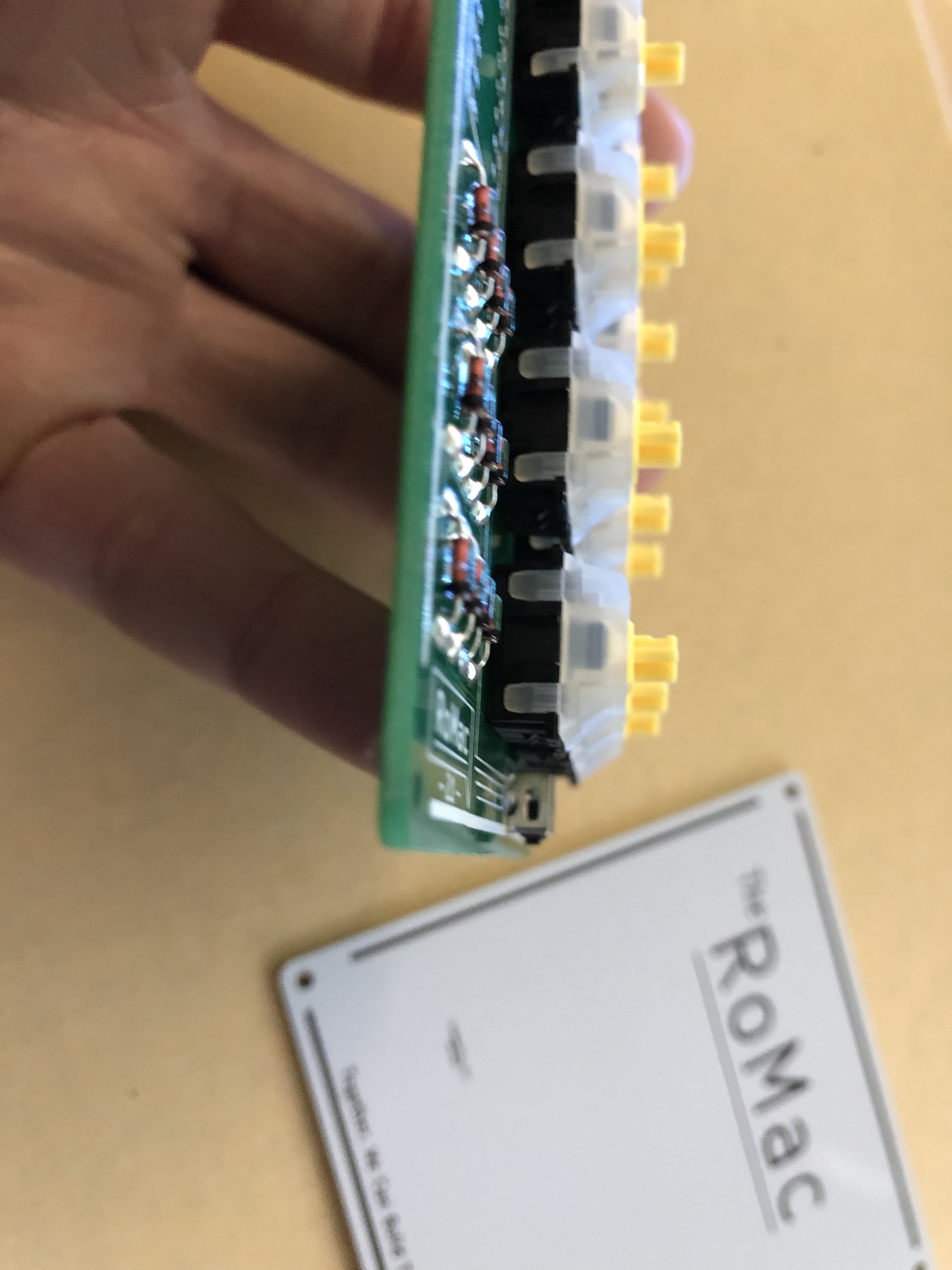
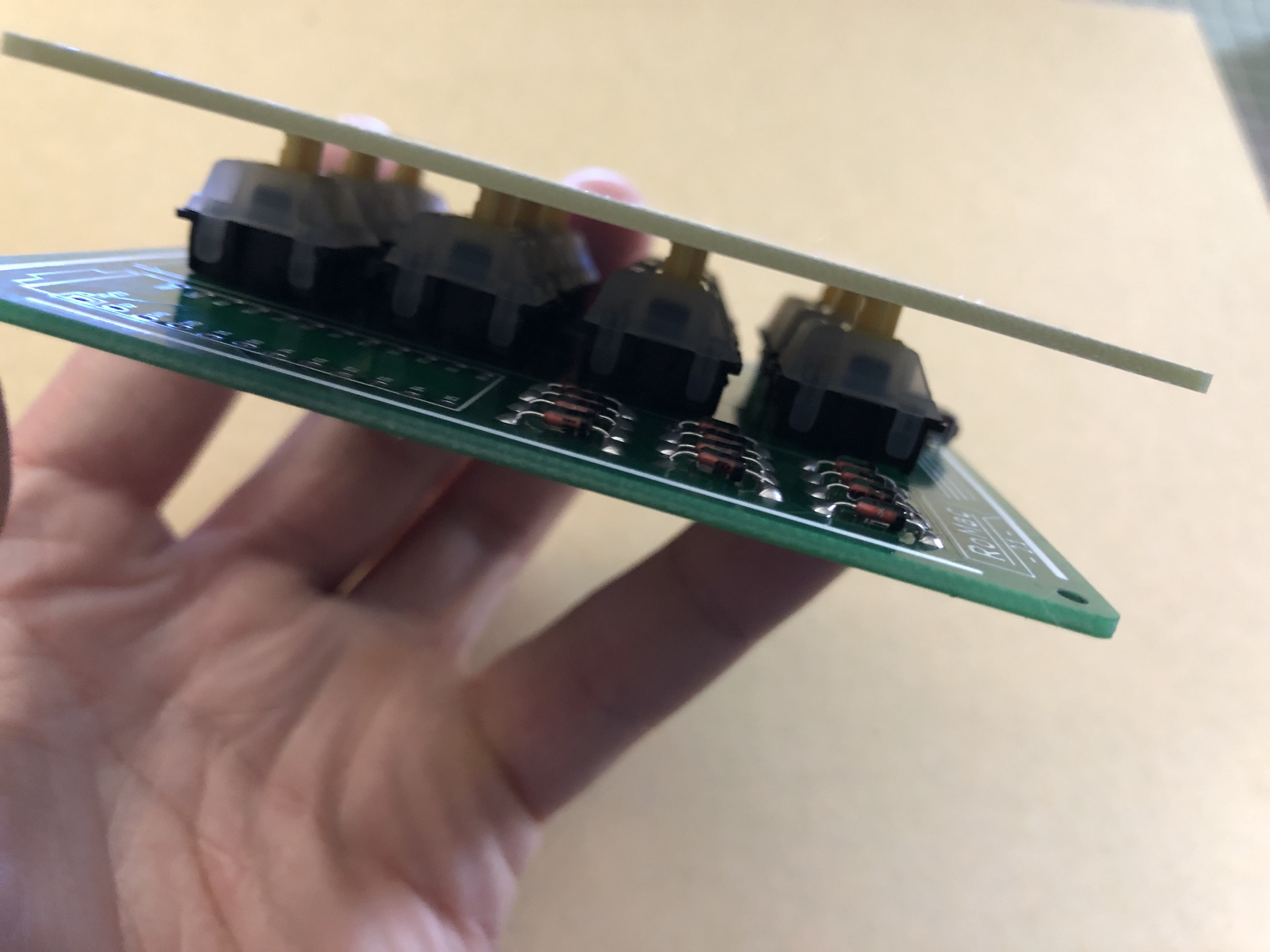
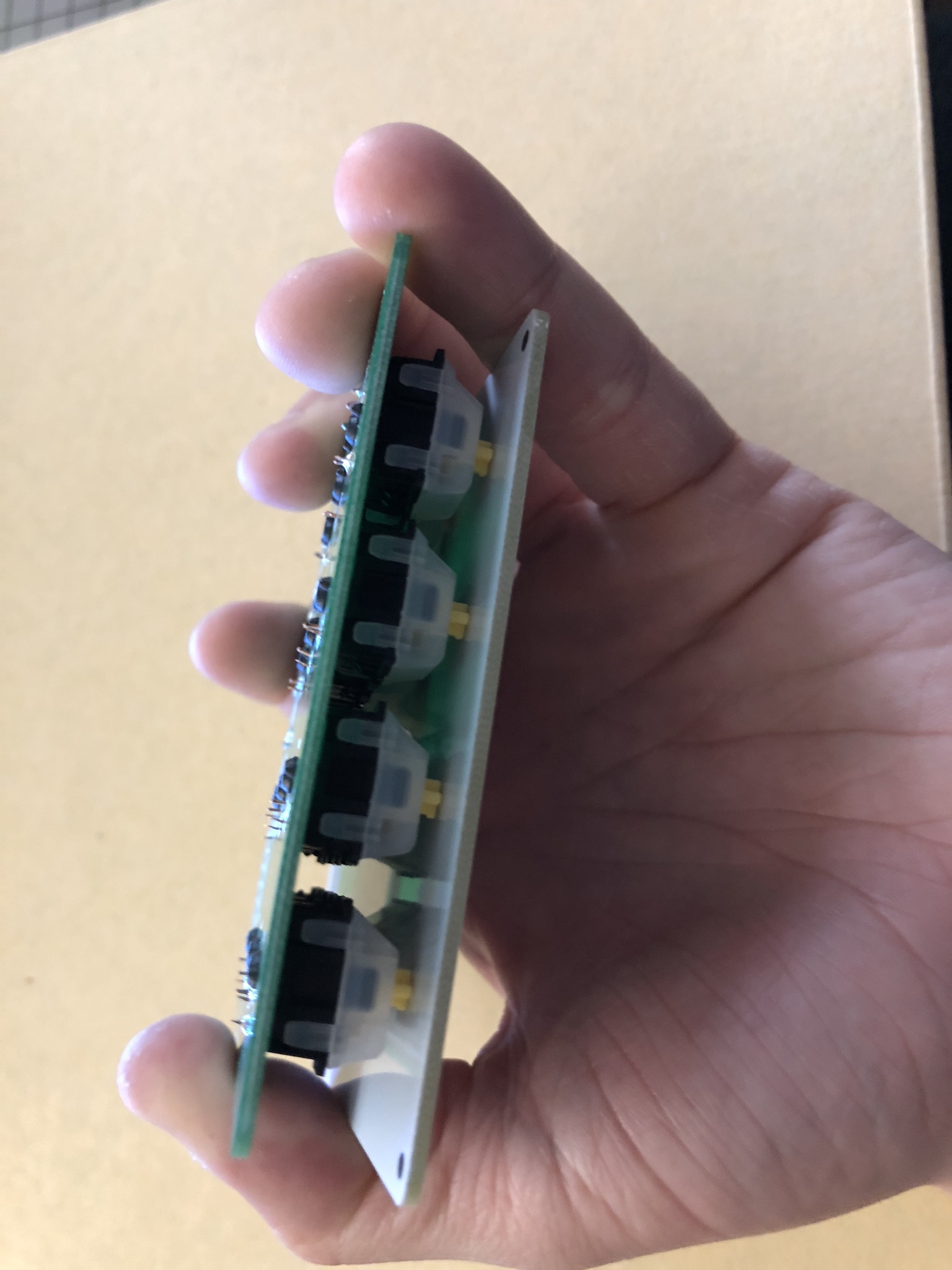
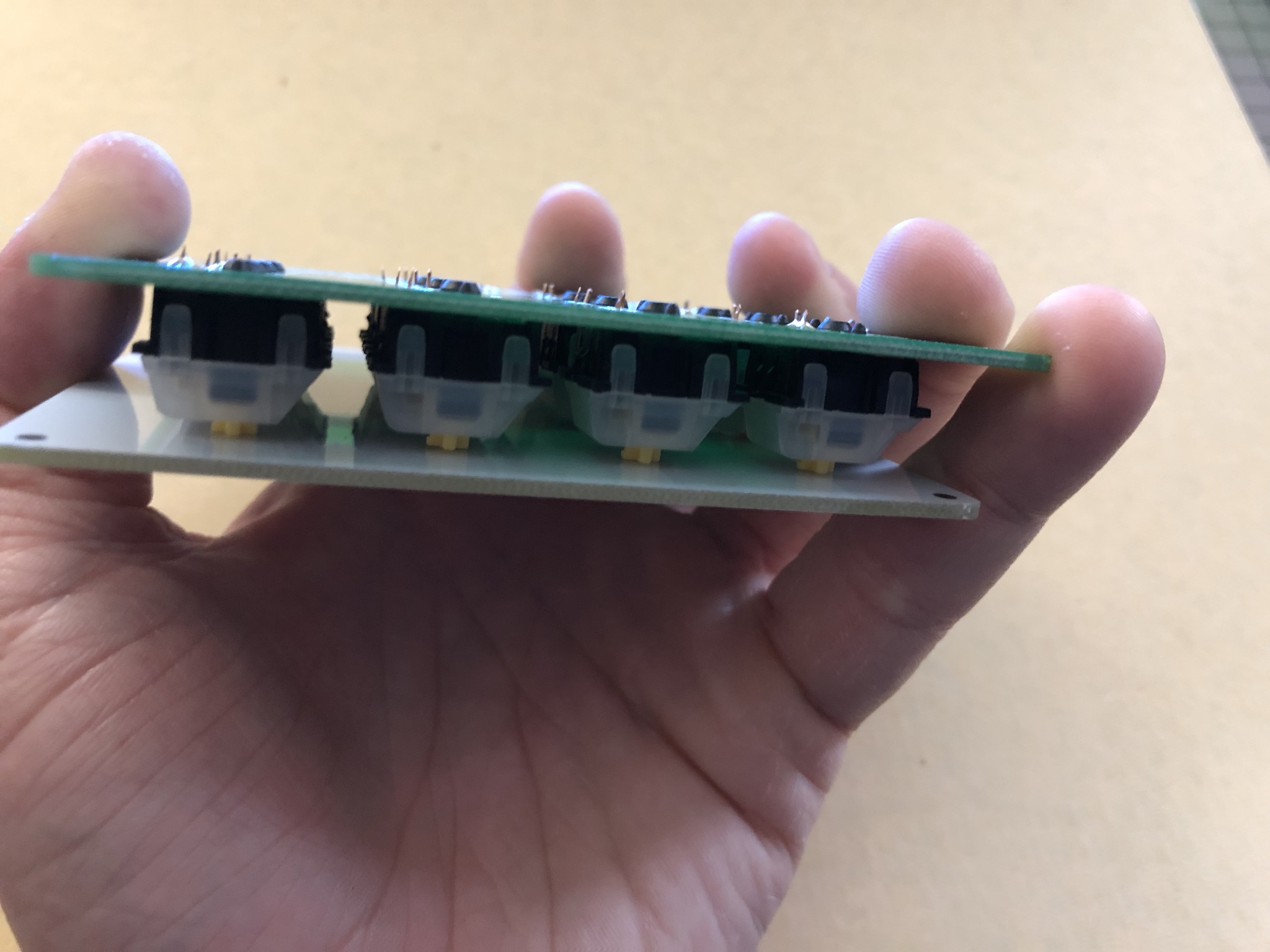
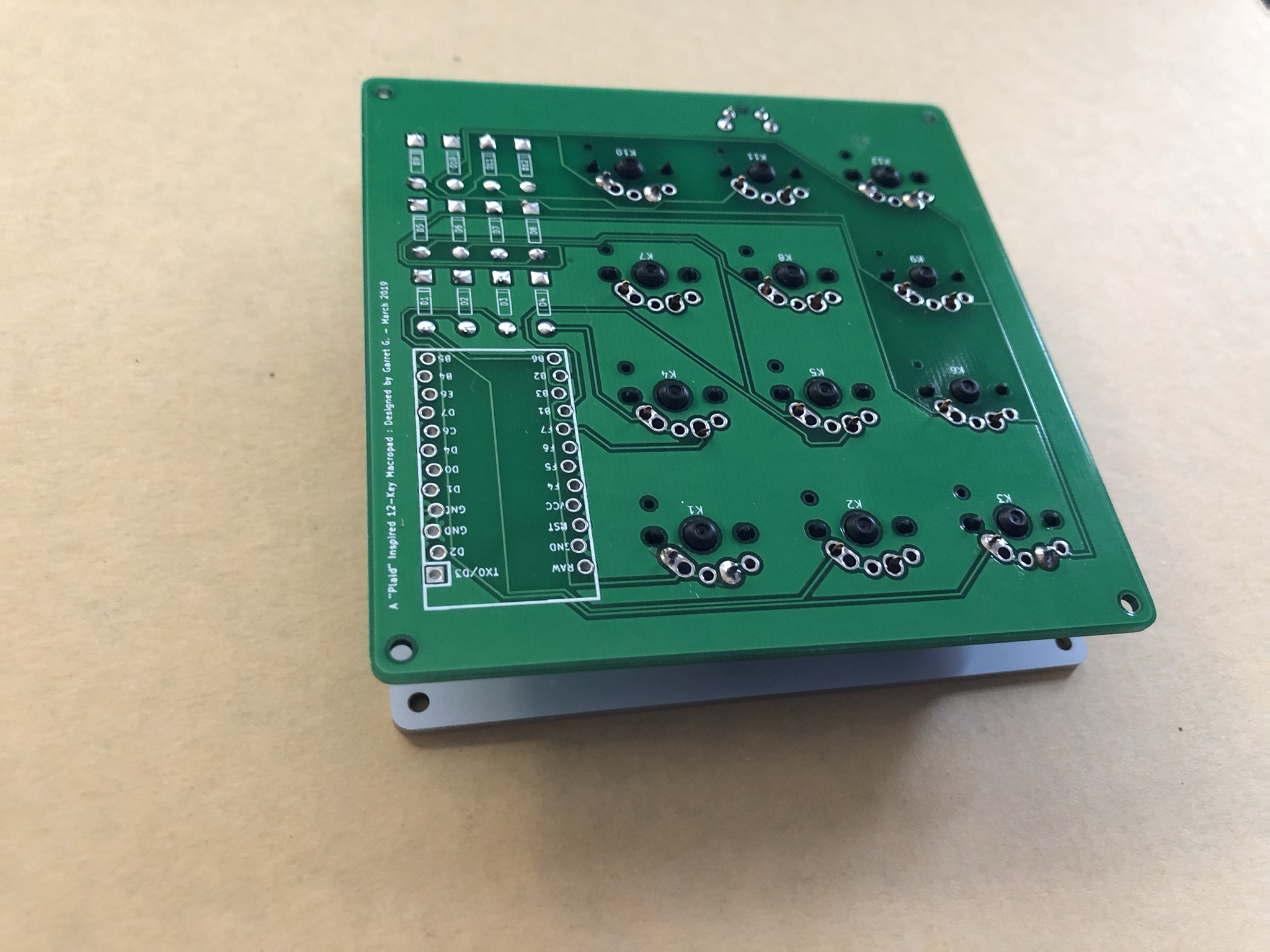
Make sure they are all depressed. All the Switch Bottoms should make contact with the top surface of the PCB.
Some Switches I tested fit and held their place better than others.
Some manufacturers and factory variables differ in the tolerances of the PCB Mounting Pegs on the switches themselves.
If Some switches don't hold there place on the PCB just Take the Bottom Plate of the RoMac Kit and use it as a flip-plate.
***Place the Plate on top of the Switch Stems***
\*\*\*Depress Switches and Flip entire Assembly over so you solder all the Switches.
Flipped
Lay PCB on Work Surface and continue switch soldering
After all Switches are Soldered,
WE ARE DONE WITH SOLDERING!
***NOW CLEAN YOUR IRON AGAIN*** :)
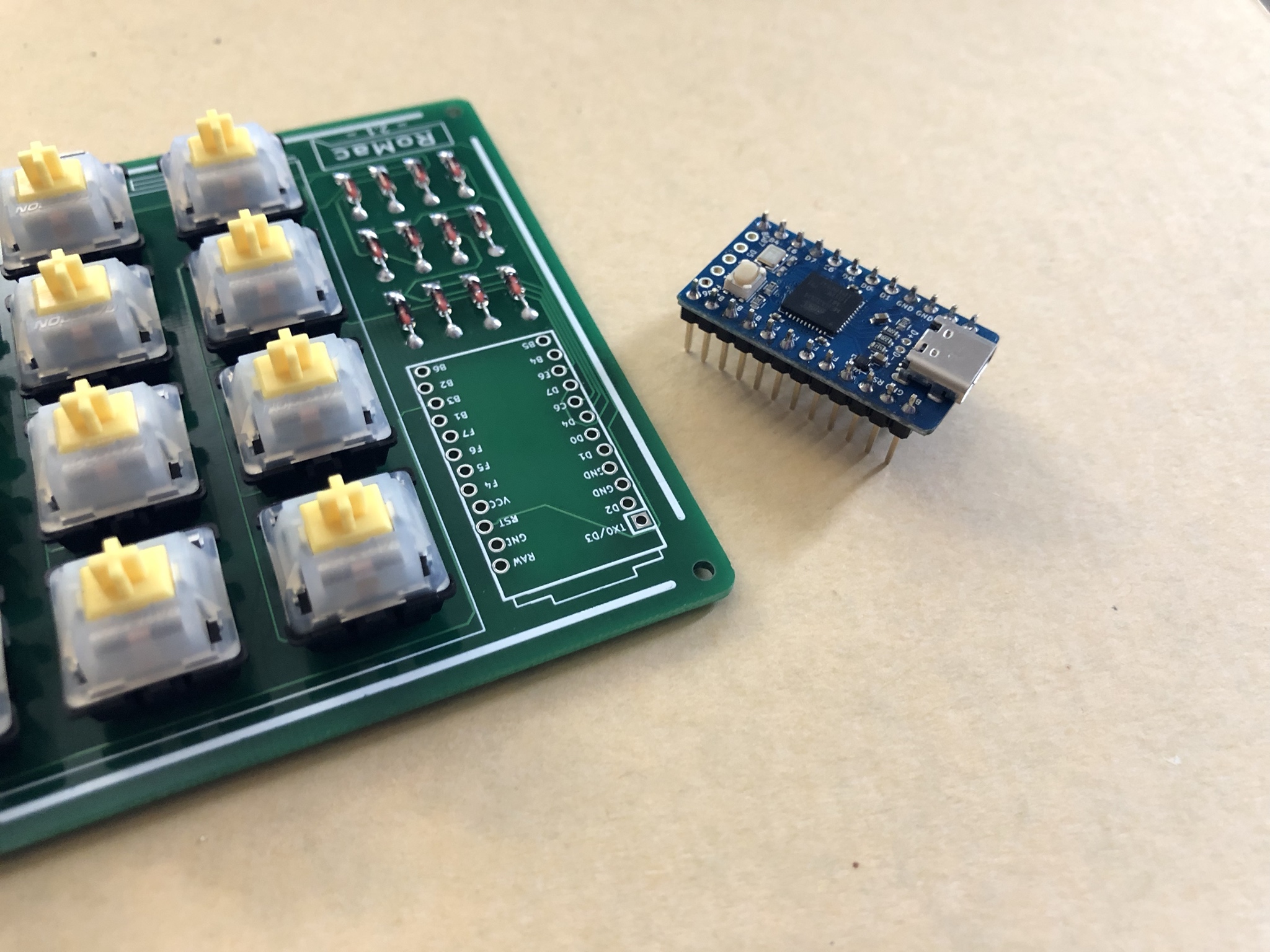
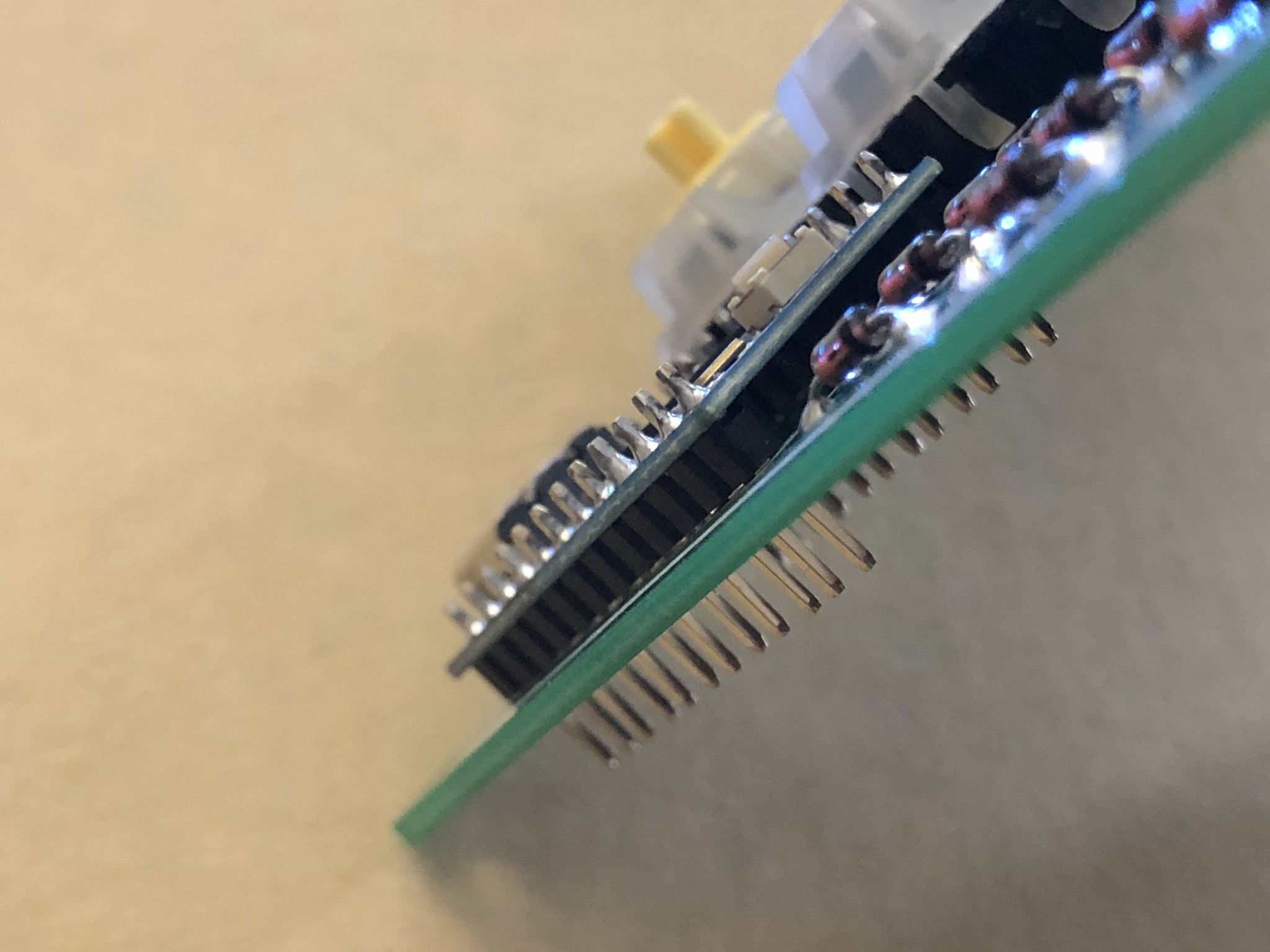
After you have soldered your Header Pins STRAIGHT AND ALIGNED onto your Micro Controller it’s as simple as:
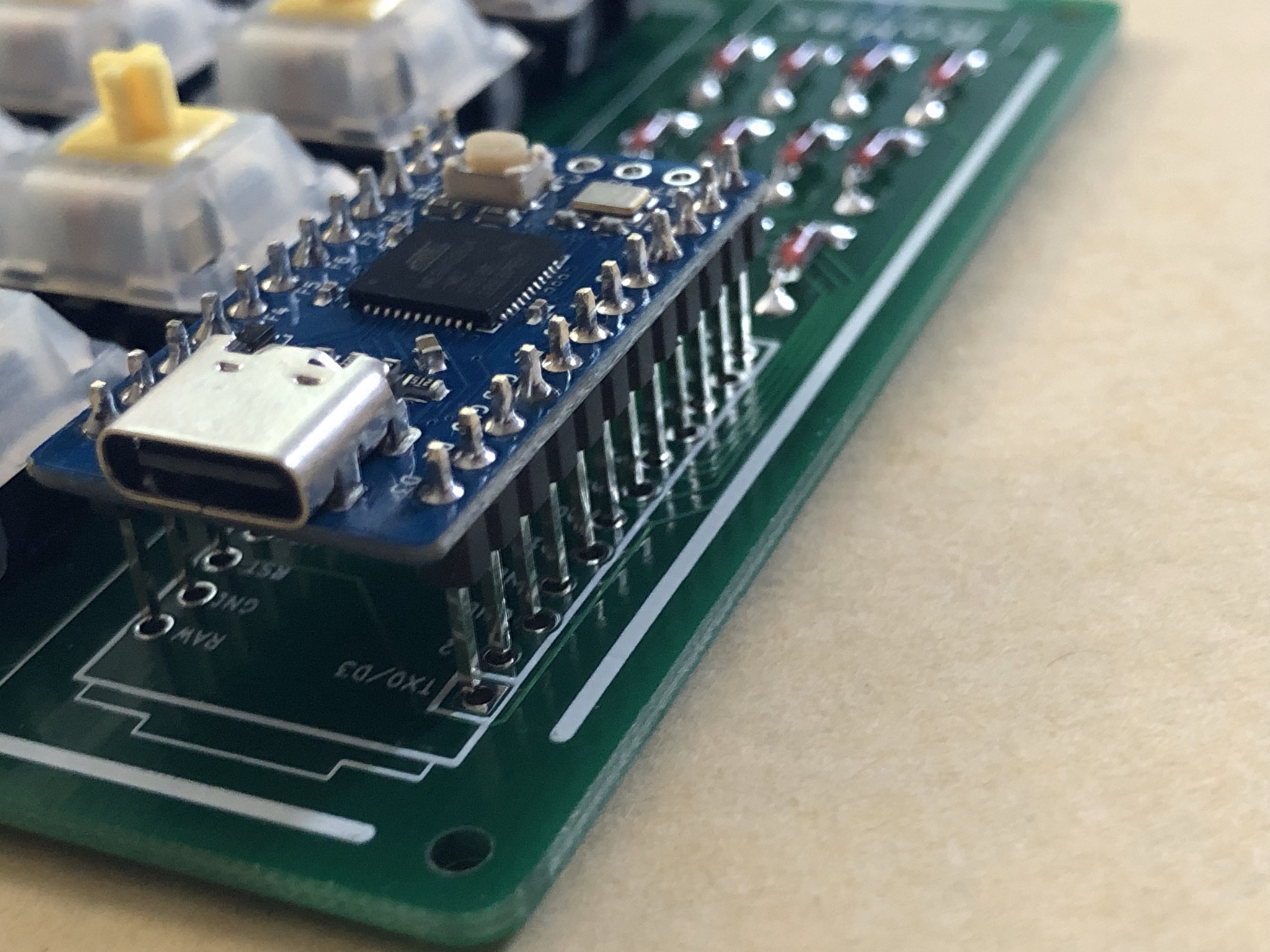
Place...
Press...
\*\*\*There should be a good amount of resistance when pushing this in.
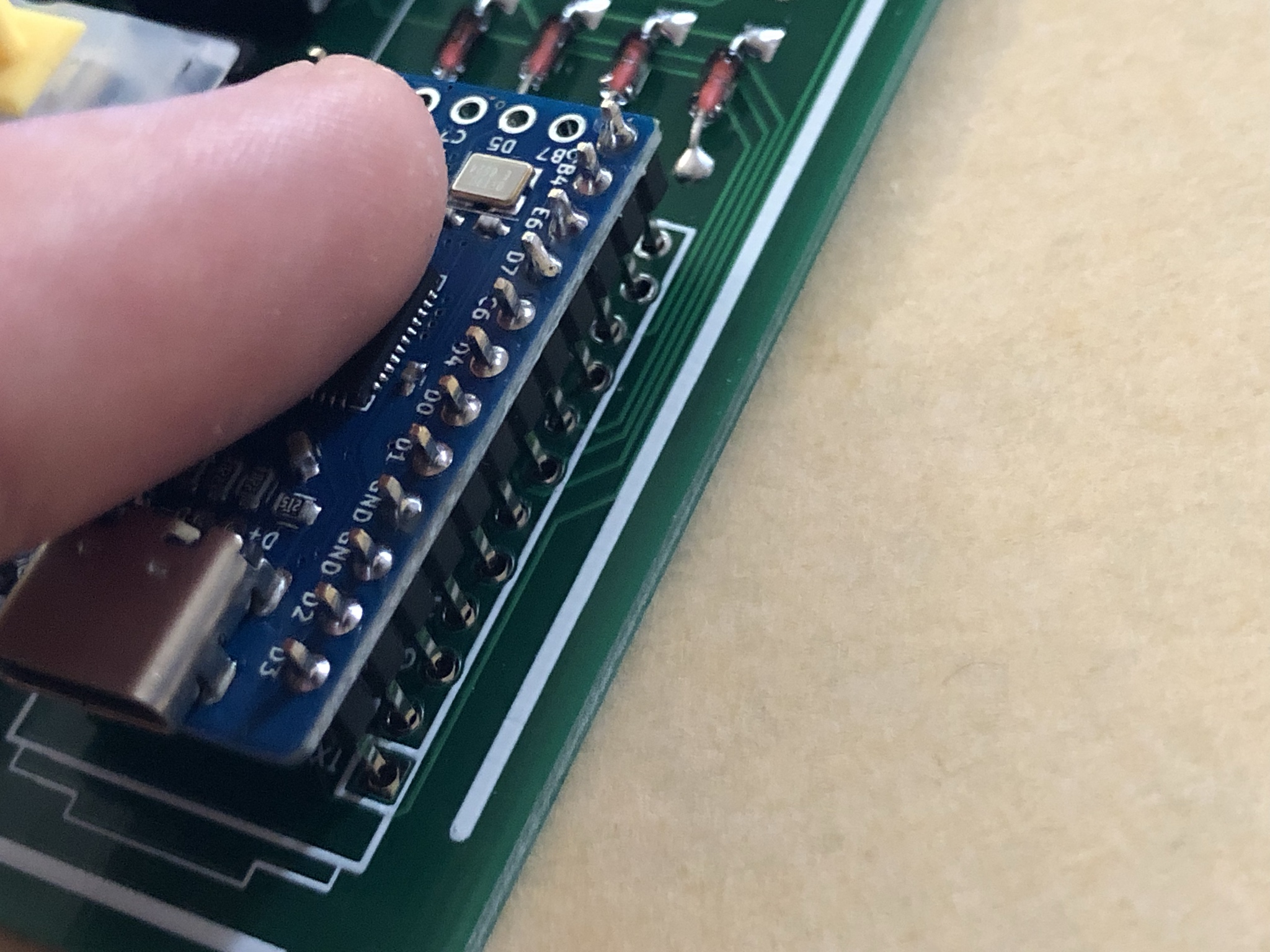
And make sure it’s flush! :)
No need to Trim Exposed Header Pins from below, unless you just want to or are going for a lower profile.
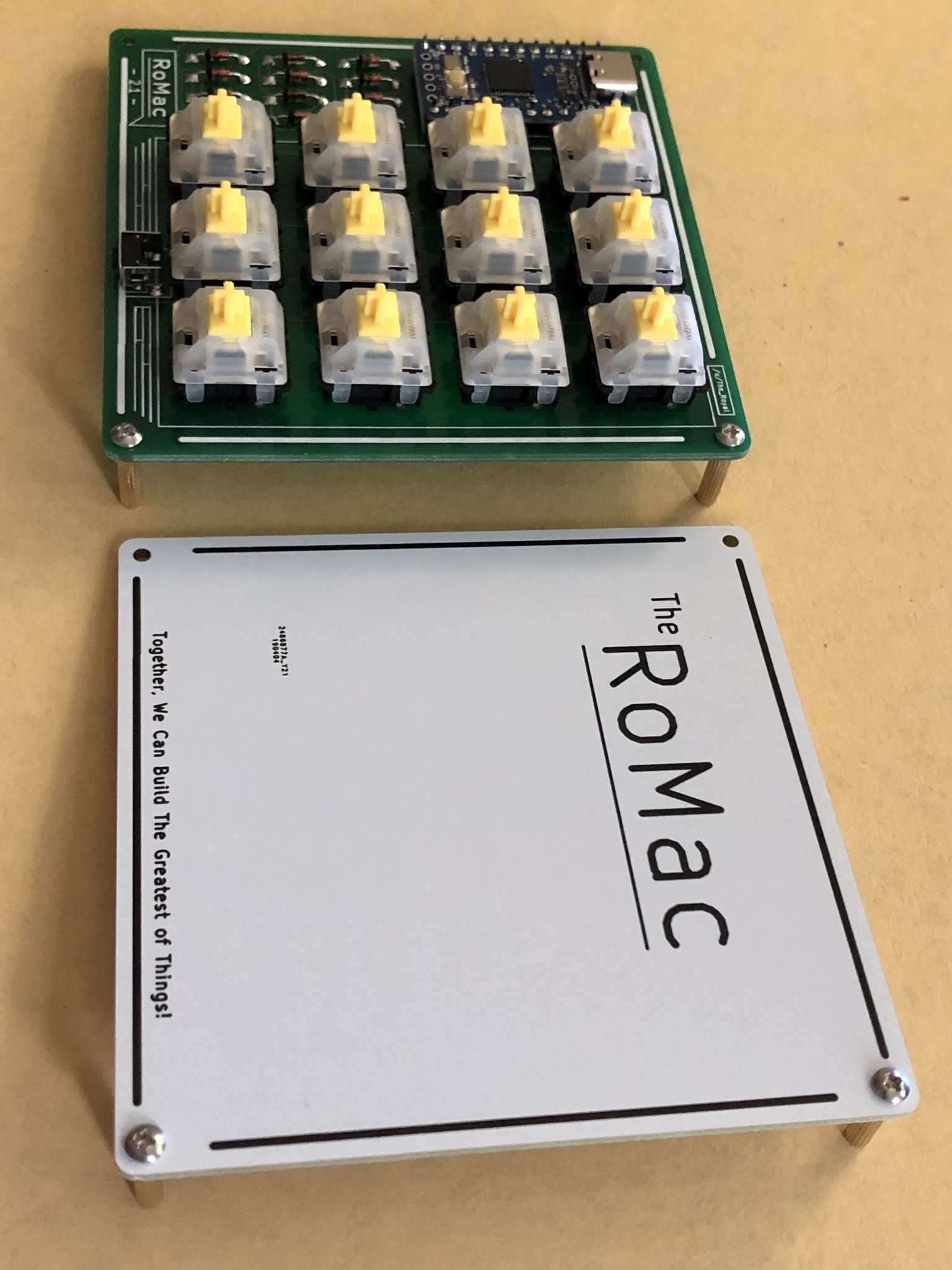
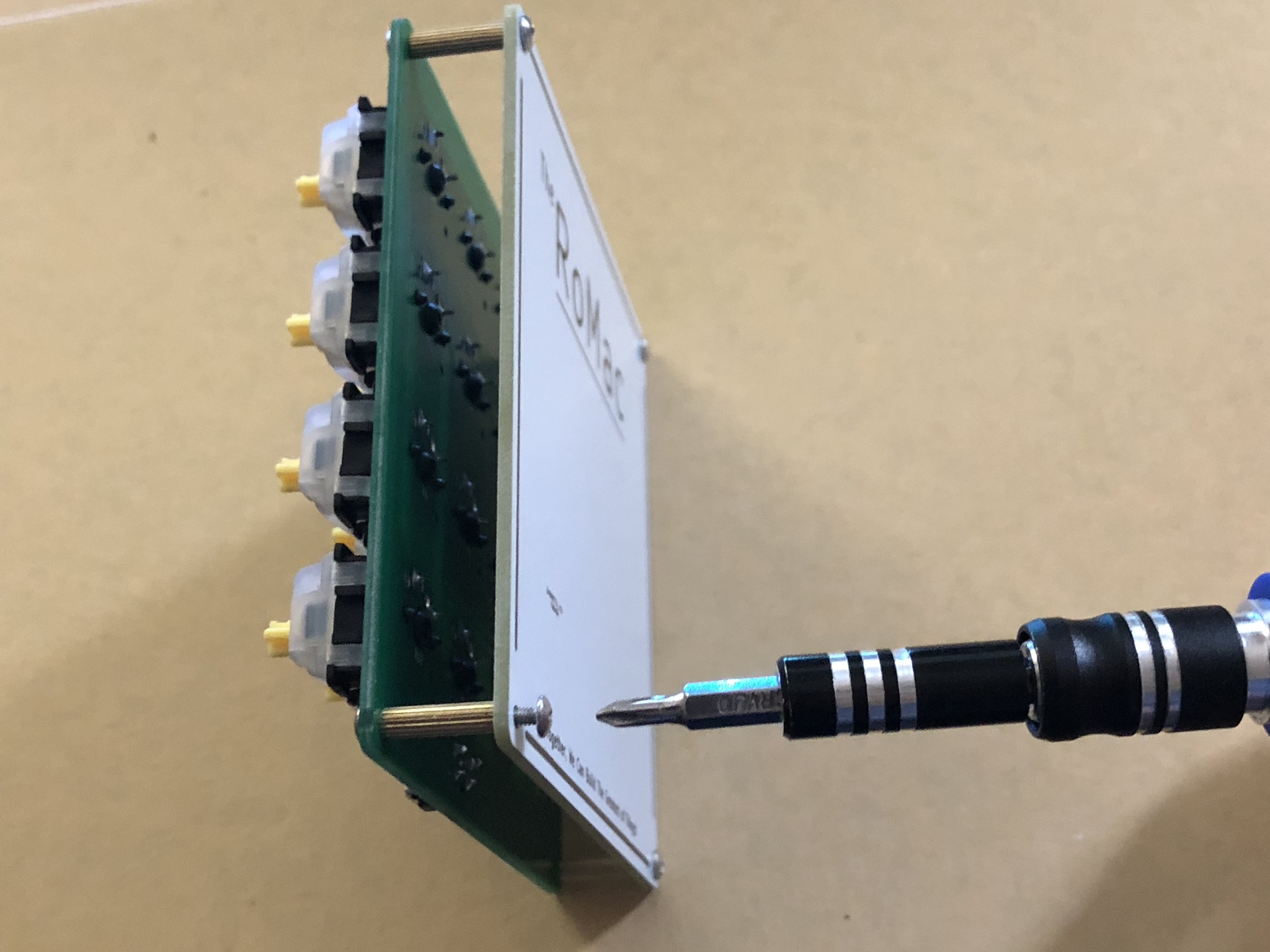
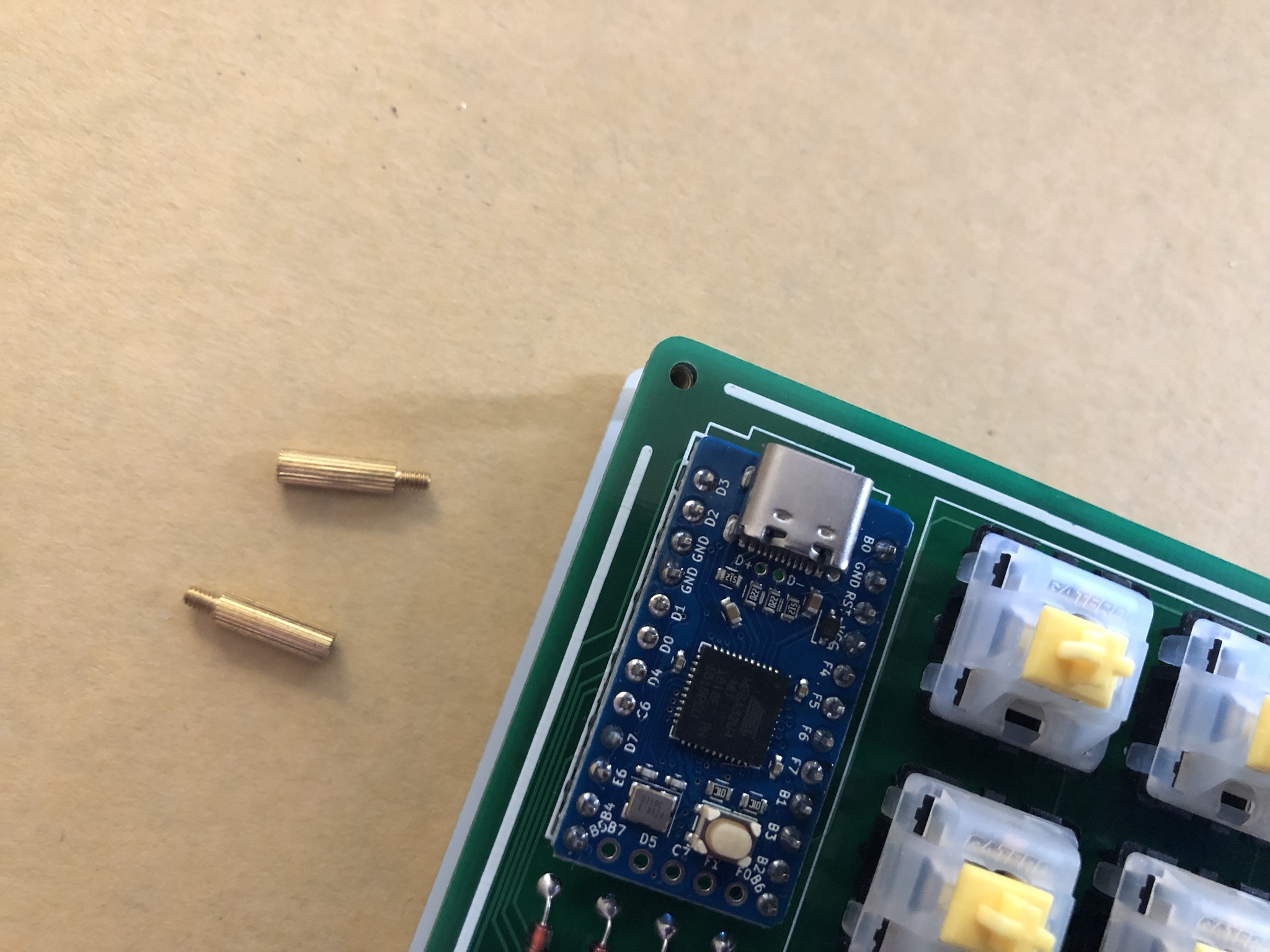
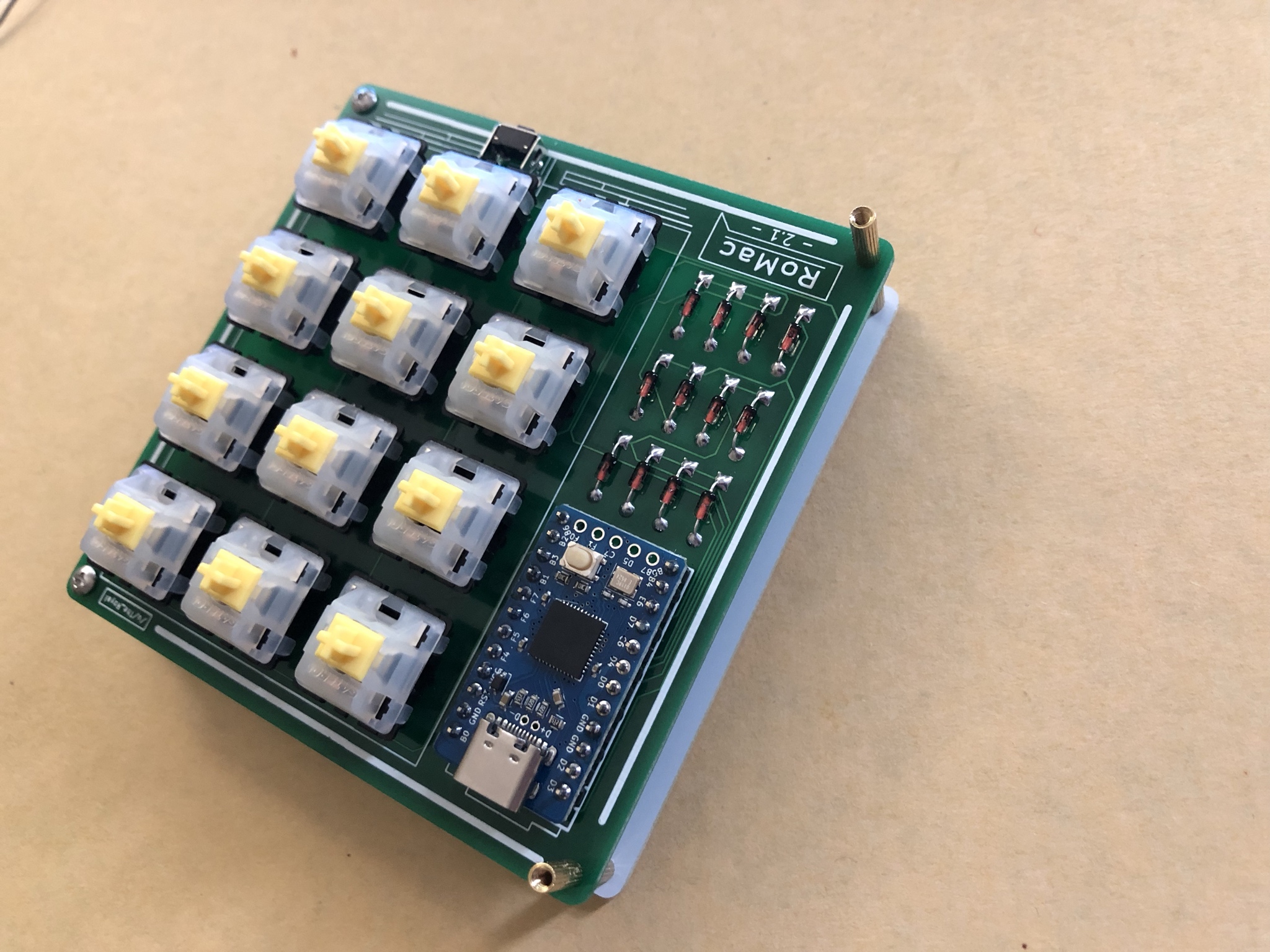
All “Spacers” (female/female) go Between the Top PCB and Bottom Plate.
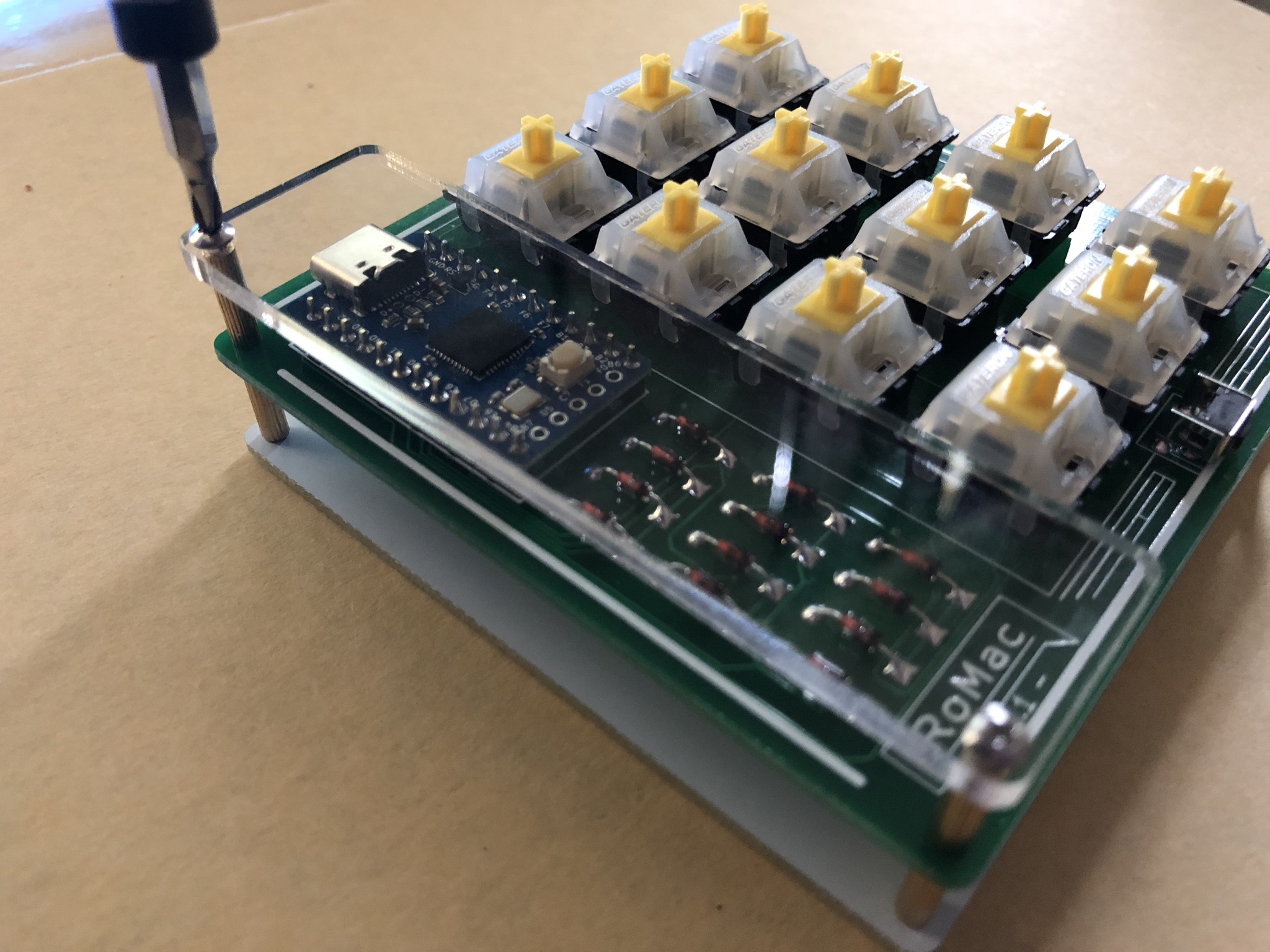
The Two-Most-Left Top Holes are what the “Stanoffs” (male/female) go into for the Acrylic Cover Plate.
Screw Standoffs down just finger-tight.
Place Acrylic Cover Plate On Top and Screw down with remaining two M2 Screws.
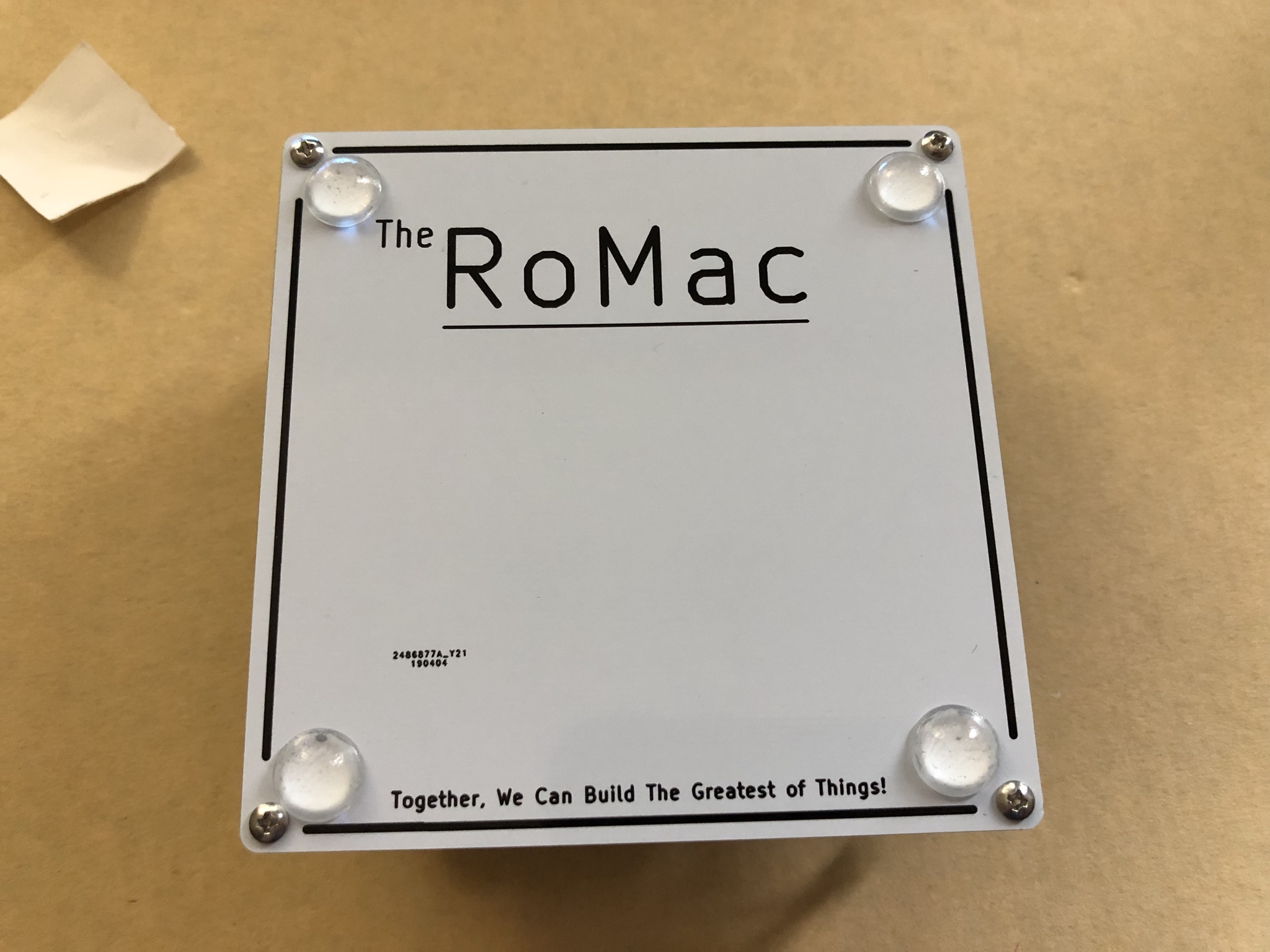
Place your rubber feet on the bottom of the bottom plate...
And that’s the whole kit, and caboodle!
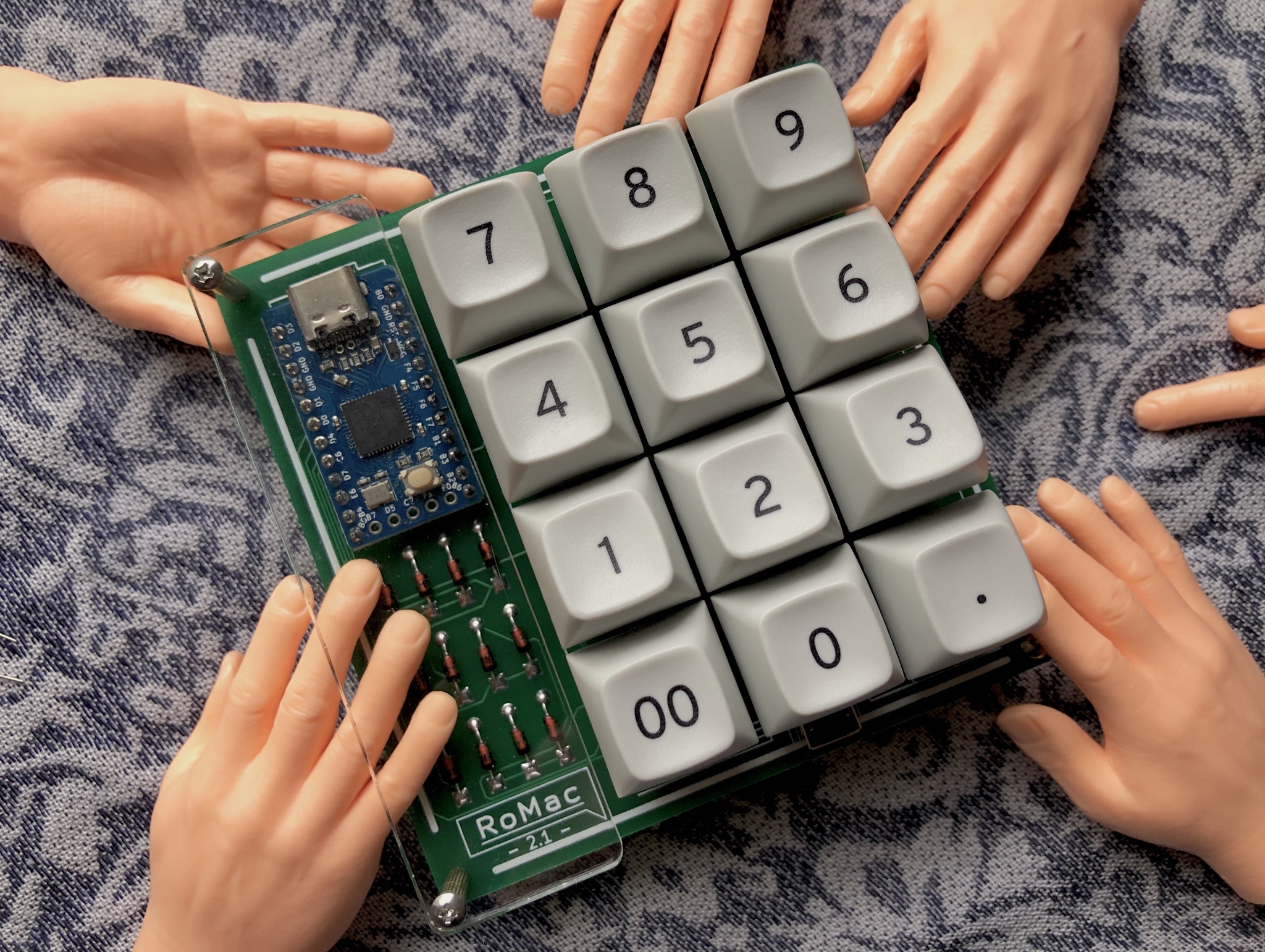
The Beautiful, Magnificent, And Jaw-Dropping RoMac 2.1 Macro Pad is Complete!!
Thanks for reading and I hope it helped some people out!
-The\_Royal